MDT500 HE - Operator's Manual
4.4.2. PREVIEW TAG
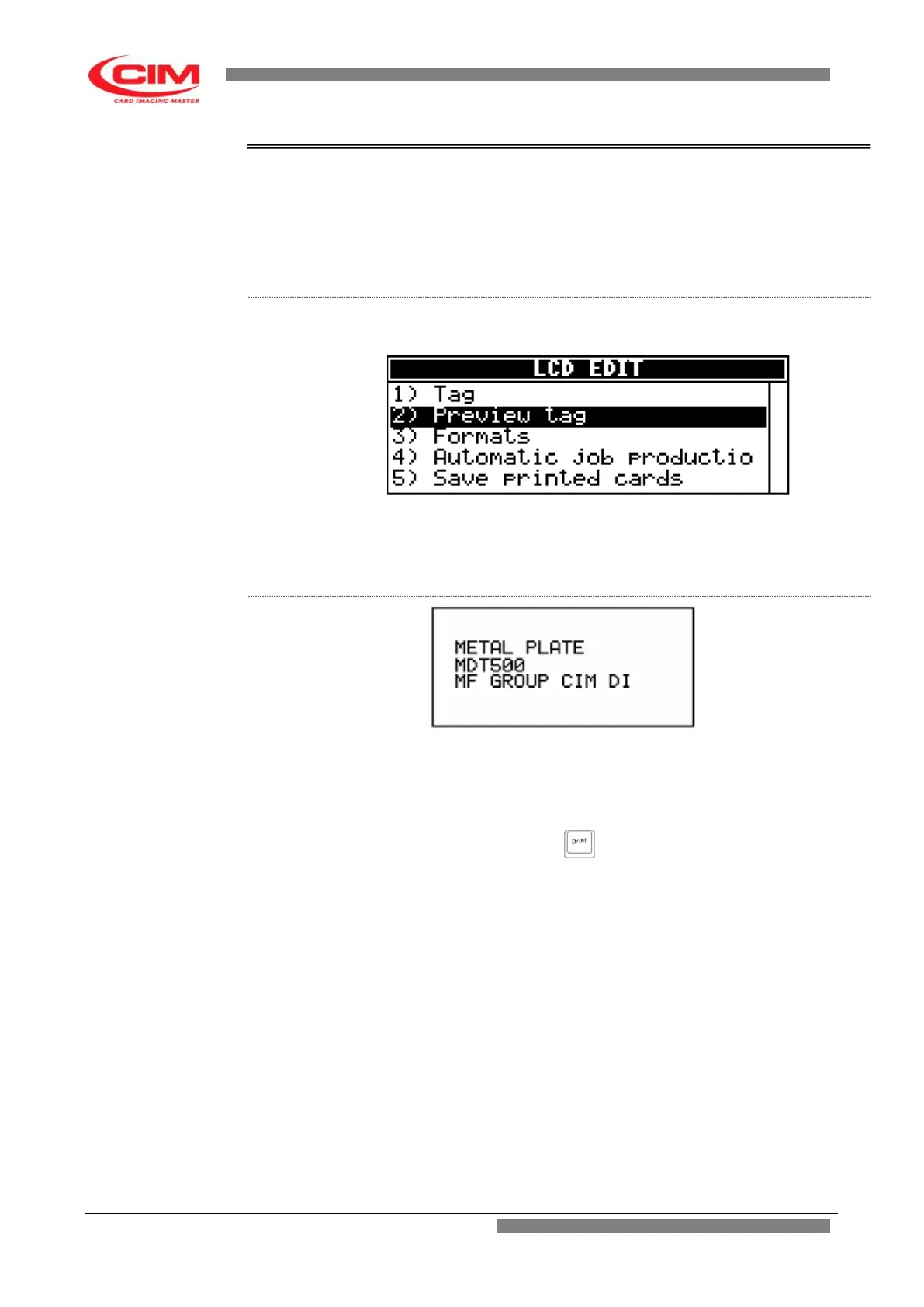
The function is used to view in advance the tag to be produced and then
make possible changes.
Preview tag retrieves the active selected format used to display the contents
of the fields and their layout on the tag (card-layout).
From the “LCD EDIT” menu you can access the “Preview tag” function by
pressing key
2
.
To exit “Preview tag” and go back to LCD EDIT press
s
.
The screen generated by “Preview tag” displays the tag to be produced
showing the positions and contents of each field, both variable and
protected, or the counter .
The content of each line can represent more than one field.
To emboss the displayed data press (print).



 To Next Page