MDT500 HE - Operator's Manual
5- Press
b
to exit the box and save the entered data
NOTE:
If you press key
s
the entered data are not saved and after leaving
the box you return to the previous condition.
6-
Press
k
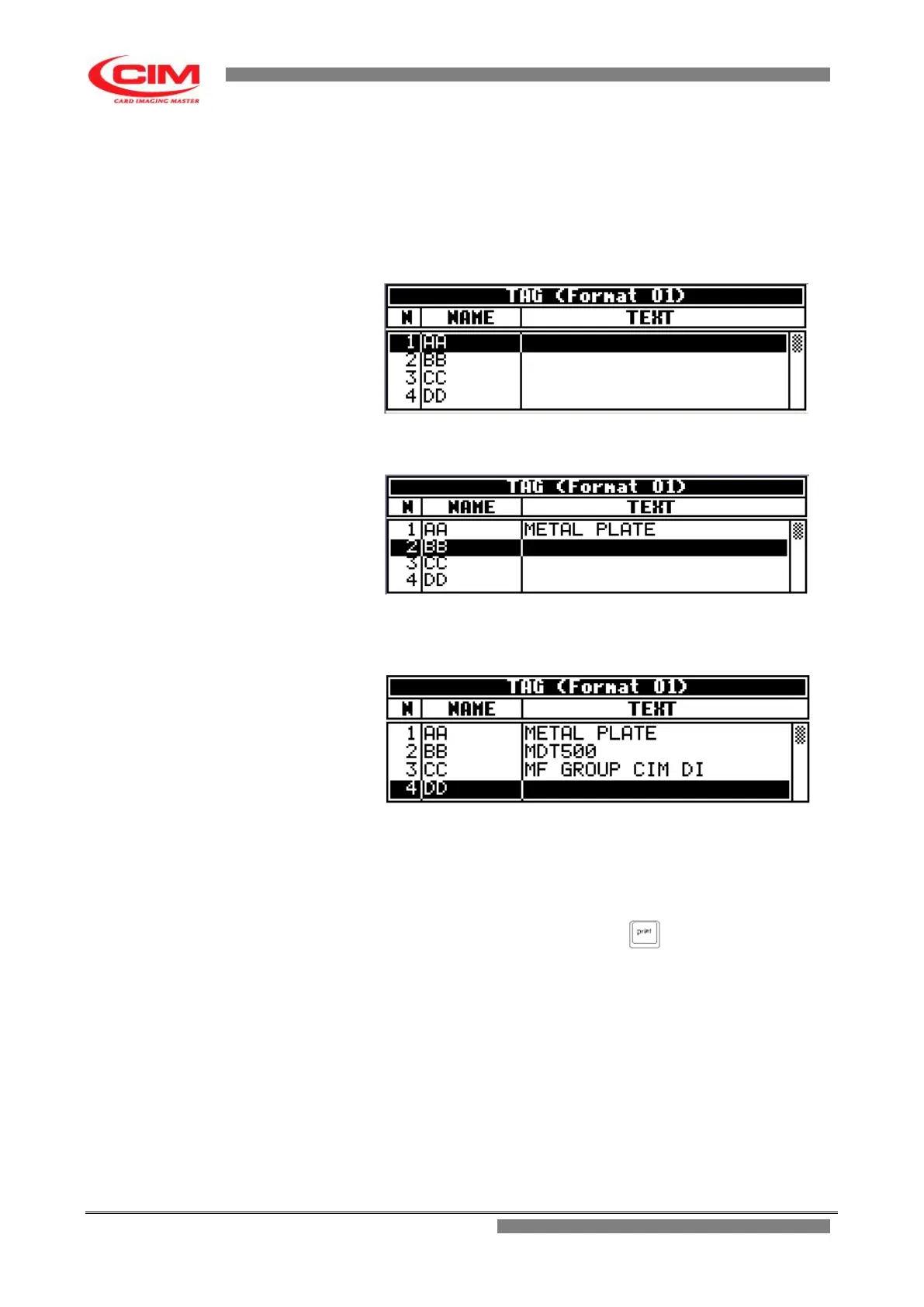
to moves the cursor on the following field
7- To enter new data, repeat in the same order the
steps described above.
8- To display the tag preview press F2.
9 - Pressing s you go back to the Tag menu
10- To emboss the entered data press
11- Pressing
s
you go back to LCD EDIT menu



 To Next Page