MDT500 HE - Operator's Manual
Norm/Block it selects the spacing between characters to be applied
according to the type of character font set (standard or block
character). This parameter is valid only for the Xon/Xoff
protocol.
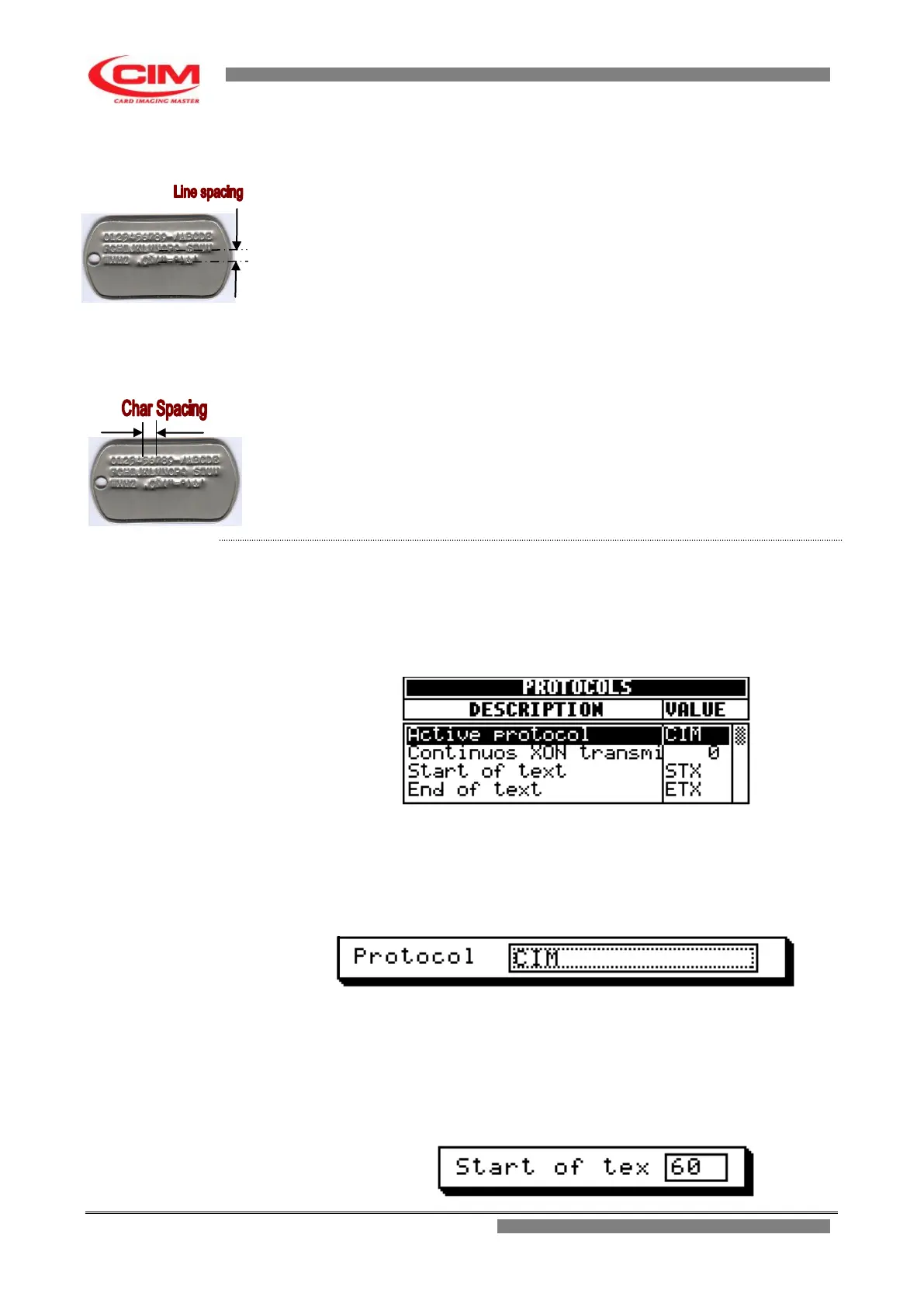
Norm line space it allows to set the line spacing of standard or normal
characters with a resolution of 0.25 mm. This parameter is
valid only for the Xon/Xoff protocol.
Norm char space it allows to define the embossing spacing of standard or
normal characters with a resolution of 0.355 mm. This
parameter is valid only for the Xon/Xoff protocol.
Block line space it allows to set the line spacing of the blocco or OCR
characters with a resolution of 0.25 mm. This parameter is
valid only for the Xon/Xoff protocol.
Block char space it allows to define the embossing spacing of blocco or OCR
characters with a resolution of 0.355 mm. This parameter is
valid only for the Xon/Xoff protocol.
1- Refer to the previous point 2 to enter into the menu
.
2- To enter and move around the various parameters present in the menu,
you must press
k
or
i
until you reach the specific parameter.
When you have reached it press
b
2- When you are in the “Active protocol” menu, select the type of protocol
the embosser has to communicate with.
To do this, press
k
or
i
until you reach the type of
specific protocol.
3- Press
b
to confirm and return to the protocols menu.
4- Move on to the next parameters and enter the corresponding values,
according to the type of protocol selected.
Within the parameter, press the keys
i
to increase the value or
k
to decrease it, or if it is easier, directly set the corresponding value.



 To Next Page