MDT500 HE - Operator's Manual
4.3 MAIN MENU
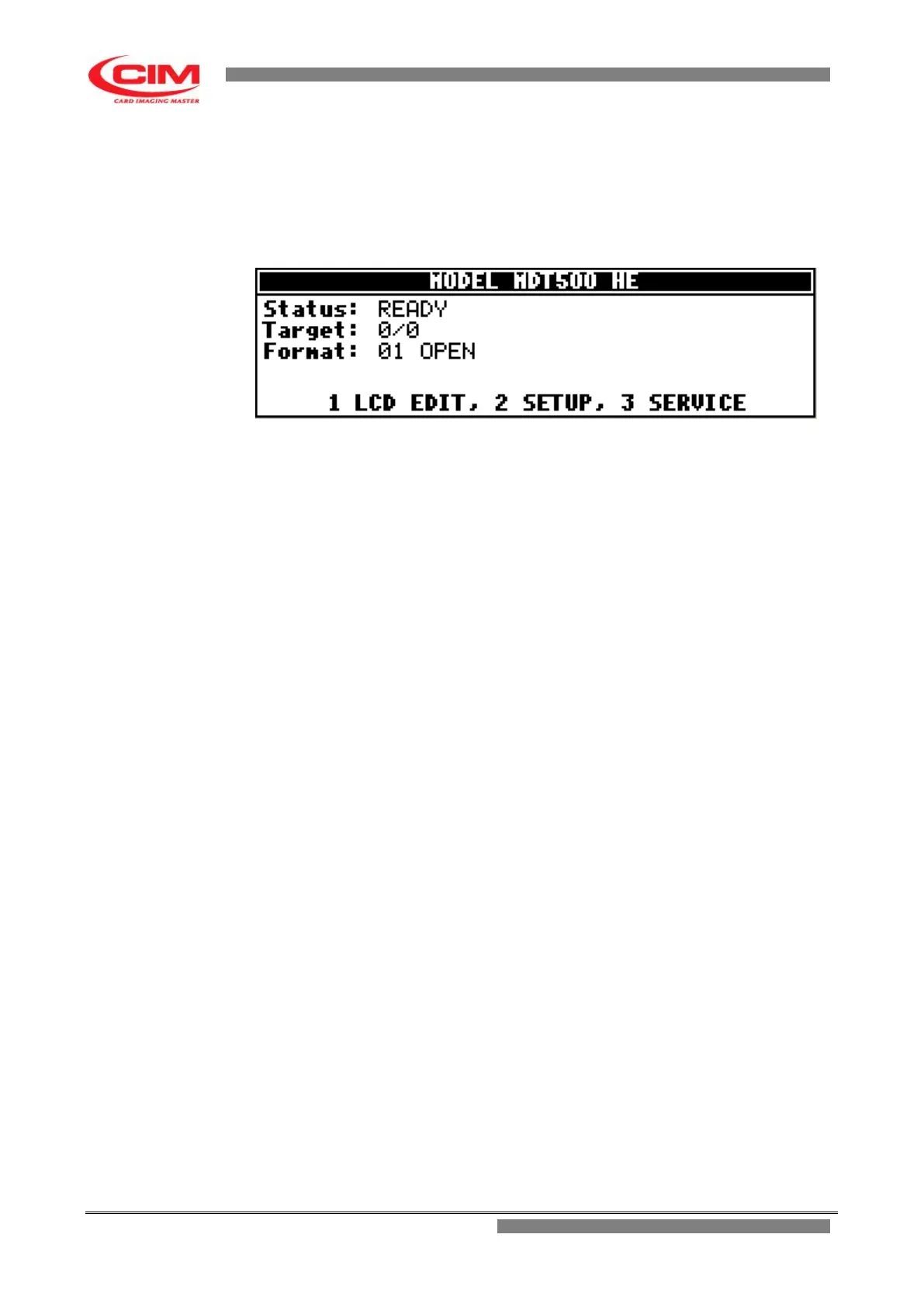
When the embosser is in READY status, the bottom part of the display shows "MAIN MENU", thus
allowing the user to access the various functions available on the machine.
Simply press on the keyboard the number corresponding to the required option.
It is possible to access it also when the machine is in ON status.
The functions contained in the “MAIN MENU” are:
LCD EDIT Option for the user to plan work and start production.
SETUP Option for the user but especially for specialized technical staff to set up the various
parameters and the machine configuration.
SERVICE Option for specialized technical staff to check the functionality of the various
machine components and run possible updating.
To go back to “MAIN MENU” press key
s
.



 To Next Page