MDT500 HE - Operator's Manual
NOTE:
All utilities apply to the format where the cursor bar is placed (highlighted)
and not to the active preset one.
It allows to view again and modify an existing format, both in the
structure and in the options.
To access Edit press
1
.
To go back to Formats menu press
s.
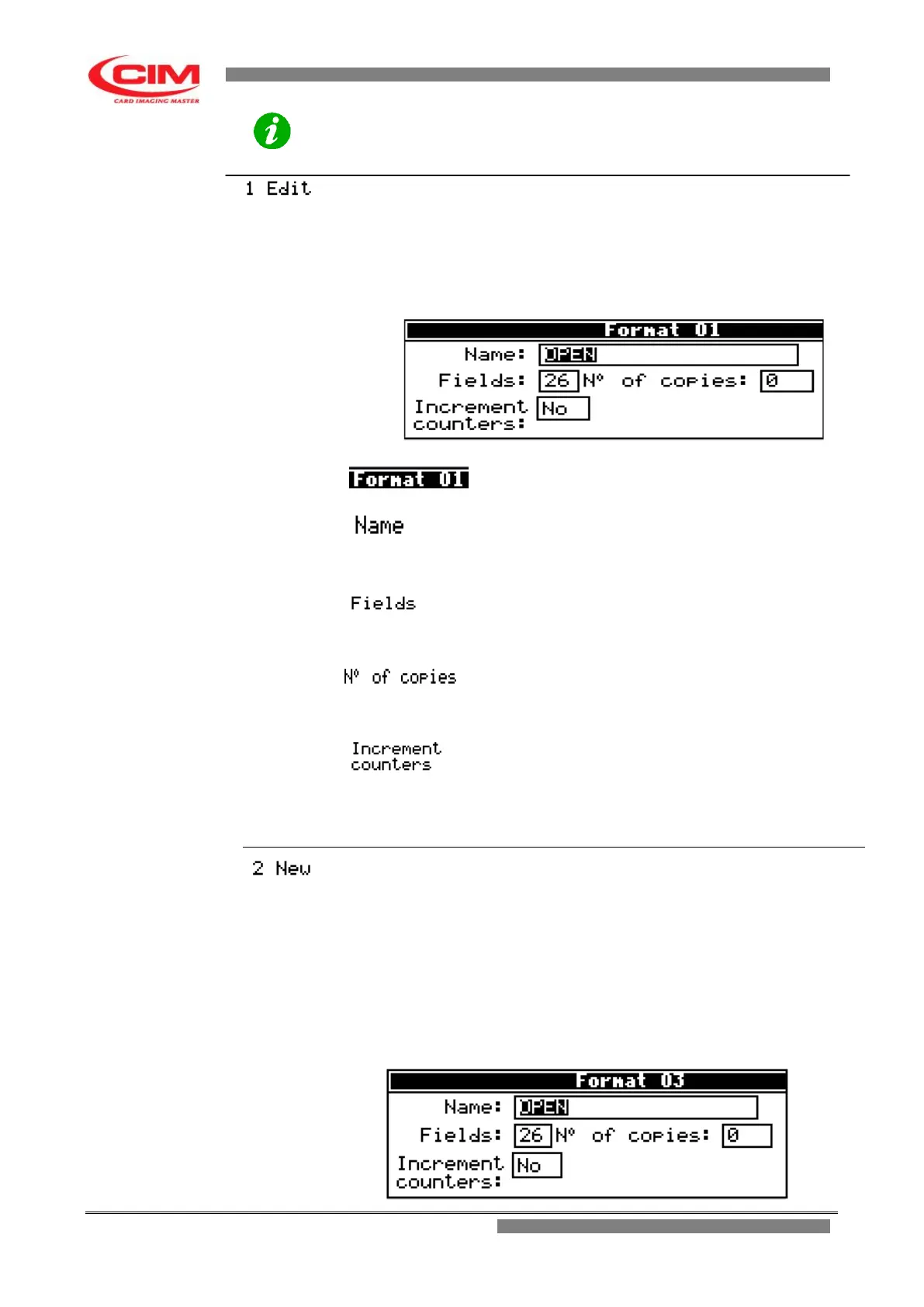
The utility displays the following screen
Heading.
It shows the number of the format being used.
name of the format retrieved.
In this box it is possible to give a different name to
the format.
number of fields present in the format.
In this box it is possible to vary the number of fields
present.
Quantity of tags to be duplicated.
In this box it is possible to change the number of
copies of the same tag (duplicates).
It allows to enable or disable the increase of the
counters on defined fields during the duplication of
the same tag.
The option is active only when the number of copies
is different from 0.
It allows to create a new format, giving the name to the format and
defining the number of fields.
The newly created format will be set as active format.
NOTE:
The fields will then be defined in the Fields utility.
To access New press
2
on the keyboard.
To go back to Formats menu press
s
The format is thus created and enabled.
The utility displays the following screen


 To Next Page