MDT500 HE - Operator's Manual
15- In each box assign the settings then move to the next one by pressing
b
.
The settings in Font and Type can be selected by pressing the keys
k
or
i
.
If the field has been chosen to receive the data either entered manually or coming from
data base, define the Type as Variable.
16- Press
s
to exit and move on to define the next fields.
17- Press
s
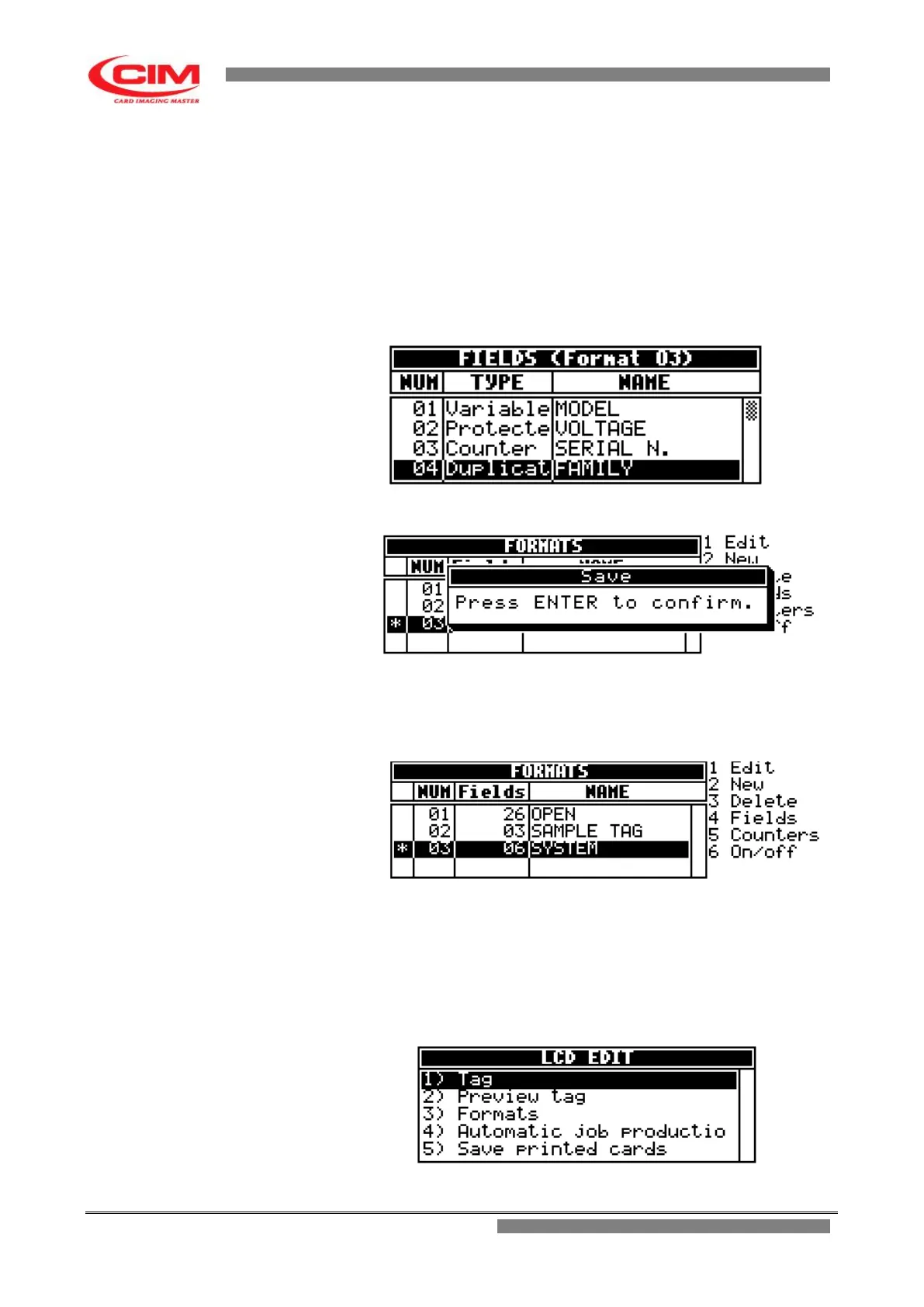
to exit and return to the “Formats” menu.
18- To save the settings, press
s
and then
b
to confirm the saving of the settings.
5.2.2 Active field setup
In the Formats menu, press the keys
k
or
i
and move to the format then press key
6
to
enable the format.
The active format is highlighted by the star
*
5.2.3 Entering data manually and embossing the tag
1- Return to “LCD EDIT”.
2- In “LCD EDIT” press
1
or
k
or
i
until you reach “Tag” and finally press
b
.



 To Next Page