MDT500 HE - Operator's Manual
closing the panel, while its
specifications are defined in
the “Counters” utility.
Duplicate field where the contents are
a copy of those of another
field.
Box where the Normal or OCR font used to
emboss the data entered into the field is
determined
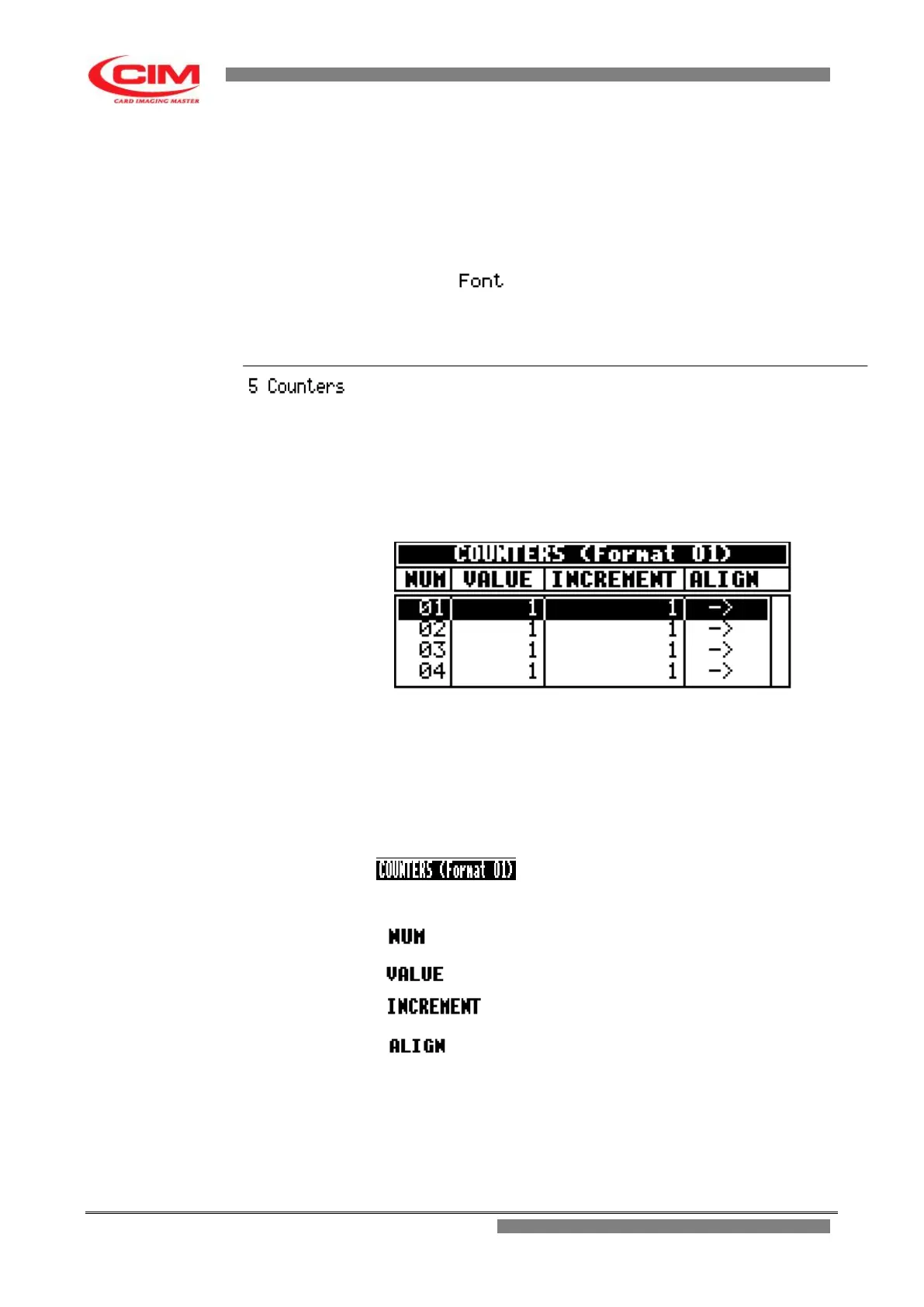
It allows to define the counter specifications.
To enter into COUNTERS you must move with the keys
k
or
i
along the formats list until you reach the specific format where the
counter fields are defined. Then press
5
.
To go back to Formats menu press
s
.
The utility displays the following screen
Also the main screen of COUNTERS like the main screen of
FORMATS is displayed as a chart, made up of 4 columns, each with
its own heading.
Each line represents and defines a counter.
The maximum number of counters available for the different uses is
4
Heading.
It shows the number of the format being
used
It identifies the counter number.
It indicates the starting value of the counter.
It indicates the increase value of the counter.
It indicates the alignment of the counter
inside the field.



 To Next Page