-19
OPERATOR’S MANUAL PRO SERIES
A MACHINE SET UP
A.12 KEYPAD LCD
This menu permits to enable or disable some keys of
the keyboard in order to inhibit some function to the
operator. Please note that inhibit of some key may
cause the impossibility to restore old values.
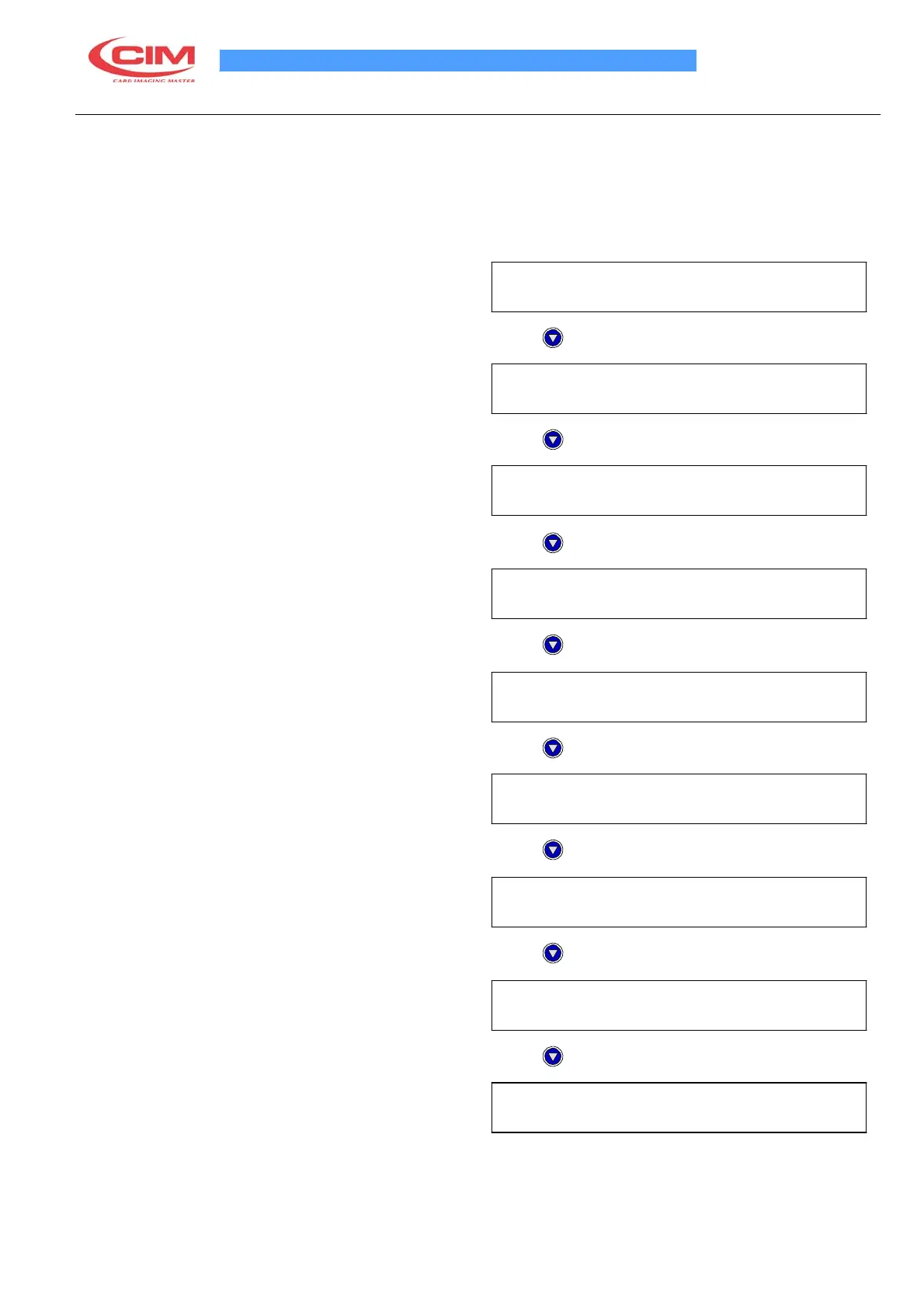
Choose this menu
ENABLE KEY FEED
EN/DIS (EN)
Press
ENABLE KEY START
EN/DIS (EN)
Press
ENABLE KEY DUP
EN/DIS (EN)
Press
ENABLE KEY ENTER
EN/DIS (EN)
Press
ENABLE KEY ABORT
EN/DIS (EN)
Press
ENABLE KEY CARD TEST
EN/DIS (EN)
Press
ENABLE KEY EMB. MODE
EN/DIS (EN)
Press
ENABLE KEY PAUSE
EN/DIS (EN)
Press
ENABLE KEY START AFTER ERROR
ABORT / RECOVERY (ABORT)
Abort = card is not repeated by pressing Start key.
Recovery = card is repeated by pressing Start key.



 To Next Page