4-7
OPERATOR’SMANUAL PRO SERIES
4 PRODUCING
CARD
4.12 DRIVER CONFIGURATION
The driver configuration is made during the job
configuration, when the parameters for each
processing unit are inserted.
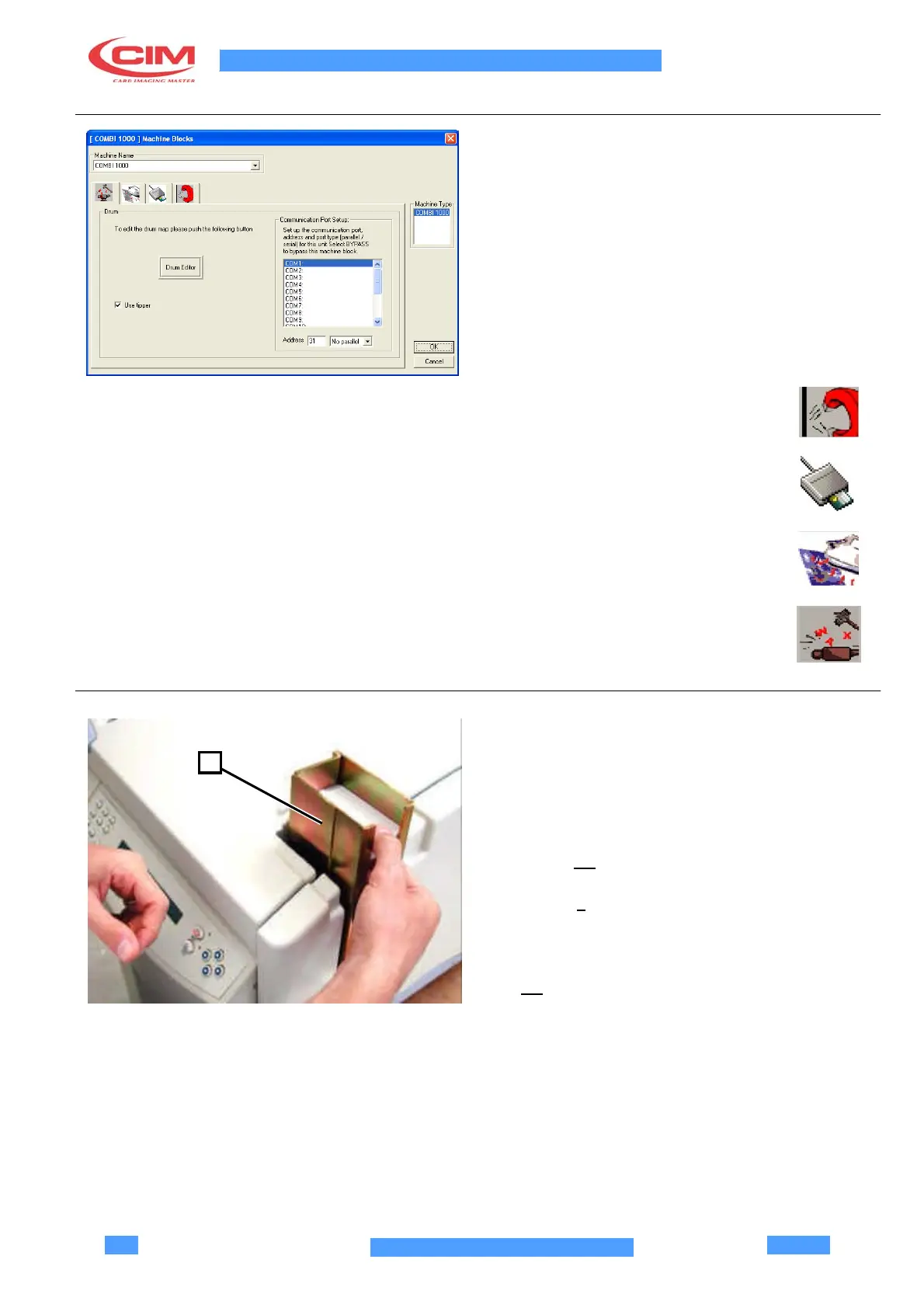
The driver configuration can be made also during a job
session by selecting the dialogue window Machine
Blocks. Click on the main Machine menu and select
Blocks.
Select the icons which correspond to the processing
units:
Encoder Unit - it enables the bar codes
identification
Micro Chip Unit - it manages the Micro
Chip encoding
Thermographic Printing Unit - it prints
images and texts on the card
Embossing Unit - it
embosses
alphanumeric characters on the card
4.13 PREPARATION FOR PRODUCTION
Once the machine, the software Multicard and the Host
1
PC are installed, production can be started as follows:
•
Insert the cards (max.200) in the loading unit (1)
(already adjusted for plastic cards which comply
with ISO standard).
•
Check and adjust the height of the guillotine (see
section 5.2)
•
Check that all ribbons are properly assembled (see
chapter 5).
•
Check that the unloading guide is in position “fully
forward”.
•
Check that PC connections are correct, see section
3.4.



 To Next Page