4 PRODUCING A CARD
4 - 4
OPERATOR’S MANUAL PRO SERIES
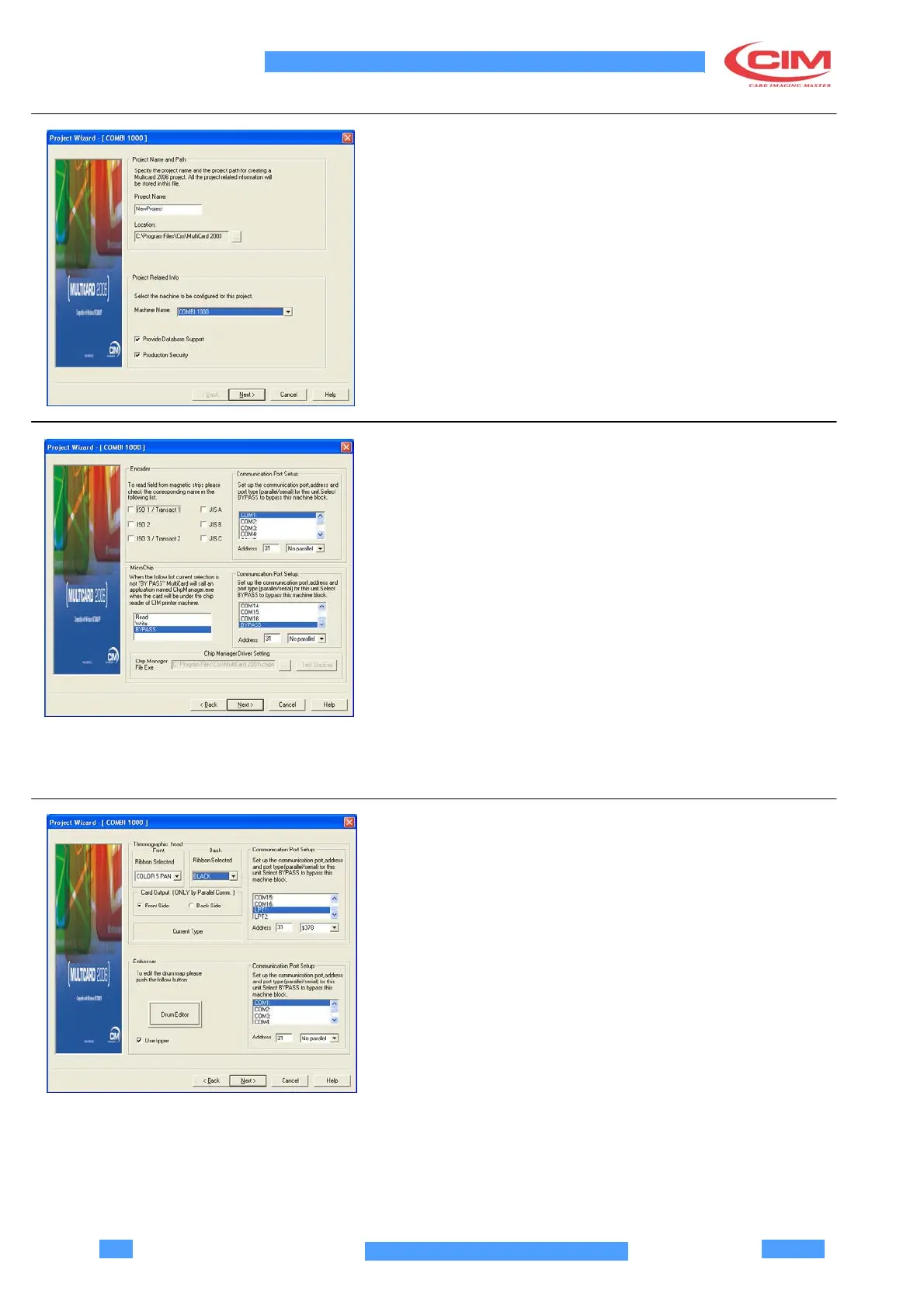
4.4 FIRTS JOB
Click on the main menu File, New…, than select Blank
Project.
The first page of the Wizard pops up; it allows to specify
the name of the first job, the machine driver, the type of
connection to a data source and the card production
control.
Click on Next if the parameters are correct.
4.5 ENCODER AND MICROCHIP UNITS
CONFIGURATION
Encoder Configuration
•
Select the serial communication port to which the
machine is connected to be monitored.
•
Select the machine address.
•
Select the magnetic tracks to be acquired.
Microchip configuration
•
Select BYPASS to configure the communication
port.
•
Select the machine address.
•
Select the operation to be carried out and the
external device which manages the microchip
programming.
•
Click on Next if the parameters are correct.
4.6 THERMOGRAPHIC
UNIT CONFIGURATION
•
Select the parallel port to which printing data are
sent.
•
Select the machine address.
•
Select the printing ribbon to be used and the type of
output of the card.
•



 To Next Page