1 GENERAL DESCRIPTION
1-5
OPERATOR’S MANUAL PRO SERIES
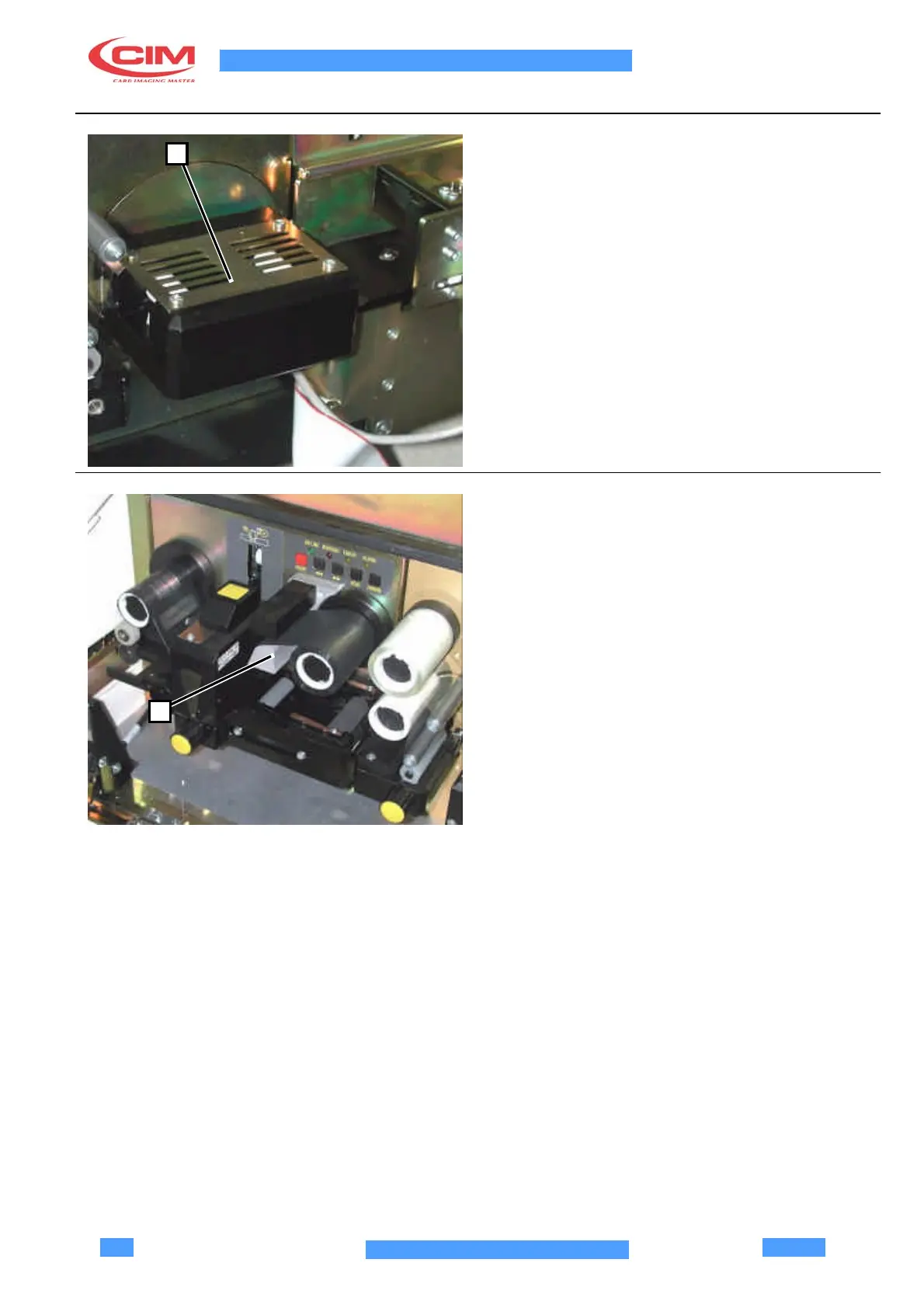
1.4 FLIP-OVER
1
The FLIP-OVER (1) is a device which enables a card
rotation of 180°, used if thermographic printing is
desired on both sides of the card.
The FLIP-OVER (1) assumes 2 positions, depending
upon the work to curry out on the cards. At the
beginning of the production, it is necessary to control
that the FLIP-OVER (1) is positioned as shown in
picture 1.4.
This precaution assures a correct functioning of the
device and the correct card alignment during the
passage phase from the FLIP-OVER (1) to the
thermographic printer. The machine reset (activated via
software or via the reset button) automatically positions
the unit.
1.5 THERMOGRAPHIC PRINTER
The thermographic printer (1) carries out the printing for
the thermic transfer of a logo or of a monochromatic or a
coloured image with a 300 DPI resolution.
In case of monochromatic printing, a ribbon of the
desired colour is used and the printing is carried out in a
single passage.
In case of printing a coloured image, the thermographic
printer uses a special ribbon composed of 3
fundamental colours: yellow - magenta - cyan, followed
1
by black and transparent (overlay). The printing is
obtained by overlapping in 5 passages.
ATTENTION! THE PRINTING HEAD IS A CUSTOM
CIM UNIT. ONLY USE ORIGINAL HEADS. IF YOU
USE HEADS WHICH ARE NOT ORIGINAL YOU MAY
DAMAGE THE MODULE LOGIC CARDS EVEN
THOUGH THE HEADS MIGHT BE SIMILAR.



 To Next Page