A MACHINE SET UP
-25
OPERATOR’S MANUAL PRO SERIES
MODE
A.14 PARAMETERS RESET
Sometimes electrical disturbs could modify the value of
critical parameters causing errors and malfunctions of
the machine.
Following this procedure all the parameters are reset to
the default values and many problems could be solved.
SET UP
PAUSE
START
PAUSE
START
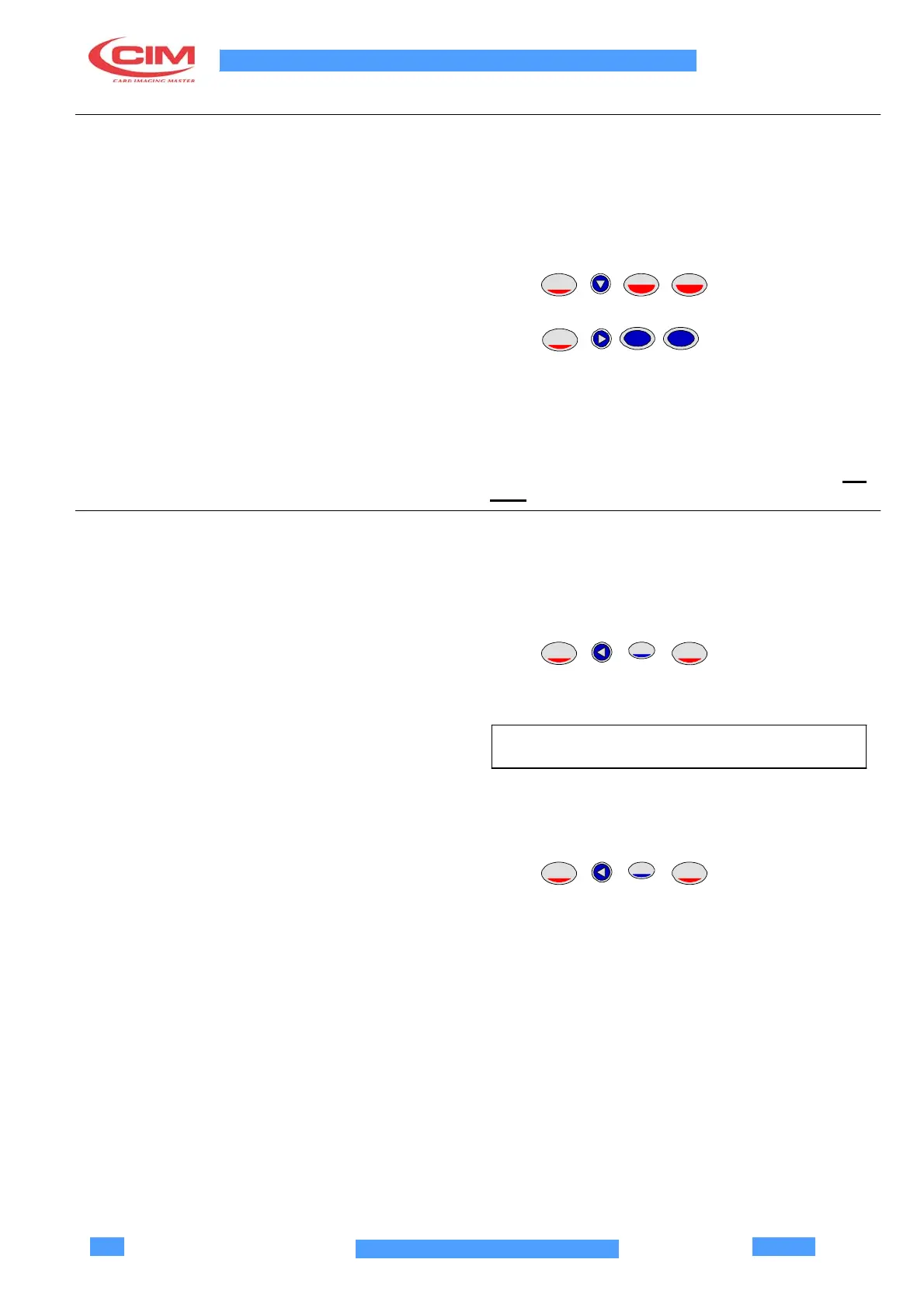
Press in sequence to reset.
SET UP
EMB
EMB
MODE
Press in sequence to reset the
configuration parameters (this also works when there is
an error on the display).
ATTENTION! AFTER THIS OPERATION YOU HAVE
TO MANUALLY RESTORE ALL THE PARAMETERS
THAT YOU CAN FIND IN THE SAMPLE CARDS
ATTACHED TO THE MACHINE (SEE SECTIONS A.5,
A.15
FOR PROCEDURES).
A.15 PROCESSED CARDS COUNTER
The statistical production data are available in the
partial and total counters. The latter cannot be modified.
The values indicate the total number of operating cycles
with and without error.
SET UP
1
ENTER
Press in sequence.
The following is displayed:
MODEL C1000 PRO V.Y.YY
READY
•
The left value is the partial counter for the operator.
•
The right value is the total counter
SET UP
0
ENTER
Press in sequence.
The partial counter is Reset.



 To Next Page