A - 4
OPERATOR’SMANUAL PRO SERIES
A MACHINE SET UP
EMB
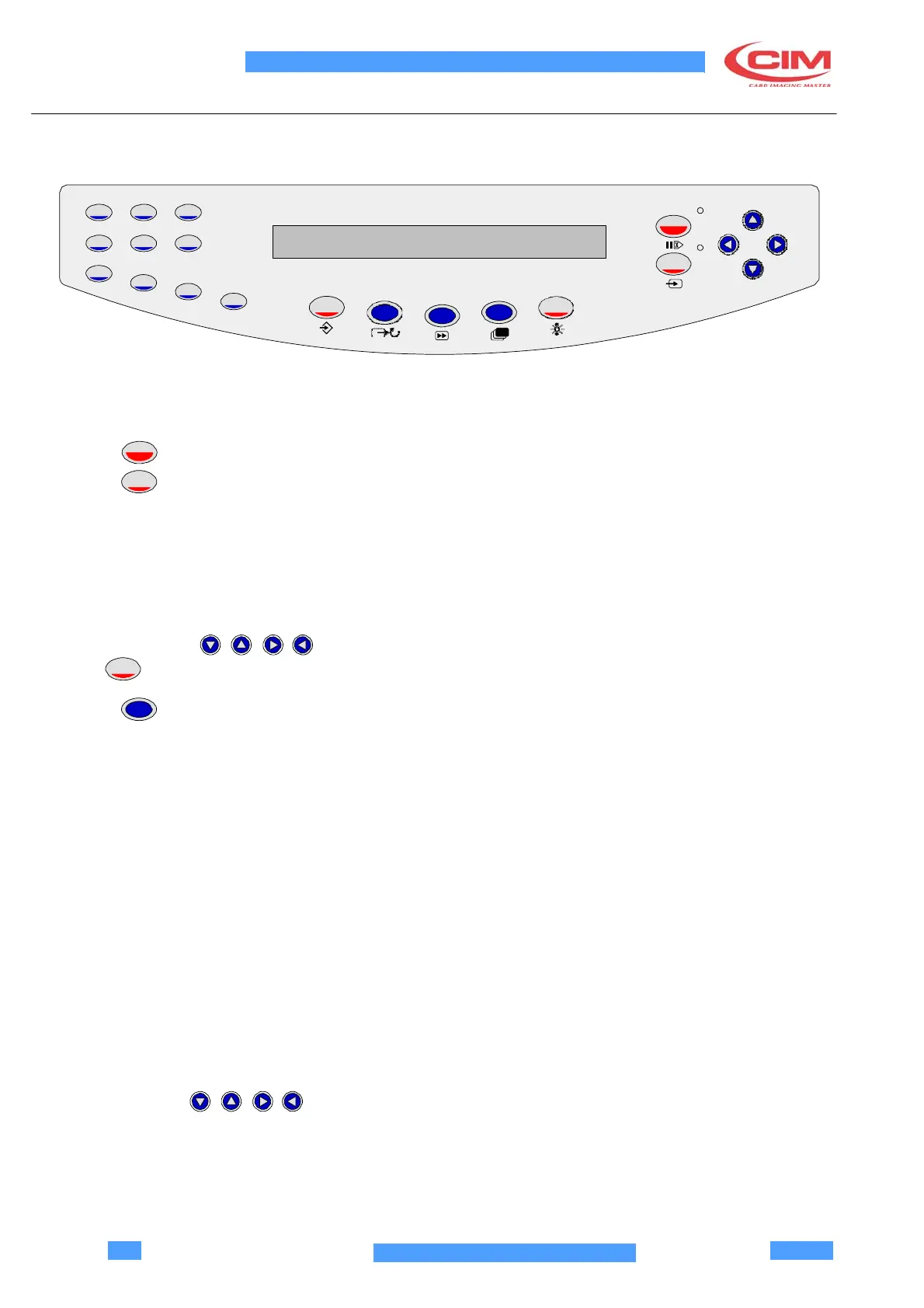
A.2 CONSOLLE
The PRO SERIES machine console is composed by a front panel.
1 2 3
4 5 6
PAUSE
START
7
8
9
0
ENTER
ABORT
DUP
CARD
TEST
EMB
MODE
SET UP
FEED
The front panel contains:
•
LCD display (2 rows with 40 characters per row) which is used to indicate the operating status of the machine.
•
Key
•
Key
PAUSE
START
FEED
•
Red LED (at the top) to signal an error.
•
Green LED (at the bottom) to signal that the machine is switched on.
The following list describes the structure of the Keyboard:
•
10 numeric keys (0 - 9)
•
6 function keys which enable the diagnostic functions of the machine
•
4 direction key ( ) to move the cursor in the desired direction.
•
1
ENTER
key used to confirm data.
•
key
MODE
. This is used to select the working mode of the card feeding cycle for test. There are 8 options
based on the combination of the following 3 modes:
-
CONTINUOUS: the machine repeats the processed card continuously.
-
WITHOUT CARD: the machine runs the operating cycle without controlling for the presence of the cards.
-
PAUSE: the machine executes each operation in response to the user input The key to activate each
movement is START.
1.CONTINUOS
2.
WITHOUT CARD
3.
WITHOUT CARD & CONTINOUS
4.PAUSE
5.
CONTINOUS & PAUSE
6.
WITHOUT CARD & PAUSE
7.
WITHOUT CARD - CONTINOUS & PAUSE
8.READY
The direction keys are used to move the cursor in the menu.



 To Next Page