A MACHINE SET UP
A - 14
OPERATOR’SMANUAL PRO SERIES
A.8 C1000 MECHANICAL PARAMETERS
This menu allows to adjust some
mechanical
parameters of the machine. The value are set by
MF GROUP srl quality control assurance before putting
the
product on the market. The parameters of the menu are
described below:
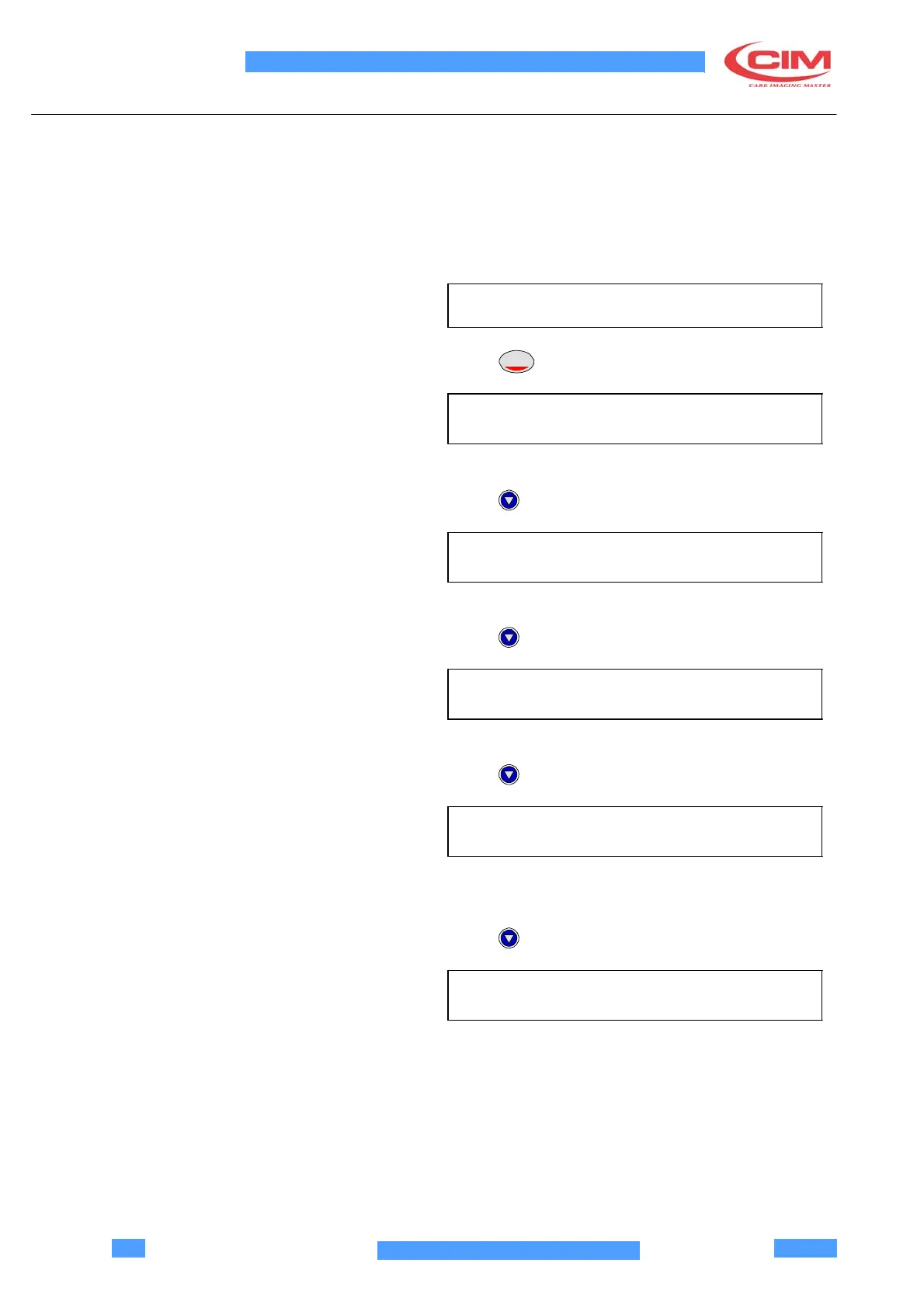
Choose this menu:
MECHANICAL PARAMETERS
Press
ENTER
X TOTAL ADJ.
(-99 + 99) (+00)
Adjust the total X axis stroke.
Press
X EMBOSS ADJ.
(-99 + 99) (+00)
Initial embossing position X axis.
Press
Y EMBOSS ADJ.
(-99 + 99) (+00)
Initial embossing position Y axis
Press
FLIP-OVER ROTATION ADJ.
(-99 + 99) (+00)
Flip Over rotation adjustment.
Press
X TIPPER ADJ.
(-99 + 99) (+00)
Card handling to enter the tipper (X axis).



 To Next Page