A MACHINE SET UP
-13
OPERATOR’S MANUAL PRO SERIES
A.7 SERIAL INTERFACE MENU
The Serial Interface menu allows to set up the serial
communication port of the machine.
Position on the menu:
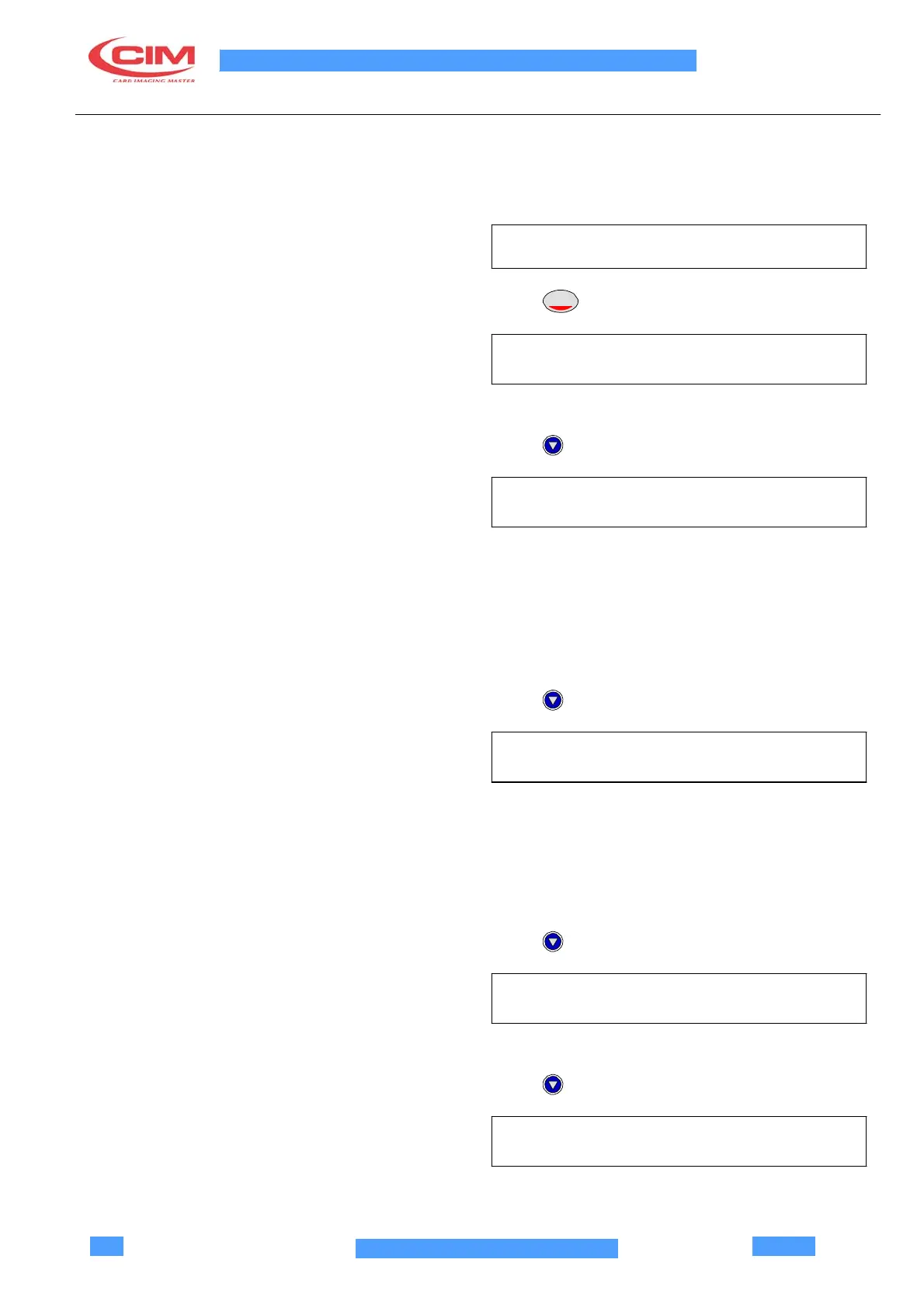
SERIAL INTERFACE
Press
ENTER
BITS PER CHARACTER
(7,8) (8)
7 = 7 bits per character / 8 = 8 bits per character.
Press
PARITY
(NO,SP,MK,OD,EV) (NO)
NO = No Parity
SP = Space Parity
MK = Mark Parity
OD = Odd Parity
EV = Even Parity
Press
CHOICE OF THE BAUD RATE
(11,15,3,6,12,24,48,96) (9600)
11 = 110 Baud Rate.
15 = 150 Baud Rate.
3 = 300 Baud Rate.
6 = 600 Baud Rate.
12 = 1200 Baud Rate.
24 = 2400 Baud Rate.
48 = 4800 Baud Rate.
96 = 9600 Baud Rate.
Press
NUMBER OF STOP BITS
(1,2) (1)
1 = 1 Stop bit / 2 = 2 Stop bits.
Press
DATA SERIAL-LINE
(YES/NO) (NO)
YES: the display shows the state of the serial
communication (RX char)



 To Next Page