A MACHINE SET UP
-15
OPERATOR’S MANUAL PRO SERIES
A.9 PROTOCOLS MENU
This menu allows to customize the value of the typical
parameters of the communication between machine
and PC. In particular, if a communication protocol which
differs from the default is used, it will be necessary to
modify this setup. The parameters of the menu are
described below:
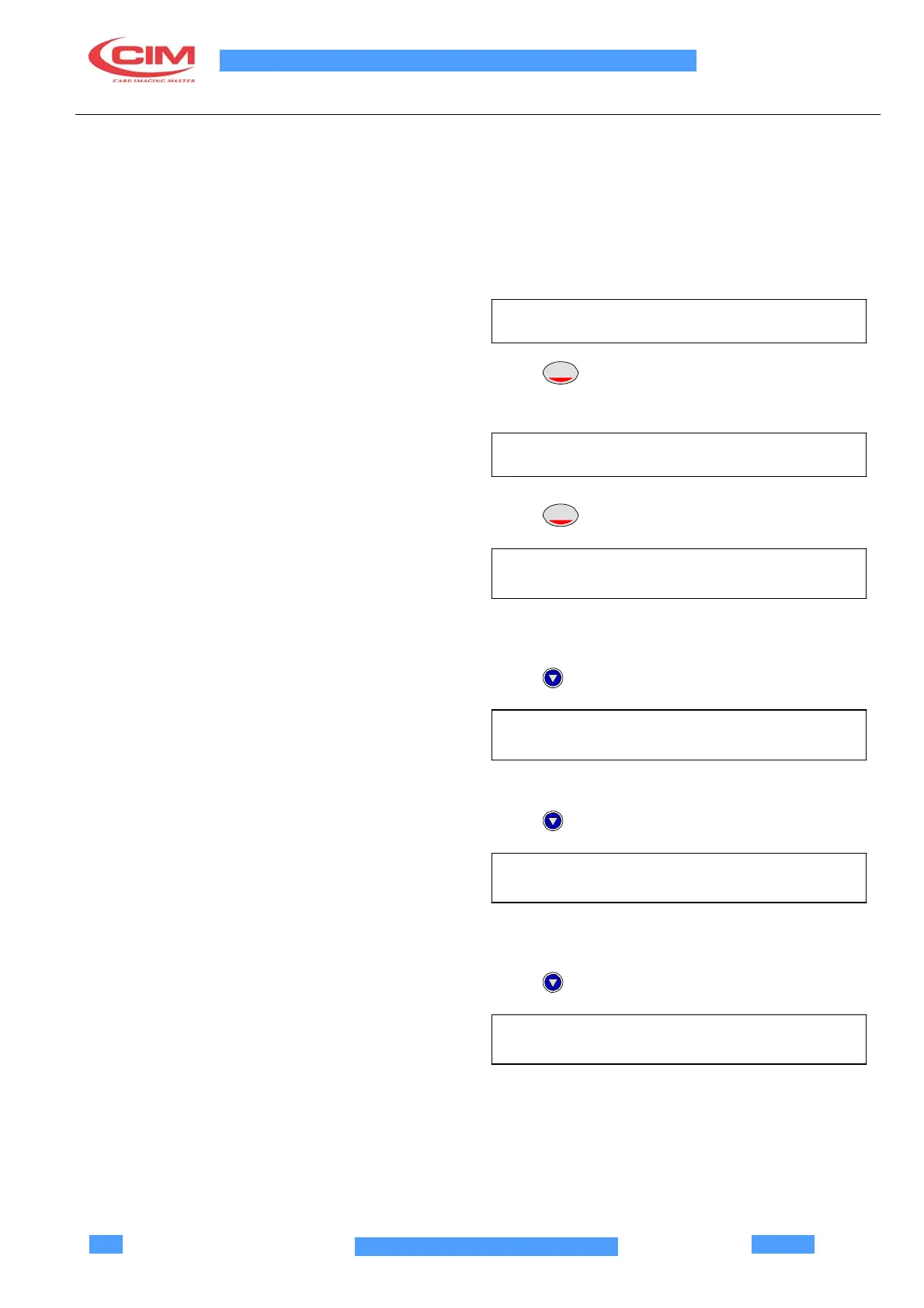
Position on the menu:
PROTOCOLS
Press
ENTER
The following parameters are displayed
PROTOCOL CHOICE (CHP10)
Press
ENTER
START OF TEXT
SELECTION (000-255) (002) STX
The value of Start of Text (002-Start of Text).(002-STX-
Start of Text).
Press
END OF TEXT
SELECTION (000-255) (003) ETX
The value of End of Text (003-ETX-End of Text).
Press
FIELD SEPARATOR
SELECTION (000-255) (013) CR
The value of Field Separator (013-0D hex-CR-Carriage
Return).
Press
THERMOGRAFIC OPENER
SELECTION (000-255) (009)
The value of thermographic opener
(003-
Thermographic Opener).



 To Next Page