-9
OPERATOR’S MANUAL PRO SERIES
A MACHINE SET UP
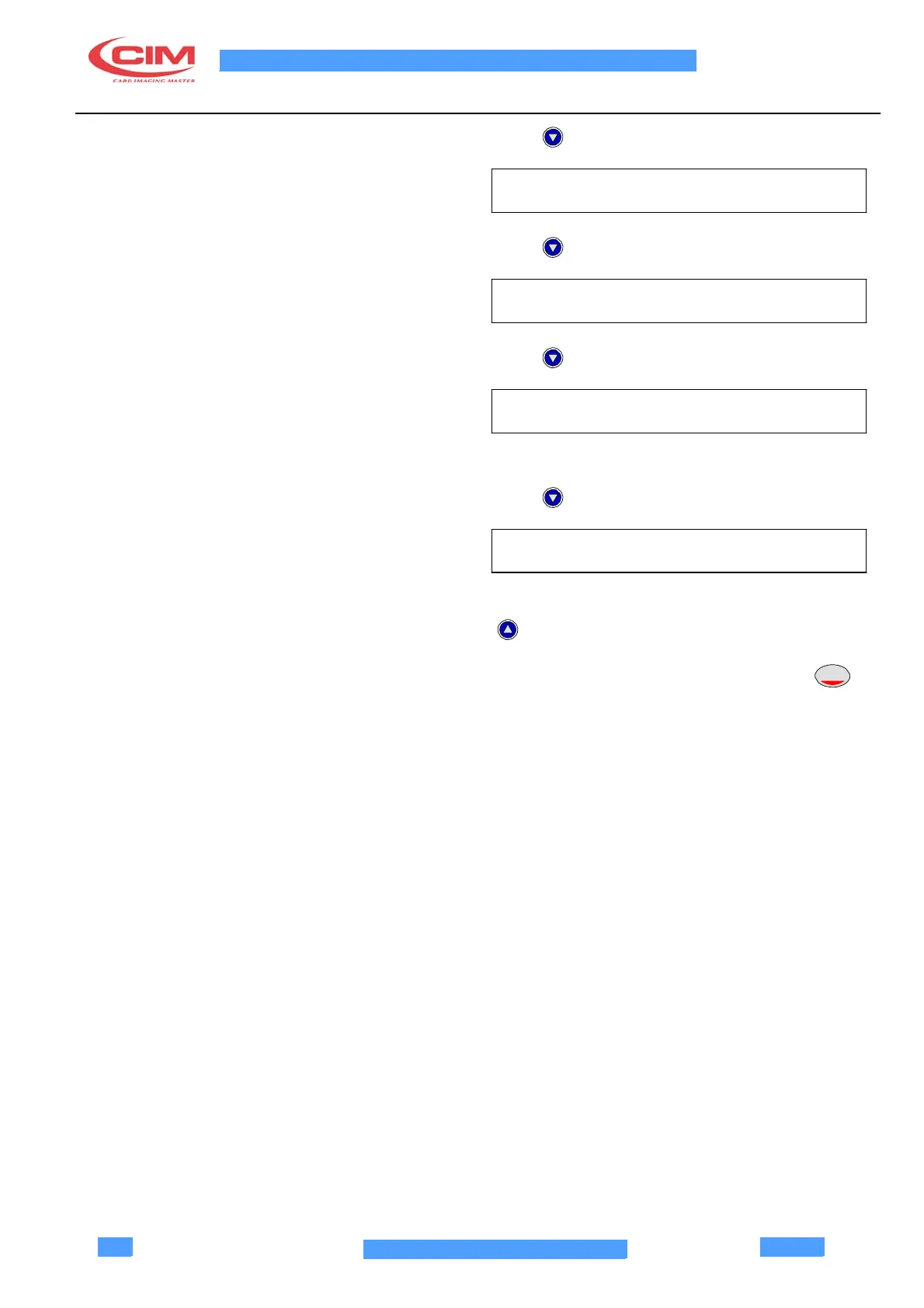
Press
Press
Press
EMBOSSING WHEEL
KEYPAD LCD
PRINTER AND THERMOGRAPHIC
Not used.
Press
THERMOGRAPHIC SETUP
This is the last menu; to move to another menu use
To enter the items of the selected menu press
ENTER
ATTENTION! THE SETUP PROGRAM INCLUDES A
KEYBOARD TIME OUT. IF THERE IS A PAUSE
LONGER THAN 2 MINUTES THE MACHINE
RETURNS TO THE READY MODE.



 To Next Page