Operation setup
Page 56 CM6200 Operating Manual
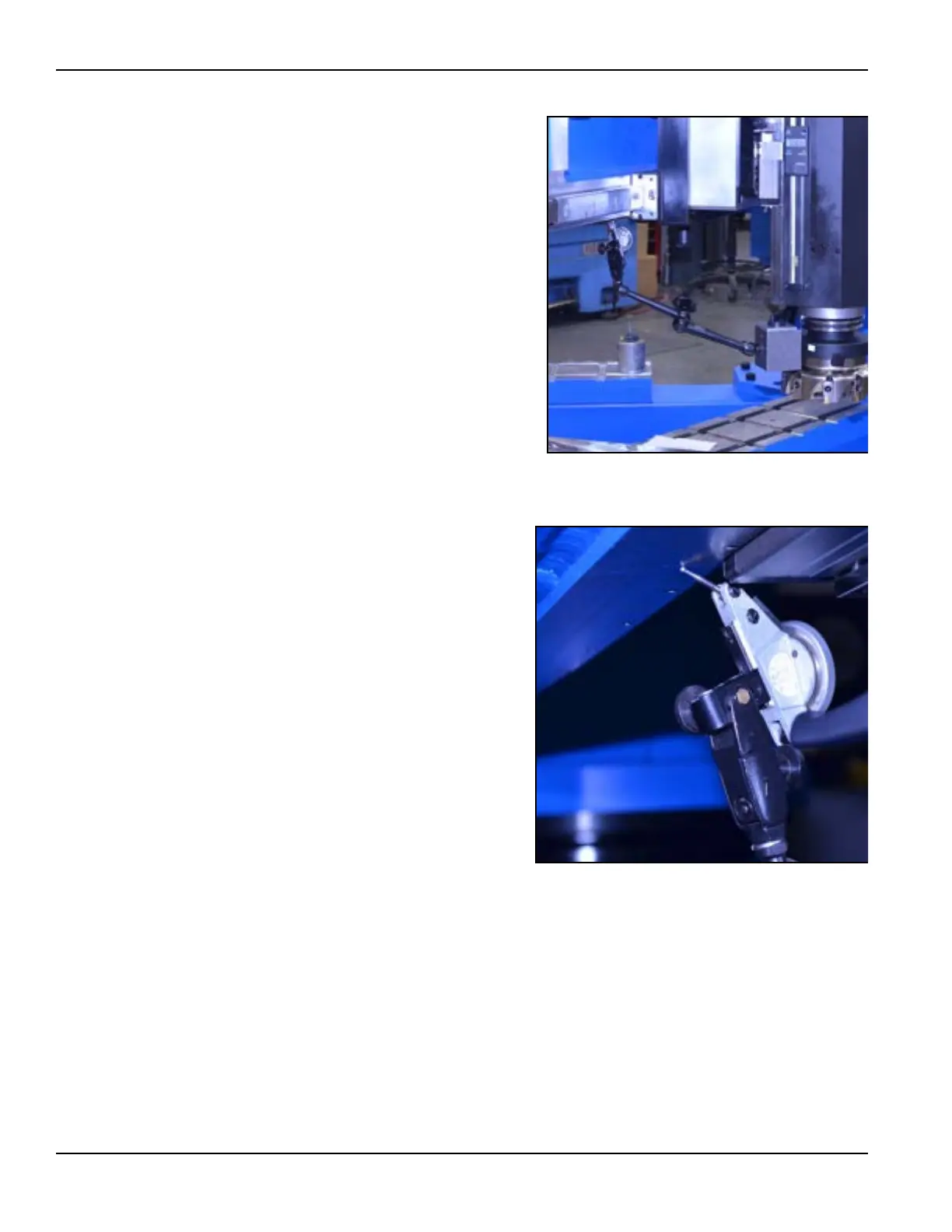
2. Install a magnetic-base dial
indicator to the body of the
face milling cutter (see Fig-
ure 4-2).
A right-angle fixture oriented
from the linear slide rail can
serve as a reference point
that is perpendicular to the
milling arm.
3. Extend the indicator out to
make contact with the bot-
tom of the machine ram sur-
face (see Figure 4-3).
4. With the stylus of the indica-
tor touching the ram surface,
set the dial of the indicator
to “0.”
FIGURE 4-2. DIAL INDICATOR ON THE FACE MILL
FIGURE 4-3. INDICATOR TOUCHING MACHINE RAM SURFACE



 To Next Page