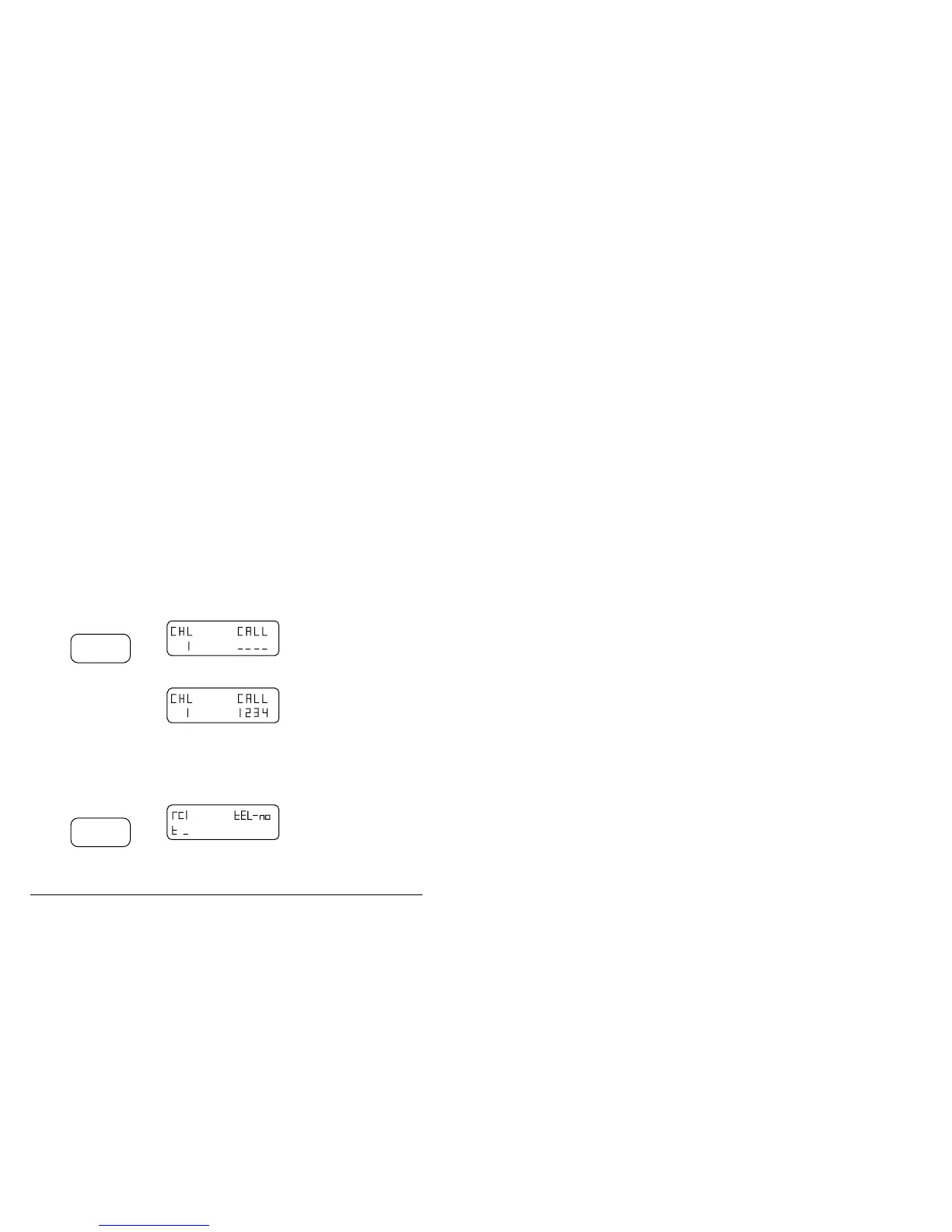
Making a telephone interconnect call
9-12 Outback HF Radiophone
Calling a stored telephone number
This procedure explains how to make a telephone call to a number you have
previously stored.
Ensure your outstation Radiophone is switched on and a selective call enabled
channel has been selected before commencing this operation.
Ensure the antenna is tuned on the selected channel, refer to Tuning the antenna in
section 4.
Notes: Before making a telephone call, it is often beneficial to make a beacon call to
assess the best channel to use. (Refer to Using the beacon feature in
section 5.)
If you enter a wrong number, you can reset by pressing the Display button.
When you have finished making a call, you must disconnect the call line.
(Refer to Sending a disconnect message on page 9-6.)
Step Action… Display shows… Remarks…
1.
Press
Call
Selective
You must start the next
action within 60 seconds.
2.
Use the numeric
buttons to enter
the required
selective call
address.
This is the self
identification number of
the base IPC-500
telephone interconnect
you are using. Refer to
section 5, Using selective
call.
3.
Press
Channel
Select
F



 To Next Page