3-2
Rack-Mount Server Installation
For use with Pentium II Xeon and Pentium III Xeon processor-based servers only
Writer: Michele Wray Project: Compaq ProLiant 5500 and 5500R Servers Setup and Installation Guide Comments: 328470-002
File Name: D-CH03.DOC Last Saved On: 2/8/99 10:49 AM
COMPAQ CONFIDENTIAL - NEED TO KNOW REQUIRED
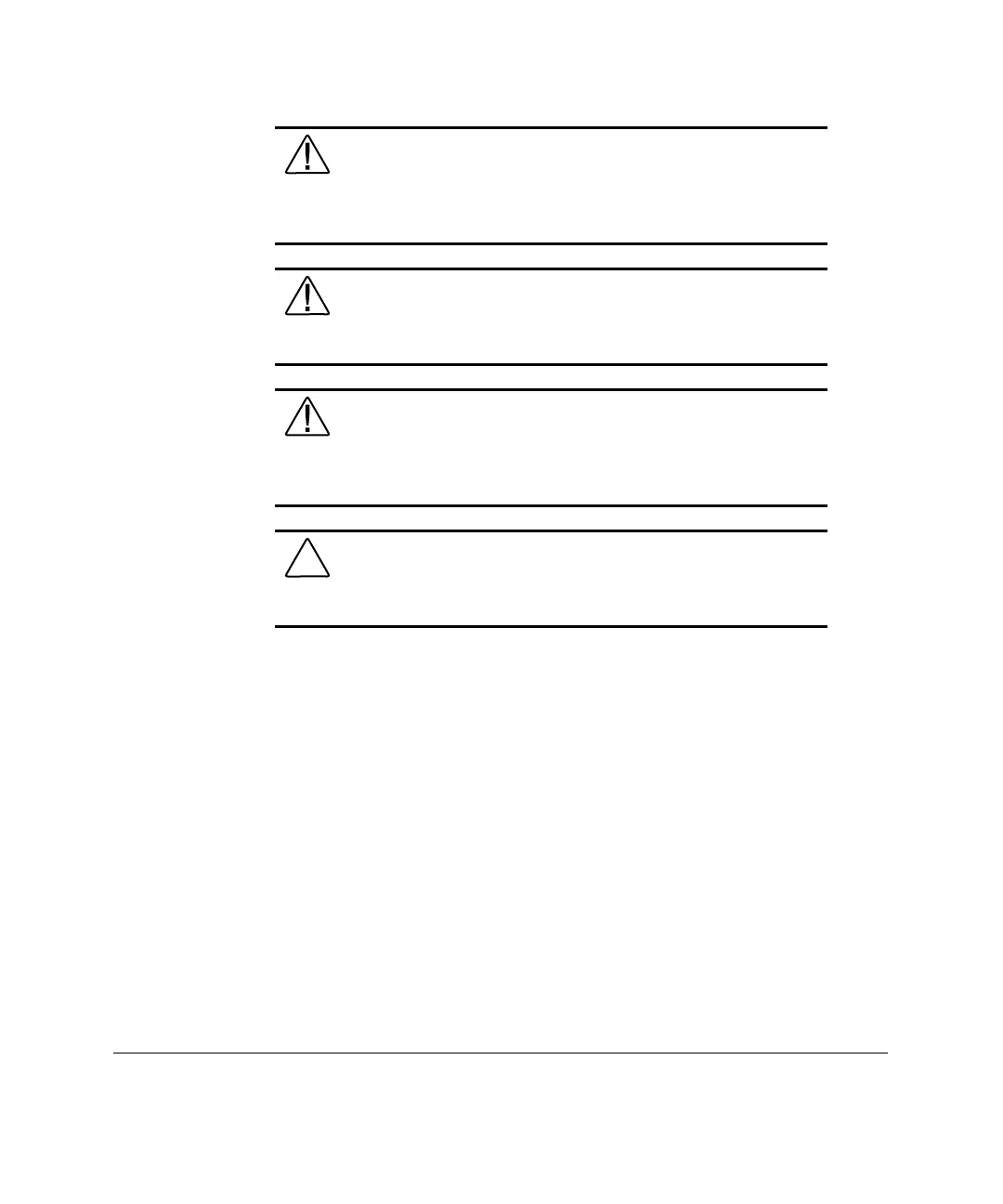
WARNING: A rack may become unstable if more than one
server is extended for any reason. To reduce the risk of personal
injury, always ensure that the rack is adequately stabilized before
extending a server outside the rack, and extend only one server at
a time.
WARNING: Before beginning to work on the rack, be sure that
the leveling jacks are extended to the floor, that the full weight of
the rack rests on the level floor, and that either stabilizers are
installed or that multiple racks are coupled together for stability.
WARNING: To reduce the risk of personal injury or damage to
the equipment, a minimum of two people MUST lift the server
into the rack. The server weighs in excess of 92 LB (41.8 kg). If
the unit is to be loaded above chest level, a third person must
assist in aligning the rails while the other two support the unit.
CAUTION: Do not place anything on power cords or cables.
Arrange them so that no one may accidentally step or trip over
them. Do not pull on a cord or cable. When unplugging from the
electrical outlet, grasp the cord by the plug.



 To Next Page