6-5
Compaq ProLiant 5500 and 5500R Servers Setup and Installation Guide
For use with Pentium II Xeon and Pentium III Xeon processor-based servers only
Writer: Michele Wray Project: Compaq ProLiant 5500 and 5500R Servers Setup and Installation Guide Comments: 328470-002
File Name: G-CH06.DOC Last Saved On: 2/8/99 11:27 AM
COMPAQ CONFIDENTIAL - NEED TO KNOW REQUIRED
11. At the server prompt Save the Configuration and Restart the Computer,
select OK= Enter. The changes that have been entered will not be
displayed on the Display Panel until the computer is rebooted. Standard
Integrated Management Display fields are defined later in this chapter.
12. In older versions of the System Configuration Utility installed on some
hard drives, you will be asked to upgrade the system partition. The
System Configuration Utility should be upgraded at this time.
Customizing the Integrated
Management Display Fields
Many of the fields shown on the Integrated Management Display can be
customized. The following sections define each of the menu choices and
include examples of some fields.
Idle Screen Text
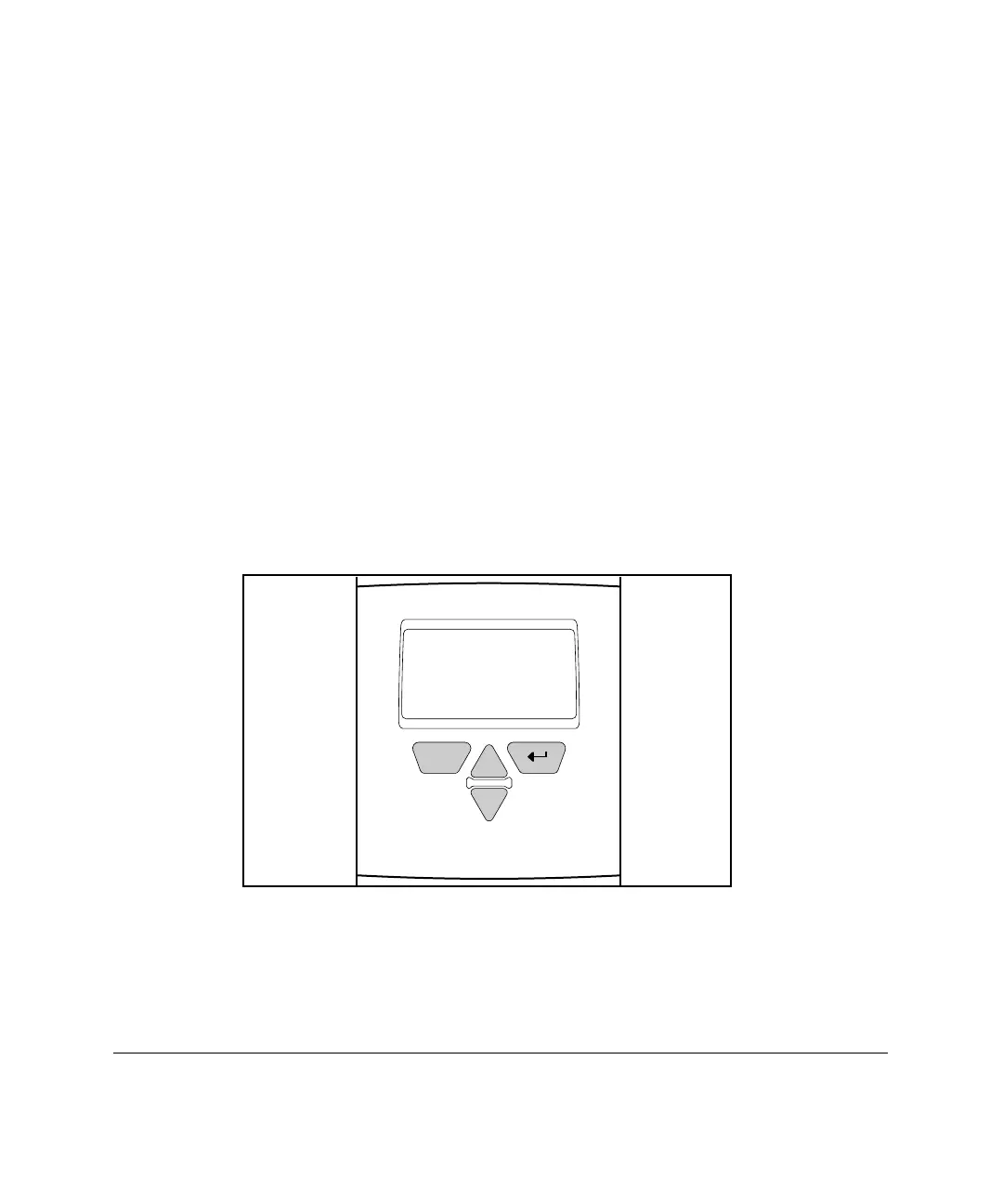
After the display has been idle for five minutes, the Integrated Management
Display shows the following default screen text:
COMPAQ
PROLIANT 5500
ESC
Figure 6-3. Idle Screen text
This text can be changed by entering up to 3 lines with no more than 16
characters on each line. One suggestion would be to enter the server name here.
This would allow an administrator to walk into a room with multiple servers
and immediately locate the desired server.



 To Next Page