DT-4500 Series C- and Ku-Band Down Converters MN/DT4500.IOM
Ethernet Interface Operation Revision 2
7–8
The factory defaults for these names/passwords are:
• Admin comtech/comtech
• Read/Write opcenter/1234
• Read Only monitor/1234
Failure to enter the correct User name and Password will return you to
the Login window. Should you continue to specify an invalid User name
or Password, the message “You do not have security privilege to access
this area.” displays.
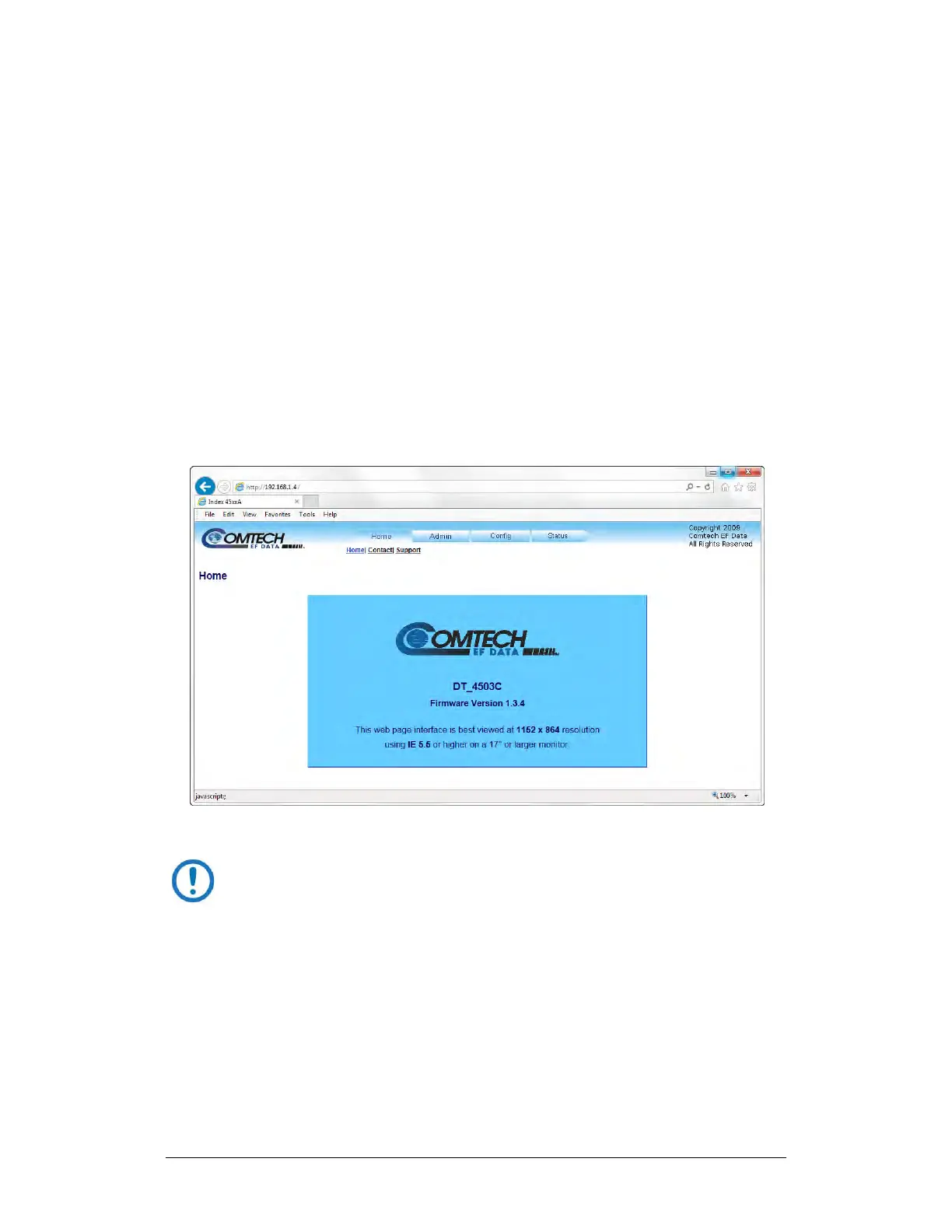
Otherwise, upon entry of the valid IP address and login information
DT-4500 Web Server Interface “splash” page displays, similar to the
example shown in Figure 7-4. The unit and firmware version in this
example will differ from your setup.
Figure 7-4. HTTP Interface “Splash” Page Example
The appearance and function of all DT-4500 Series HTTP Interface pages
are, for all purposes, identical to that of the DT-4503C HTTP Interface
page examples that are featured throughout this chapter.



 To Next Page