2-69
1010PVNFM-3A
Section 2
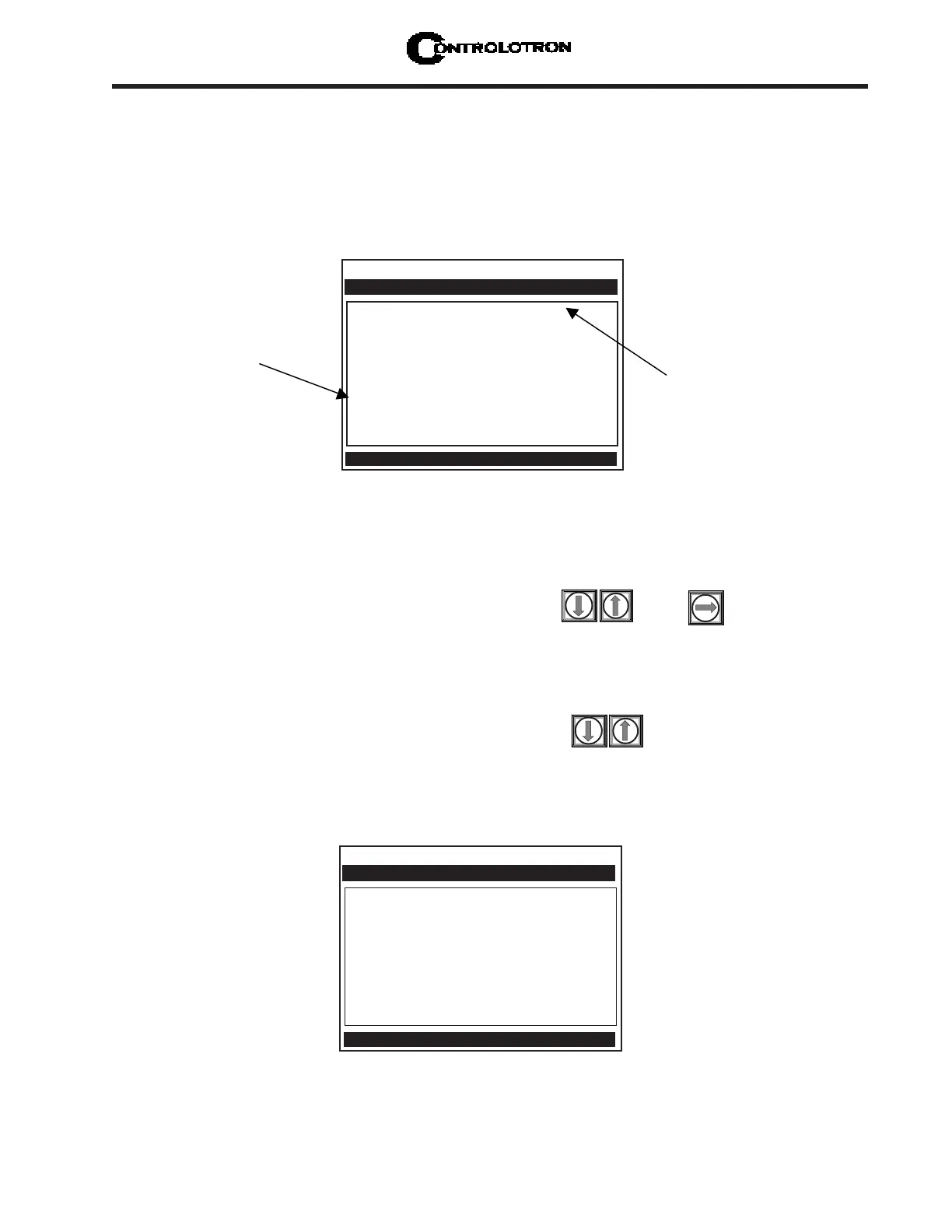
To activate AnCal:
Move the cursor to the [AnCal] menu cell by pressing . Press to enable numeric
entry. Note that an equal sign (=) appears before the number.
Type the desired flow rate using current rate units (e.g., 120.00 GPM). Note that the [Flow]
menu cell now reflects the artificial rate.
Move the cursor away from the menu cell by pressing to turn AnCal off.
2.11.3 THE APPLICATION INFO MENU
This menu provides a live display of the basic timing data used by meter during operation.
AnCal to check the analog outputs or as a reference source for calibrating external devices
such as remote display screens or chart recorders and RTU’s. To test the Totalizer function,
leave AnCal active for enough time for an accumulation to appear on the screen below. Moving
the cursor from the menu cell cancels the AnCal function.
Flow GAL/MIN 120.00
Flow Vel F/S
Total GAL 5645.820
Vs m/s 1274.33
Signal mV 44
Valc % 57
Vaer % 13
Alarm Status ------M--
AnCal GAL/MIN > 120.000
HiFlow GAL/MIN 1577.9
LoFlow GAL/MIN -1577.9
Controlotron Dual Path SITE 1
Flow Rate Simulation Control
Flow Data
The M status is
asserted due to the
method used to
simulate flow data.
Note that the [Flow]
menu cell immediately
reflects the AnCal entry.
Over time, the Total
display will also
increase.
TN uSec 75.193
TL uSec 44.009
DeltaT uSec 126
Burst/Sec 256
% Accepted
Last Makeup (Re)Start
Makeup Status Measurement
Controlotron Dual Path SITE1
Time between transit and receive
Application Info



 To Next Page