2-75
1010PVNFM-3A
Section 2
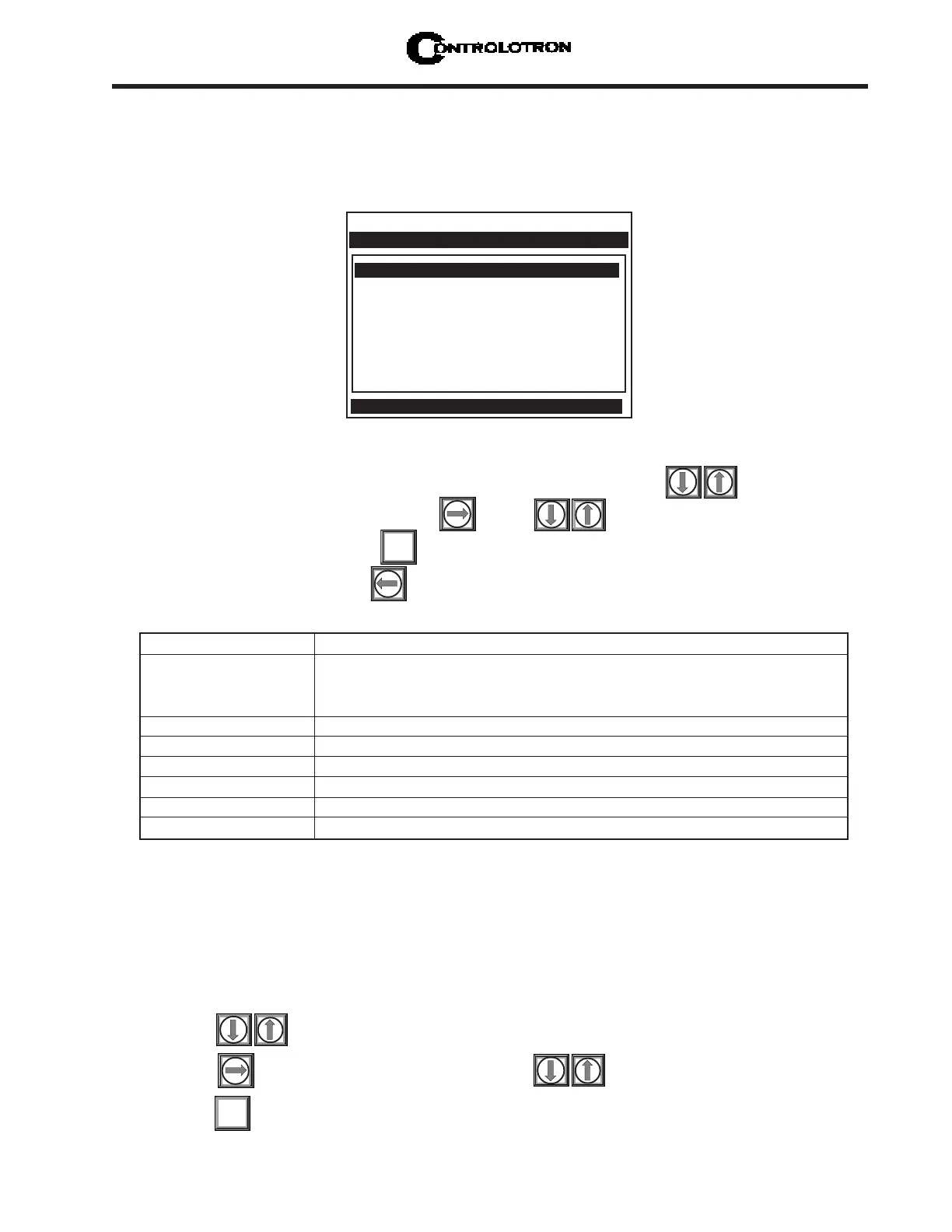
To start a Test Routine:
To scroll the cursor to the test routine you want to use press
To access the test option list press . Press to move the asterisk to [Yes].
To start the routine press
To end the routine press
ENT
Makeup
The Test Facility Makeup routine allows you to command the meter to re-acquire the operat-
ing parameters established during the Initial Makeup routine invoked by the [Install Com-
pleted?] command (see paragraph 2.4 Pick/Install Xdcr Menu).
To invoke the Makeup routine:
Press to scroll the cursor to [Makeup].
Press to access the test option list. Press to move the cursor to [Yes].
Press to start the makeup routine.
ENT
Makeup No
Graph No
Tx Up No
Tx Dn No
Fixed ALC No
Tx Up Fixed ALC No
Tx Dn Fixed ALC No
Graph AutoZero No
Controlotron Dual Path SITE 1
Right arrow invokes an InProcess Makeup
Test Facilities
Makeup Commands the meter to re-acquire the receive signal.
Graph Enables an on-screen marker display. - Cor Q should be greater
than 1.5. Larger number is better. Above 3 is desirable. SIG Q
should be less than 10. A value of 8 or less is desirable.
Tx Up Forces upstream transmission only.*
Tx Dn Forces downstream transmission only.*
Fixed ALC Select ‘Yes’ to command amplifier to hold a constant gain.*
TX Up Fixed ALC Fixed ALC while transmitting up only.*
TX Dn. Fixed ALC Fixed ALC while transmitting down only.*
Graph AutoZero Use to establish a standard zero flow setting.
* For technical service diagnostics.
TEST FACILITIES COMMANDS
2.11.6 THE TEST FACILITIES MENU
The Test Facilities menu provides commands for system analysis and recovery. The most use-
ful for the end-user are Makeup and Graph. Using these routines under the supervision of our
technical support staff will help us to provide technical analysis and solutions.



 To Next Page