2-18
1010PVNFM-3A
Section 2
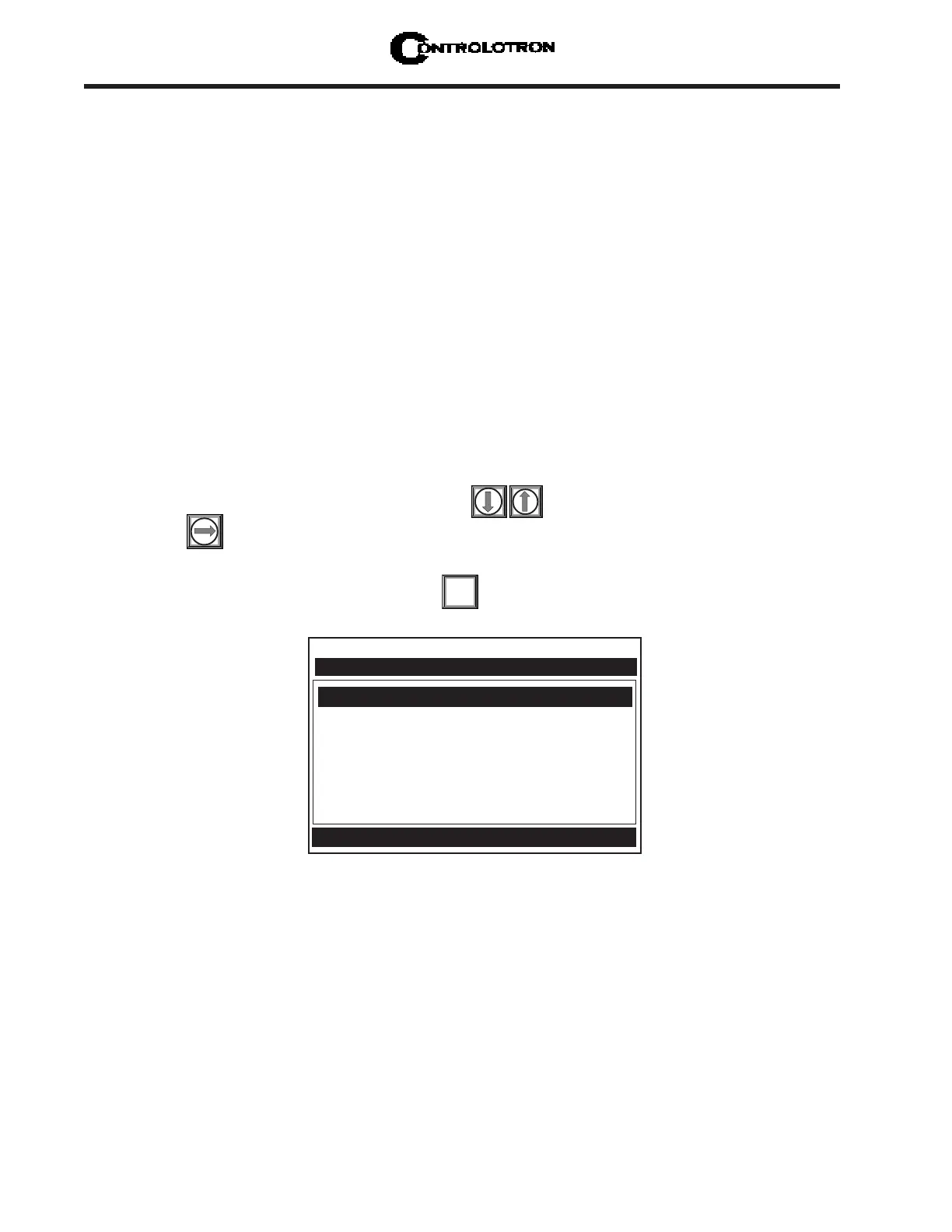
Each of the data points of a Site Liquid Table (maximum of 32) may be filled in by the user as
indicated in the menu screen shown above.
Index Value - The temperature-corrected sonic velocity (LiquIdent) which points to the out-
put variables forming the balance of the table entry. Below this you may enter the values
associated with that LiquIdent value.
Viscosity - The kinematic viscosity of the liquid at system Base Temperature (units: centi-
stokes).
Visc Slope - The exponent of the logarithmic expression used to project the liquid viscosity at
measured temperature. The default value (-0.0287) has been found to be adequate for many
hydrocarbons.
Setting the LiquIdent™ Index
A Liquid Class must have an associated LiquIdent™ Index Scale. The 1010PVN uses this scale
to compensate its outputs for variations in liquid type.
A LiquIdent™ Index is the sonic velocity for the liquid at the Base Temperature, generally
60ºF (15ºC). When a LiquIdent™ Index is entered for a particular liquid within the Liquid
Class, the liquid’s viscosity must also be entered at the LiquIdent™ Index.
To create a LiquIdent™ Index Scale for the Liquid Class, a minimum of two LiquIdent™ Indi-
ces are required to be entered. If desired, up to thirty-two LiquIdent™ indices can be entered.
However, the computer only needs two to establish a scale of all the possible LiquIdent™
indices for the Liquid Class.
After the computer interpolates the LiquIdent™ Index Scale, its projections can be checked
by entering a meaningful LiquIdent™ Index and examining the reported viscosity values. The
scale can be fine-tuned by manually adjusting the factors at up to thirty-two separate points.
To enter the LiquIdent™ Index:
From the [Liquid Table] menu cell, press to scroll down to [LiquIdent Index].
Press to enable numeric entry.
Use the keypad numeric keys to enter the desired LiquIdent™ Index.
To enter the LiquIdent™ Index press .
ENT
Controlotron Dual Path Site 1
LiquIdent Index
Index Value 1440
Visc (cS) @ 400 1.00
Visc Slope @ 400 -0.0287
Temperature Corrected Vs Index



 To Next Page