2-2
1010PVNFM-3A
Section 2
2.1 THE CHANNEL/PATH SETUP MENU
The Channel/Path Setup Menu is available after picking a meter type and a measurement
technology. Use this menu to manage site setups. You can create, recall, delete and save
entire site setups. You can apply Site Security, which permits read-only access to the Instal-
lation Menu unless you enter a password. The Channel Enable switch allows you to disable
and enable a measurement channel. Be aware that site name option lists only show sites that
are consistent with the currently selected meter type.
2.1.1 HOW TO RECALL A SITE SETUP
The [Recall Site] command allows you to reinstall the system at a former site. For an original
installation, see [Create/Name Site] for instructions on how to create a new Site Setup. This
menu cell provides a list of saved site names. Scrolling to a site name and pressing <ENT>
moves all the parameters associated with that name into Active Memory.
If there are no site setups present in site storage memory, the menu cell reports [No Sites] in
the right-hand column. Saving a site setup with a site name adds the name to this option list.
Channel/Path Setup Recall Site Setup *Site Name List
Channel Enable Yes
No
Create/Name Site *Site Name Entry/Edit
Site Security Off
On
Delete Site Setup Site Name List
Save/Rename Site Site Name Entry/Edit
ð
ô
ð
ð
ð
ð
ð
ô
ô
ð
ð
ð
ð
ð
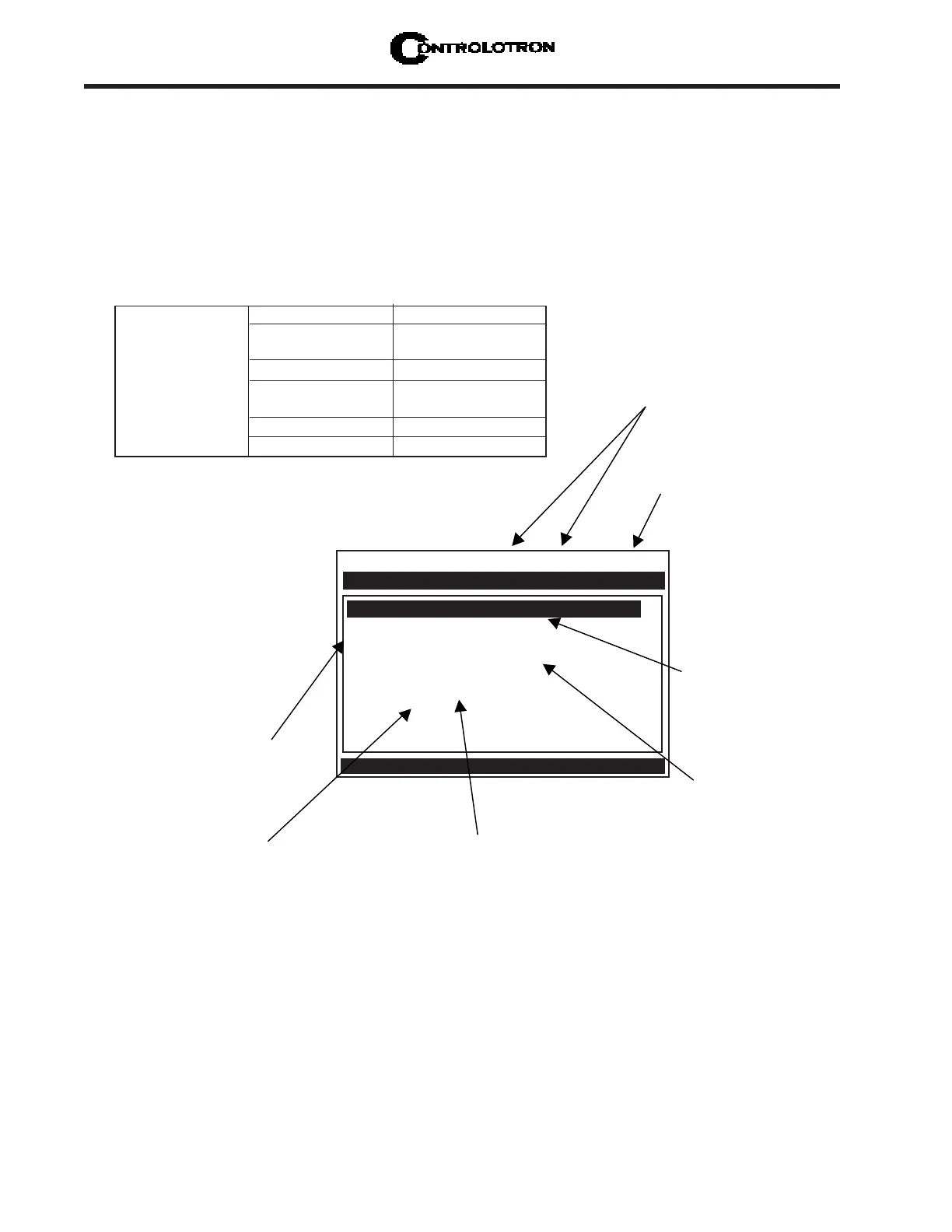
CHANNEL/PATH SETUP MENU STRUCTURE
ð
Controlotron Dual Path [1] XYZ
Recall Site Setup XYZ
Channel Enable Yes
Create/Name Site 1
Site Security Off
Flow
Delete Site Setup 1
Save/Rename Site 1
Scroll saved Site Setup list and Enter
Channel/Path Setup
Use this menu cell to free up site storage
memory by deleting obsolete site setups.
Note that the cell retains the name of the
most recently created site setup [XYZ].
This option list expands as you save more
sites.
Use this menu cell at any time
to manually save the site data.
Note that attempting to leave
the menu after entering/editing
any site data triggers a Save
Site pop-up window
automatically.
This cell shows that
site setup [XYZ] is
stored in memory,
and can be recalled.
This option list
expands as you save
more sites.
Use this menu cell to
enable or disable Site
Security. Provide a
password to enable.
Re-enter the
password to disable.
This shows that
the site setup
[XYZ] is the active
site.
Use this menu cell to create and
name a site setup. Note that the
cell retains the name of the
most recently created site setup
[XYZ].
This shows that
the Meter Type is
Dual Path,
operating with
Path 1 active.



 To Next Page