4-1
1010PVNFM-3A
Section 4
4. THE METER FACILITIES MENU AND GRAPHIC DISPLAY
SCREENS
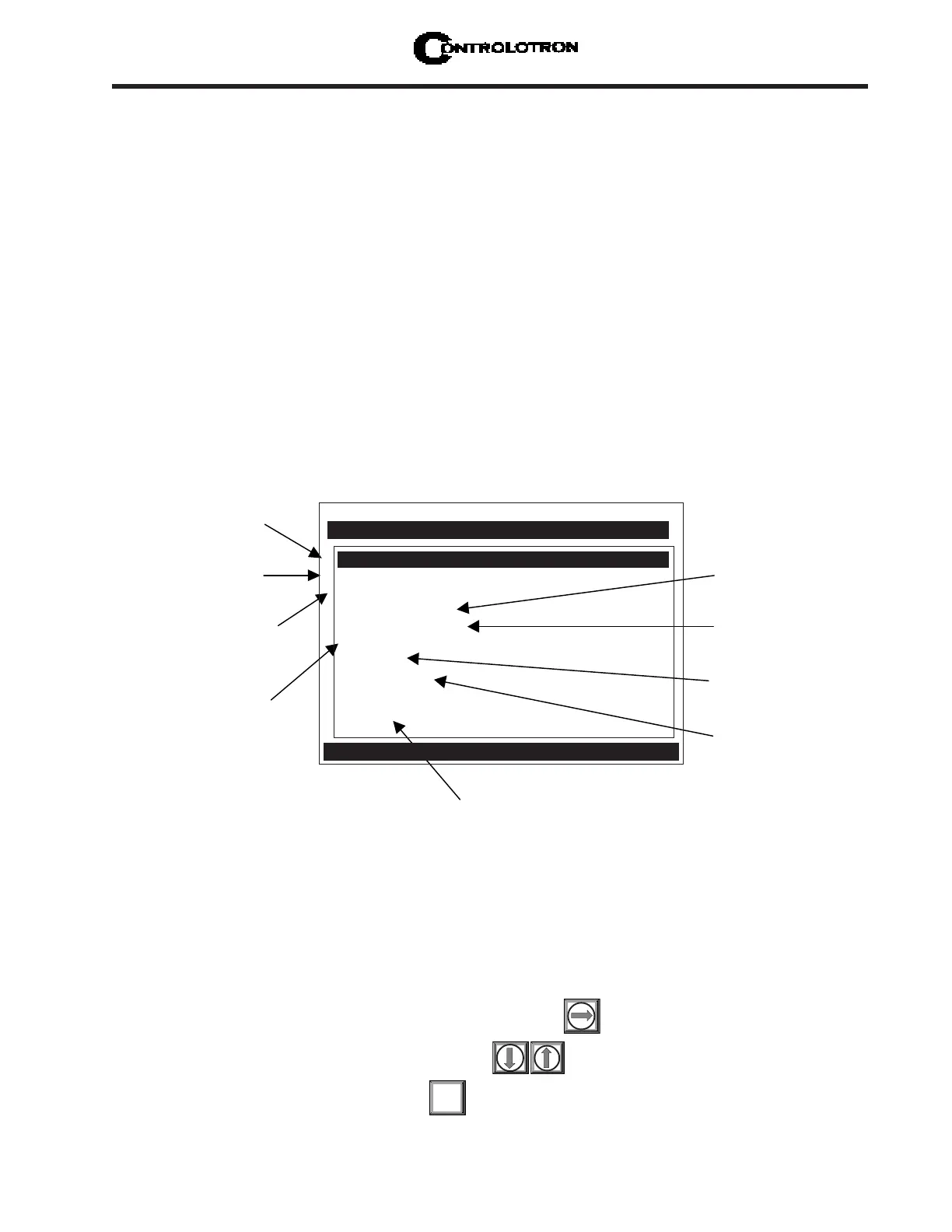
Meter Facilities functions are available immediately after pressing <MENU>. The Meter Fa-
cilities menu provides global control that enables you to identify and activate the following
functions and features of the hardware supported by this model.
l Select data entry and meter output in either English (default) or metric units.
l Customize the default pipe and transducer tables to suit your requirements.
l Output, display, erase and select a memory management method for the Datalogger.
l Determine the amount of memory available.
l Verify/Adjust the analog output voltage and current using a multimeter.
l Verify/Adjust the analog pulse output using a frequency counter.
l Calibrate the RTD temperature sensors.
l Set the system clock/calendar.
l Obtain detailed software/hardware identification.
4.1 PREFERRED UNITS
The selection you make in this menu cell becomes the default units for all menu items and
data outputs. You can choose either English or metric units. The factory setting is English.
To specify metric default units for all meter functions:
To access the [Preferred Units] option list press
Move the cursor to [Metric] by pressing
To register your selection press
ENT
This menu allows you
to specify default
measurement
This menu allows you
to create or edit pipe
and transducer tables.
This menu allows you
to work with and
select a Datalogger
storage method.
This menu allows you to
calibrate the RTD
Temperature Sensors.
This menu shows detailed information
about this model's hardware and software.
This menu allows
you to view the
number of data
memory bytes.
This menu allows
you to fine-tune the
analog outputs.
This menu allows you
to set the system
clock/calendar.
This menu allows you
to select RS-232 port
parameters.
Controlotron Dual Path SITE 1
Table Setups
Datalogger Control
Memory Control
Analog Output Trim
RTD Calibrate
Clock Set 09.02.99 09.30.06
RS-232 Setup 9600 Odd 7
Backlight On
System Info
Preferred Units English
Meter Facilities
Select Default Units for all Menus



 To Next Page