1-6
1010PVNFM-3A
Section 1
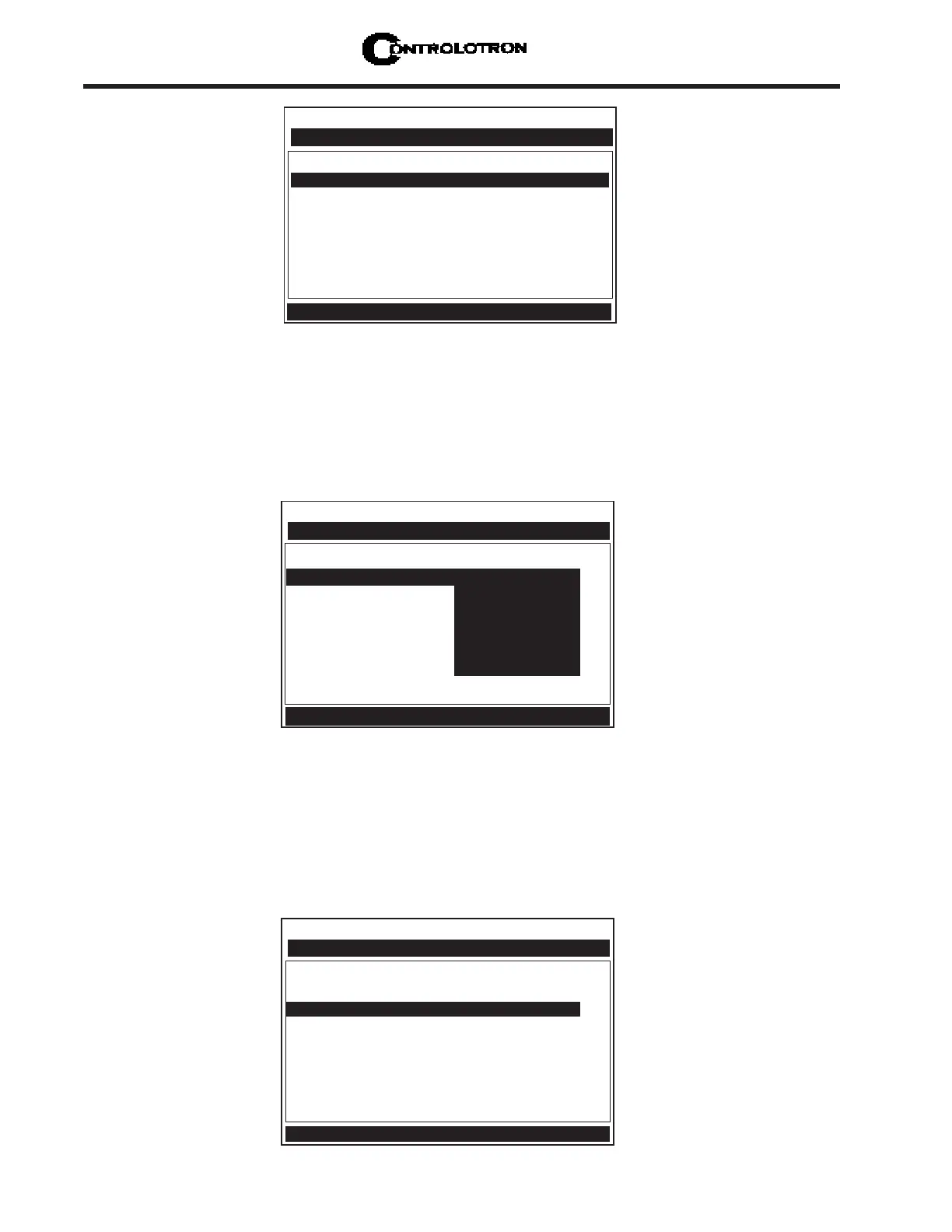
Multiple Select Option Lists
Certain option lists allow you to make more than one selection. For instance, the [Datalogger
Data] option list in the Datalogger Setup menu allows you to select any or all of the available
data items for your reports. You can use the <Up and Down Arrows> to move the cursor through
the list. If you press <ENT> to select an item, a plus sign (+) appears next to that item. The cursor
remains so that you can make other selections. To deselect a previously selected item, move
cursor next to that item and press <CLR>. Use <Left Arrow> to leave a multiple select option list.
Entering Numeric Data
When a menu cell requires a numeric answer, press the <Right Arrow> to access a number entry
field; an equal sign (=) appears before current entry. You can now use the number keys and the
decimal point key to type a new value. If applicable, you can use <+/-> keys to change the math-
ematical sign of the number. Press <ENT> to store the numeric data.
NOTE: All Numeric Data cells provide a four-function calculator via the keypad’s arith-
metic function keys.
Controlotron Dual Path SITE 1
Datalogger Mode +Site Id
Datalogger Data +Date
Log Time Interval +Time
Datalogger Events Flow
Display Datalogger +Average Flow
Raw Flow
Total
Select Datalogger Data
Datalogger Setup
Controlotron Dual Path SITE 1
Select Liquid Diesel Fuel
Estimated Vs m/s 1600
Viscosity (cS) 2.00
Density S.G. 1.030
Access Liquid Option List
Liquid Class
Controlotron Dual Path SITE 1
Select Pipe Class Manual Entry
Select Pipe Size N/A
Pipe OD (in) =0.500
Pipe Material Steel
Wall Thickness 0.100
Liner Material None
Liner Thickness 0.000
ThermExpCoef 1F 0.00
Mod of Elast PSI 0.000
Enter pipe Outer Diameter manually
Pipe Data



 To Next Page