2-15
1010PVNFM-3A
Section 2
How to Edit the Viscosity (cS) Setting
The [Viscosity cS] menu cell shows the kinematic viscosity of the selected liquid (in centi-
stokes). The viscosity value is particularly important for high viscosity liquids. The meter
requires an accurate liquid viscosity to compute the flow profile compensation. If the dis-
played viscosity is correct, bypass this menu cell by pressing the <Down Arrow>.
To edit the Viscosity setting:
To activate numeric entry press
Use the numeric keys to type the Viscosity value, which must be in centistokes.
To register the data press
How to Edit the Density (SG) Setting
Use the Density (SG) menu cell to edit the nominal specific gravity of the selected liquid.
This mode suits applications where the density is not only known, but also fixed, due to
well-controlled liquid temperature and chemistry.
The default specific gravity setting is 1.000. Density (SG) (as it applies to this system) is
defined as the ratio of the mass of this liquid to the mass of an equal volume of water at 20°C
or 68°F.
To edit the Density SG setting:
To activate numeric entry press
Use the numeric keys to type the Density SG value.
To register the data press
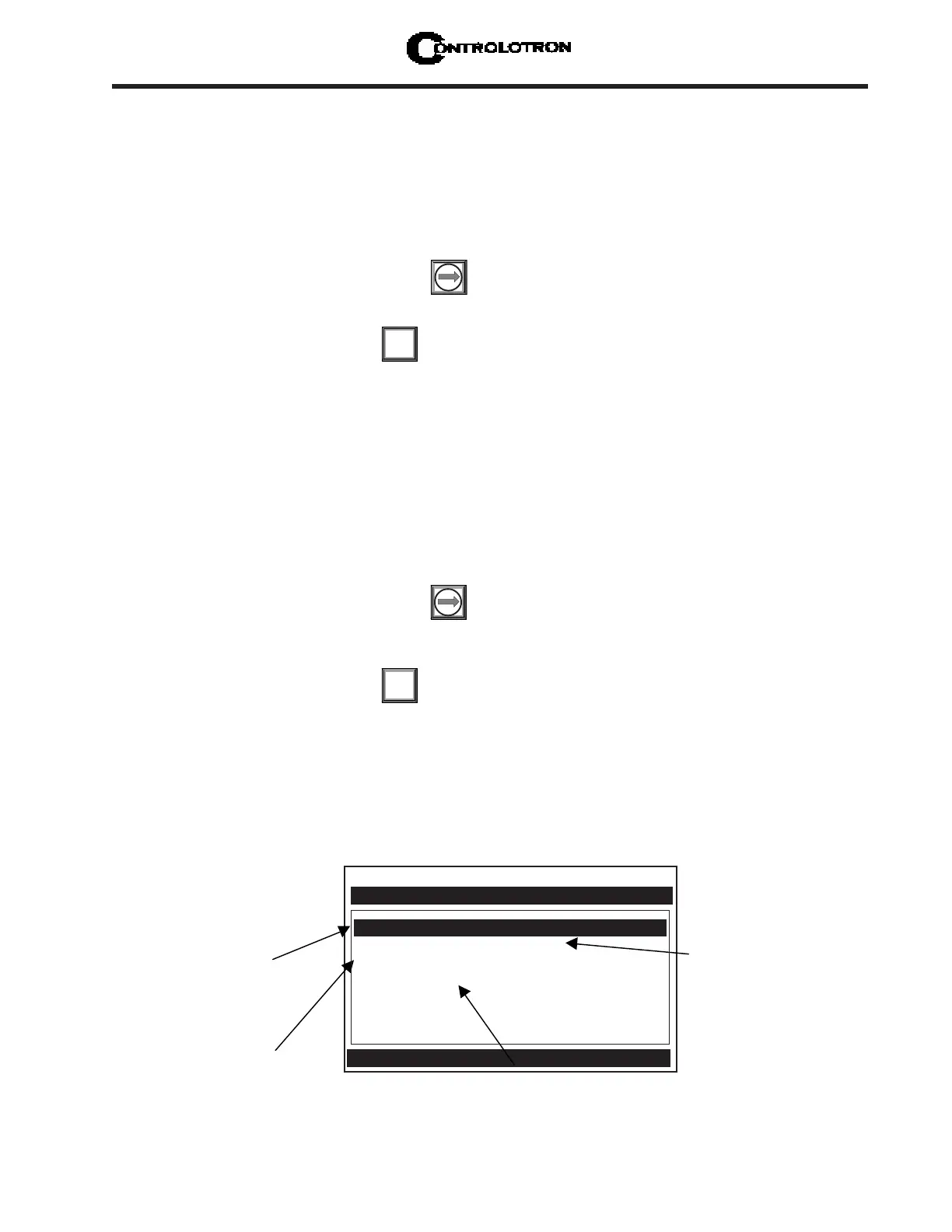
2.3.2 ACTIVATING THE LIQUID TABLE
The liquid table is used to associate the measured LiquIdent™ variable (temperature com-
pensated sonic velocity) with user supplied Viscosity. By selecting the Liquid Table you can
set the LiquIdent™ Slope, Pressure Slope, and the LiquIdent™ Index.
ENT
ENT
Controlotron Dual Path SITE 1
Liquid Table
Table Active No
LiquIdent Slope 2.300
Pressure Slope 0.030
LiquIdent Index 1400
Use this menu cell to
activate the Liquid
Table.
Use this menu cell to set
the Pressure Slope.
Use this menu cell to
enter the LiquIdent
Index.
Use this menu cell to set the
LiquIdent Slope. The default
value is 2.300.



 To Next Page