2-54
1010PVNFM-3A
Section 2
2.8.4 STRIPCHART CLEAR
Use this menu cell to clear the stripchart. Selecting [Yes] erases all current stripchart data.
To erase the Stripchart plot:
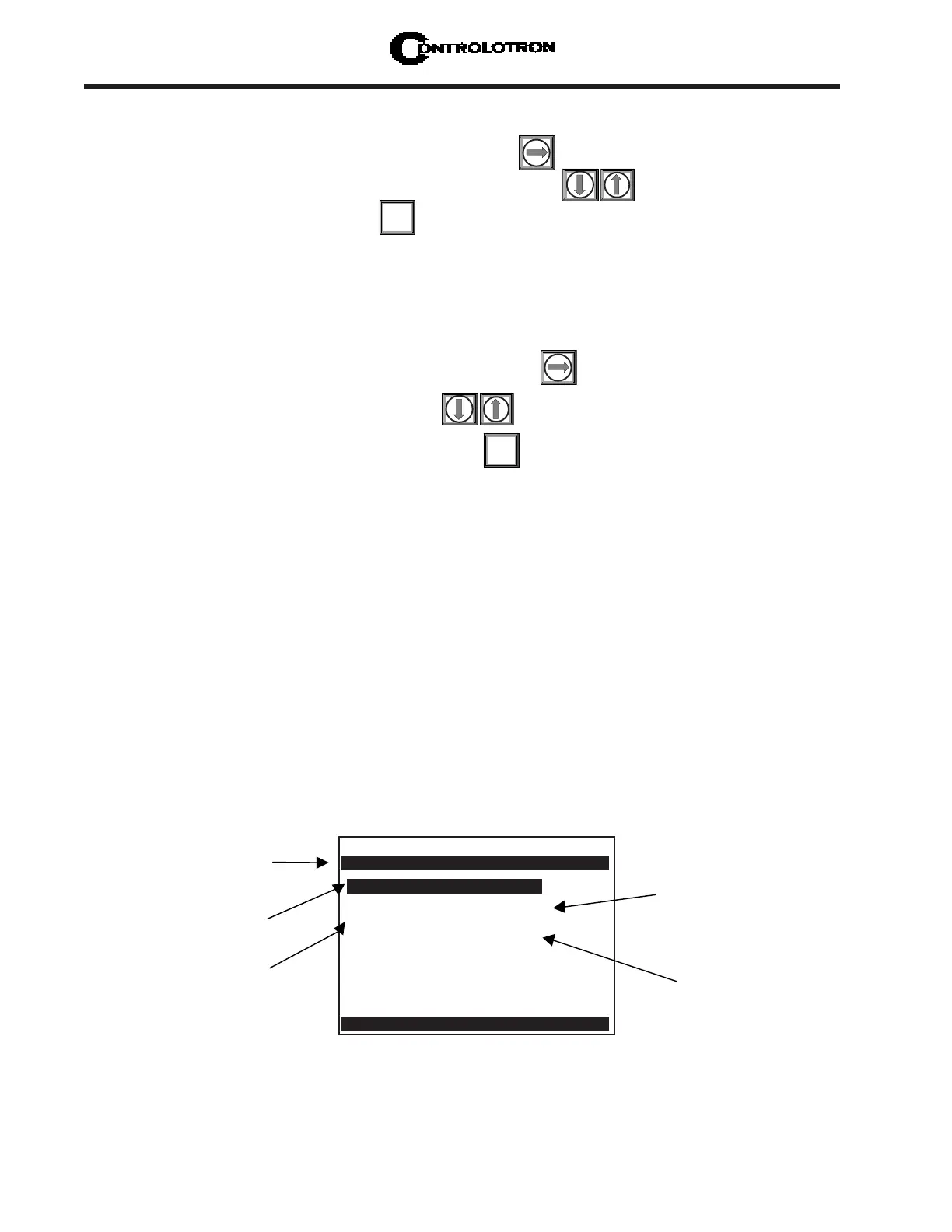
To access the [Stripchart Clear] option list press
Move the cursor to [Yes] by pressing
To clear the current Stripchart plot press
2.9 THE DATALOGGER SETUP MENU
This menu becomes available after picking Meter Type and Measurement Channel. The inte-
gral Datalogger records data for eventual display on Graphics Screen, or for connection to an
RS-232 compatible external device (printer, computer, network, etc.). Use Datalogger Setup
to select data items and real-time events for datalogger reports. You can also set the logging
interval, operating mode and screen format. The Datalogger Setup menu allows you to choose
time interval-based data categories or event-based status alarms, and to specify the interval
between data reports.
View Datalogger reports on the display screen or transmit them via the RS-232 Serial Port to
external printers and computers. Note that a single-channel meter uses a compression algo-
rithm to maximize data storage. This disables back scrolling of datalogger reports.
ENT
To select a Time Base:
To access the [Time Interval] option list press
Move the cursor to the desired interval by pressing
To store your selection press
ENT
Datalogger Mode Off
Datalogger Data None
Log Time Interval 1 Min.
Data Logger Events None
Display Datalogger Off
Controlotron Dual Path Path 1
Select datalogger destination
Datalogger Setup
Use this menu cell
to select a logging
interval.
Use this menu cell to
send Datalogger reports
to selected a destination
and pick a line wrap
mode.
Use this menu cell to
pick a destination for
Datalogger reports.
Use this menu cell to
select real-time
Datalogger triggers.



 To Next Page