1-3
1010PVNFM-3ASection 1
1.7 HOW TO USE THE INSTALLATION MENU
This section introduces the System 1010 Installation Menu. It explains how to access and
leave the Installation Menu and how to enter site data. The Installation Menu consists of sub-
menus, each providing individual menu locations (menu cells) that store site data. For conve-
nience, this manual refers to sub-menus simply as menus (e.g., the Pipe Data Menu). Shown
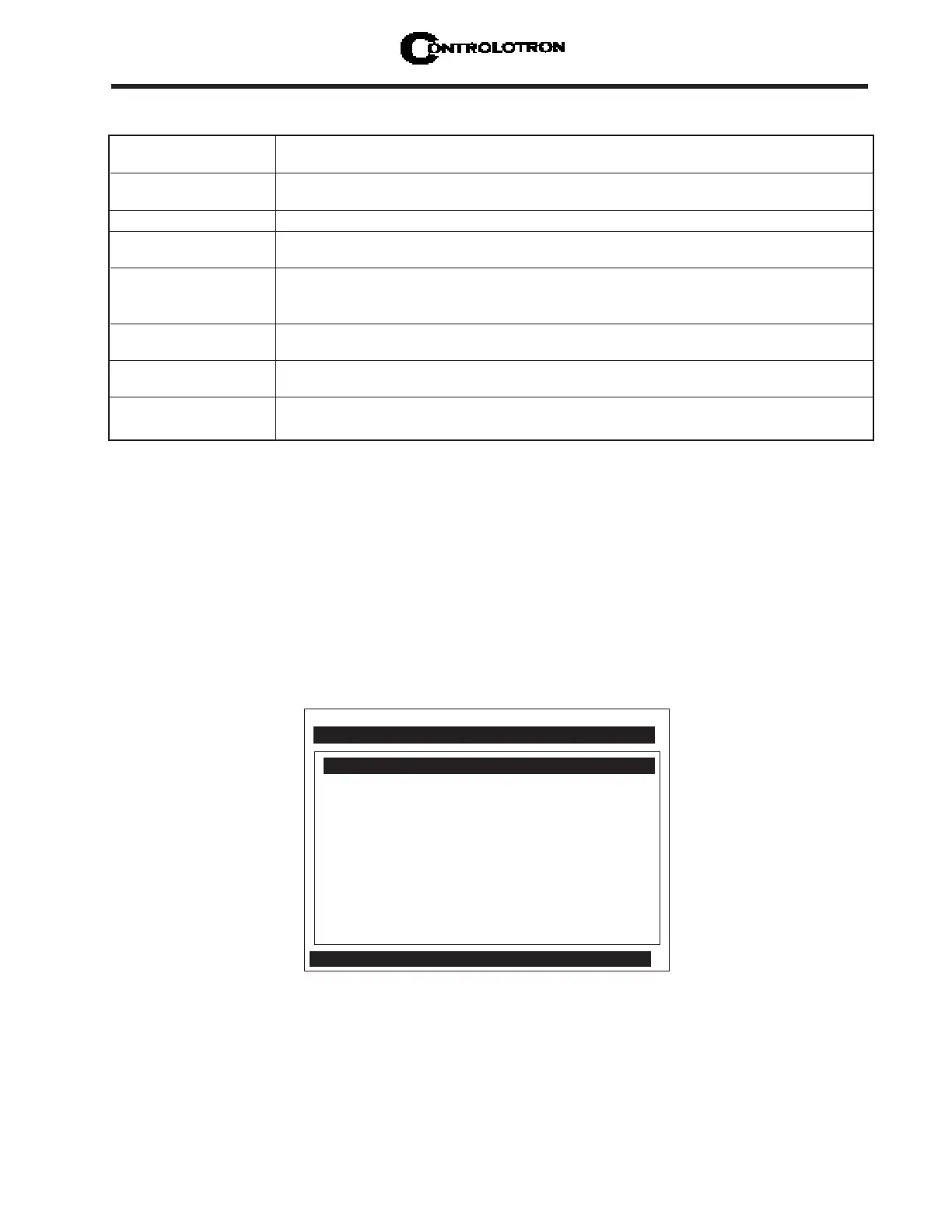
below is the Clamp-on, Full Site Setup screen for Channel 1 of a Dual Path meter.
Controlotron Dual Path [1]
Create-Name-Recall-Enable & Delete Site
Pipe Data
Application Data
Pick/Install Xdcr
Operation Adjust
Flow/Total Units
Data Span/Set/Cal
Stripchart Setup
Datalogger Setup
I/O Data Control
Diagnostic Data
Channel/Path Setup
Clamp-on
EXPLANATION OF THE CALL-OUTS
Menu Prompt Line When you select a menu cell, a highlighted text prompt appears on the top of the
screen to explain the function of the cell.
Current Selected Indicates Dual Path meter operating mode selected.
Meter Type
Selected Channel The [1] indicates that measurement Path 1 is currently selected.
Highlighted Menu The menu cursor (highlight bar) shows where you are currently working by
Cell reversing the display colors for that cell (white type on black).
Highlighted Data The right-hand column shows the current value highlighted. Pressing the
<Right Arrow> provides access to an option list or numeric field where you can
change the current value as required.
Menu Cell A menu cell is an individual location within a menu (e.g., Pipe Data) that stores a
parameter (either a numeric entry or an option list selection.
Menu Cell Data The right-hand column shows the current value stored by left-hand column menu
cell. The Pipe Data menu includes option list items and numeric entries.
Current Selected The highlighted bar at the bottom of the screen shows the name of the menu
Menu that you are accessing (e.g., Pipe Data).



 To Next Page