2-83
1010PVNFM-3A
Section 2
No
Yes
[Clr Saved Data?]
No
Yes
[Power On/Off + F4] [Clr Active Memory?]
ducer tables. This will require you to completely re-install the system and repeat all desired
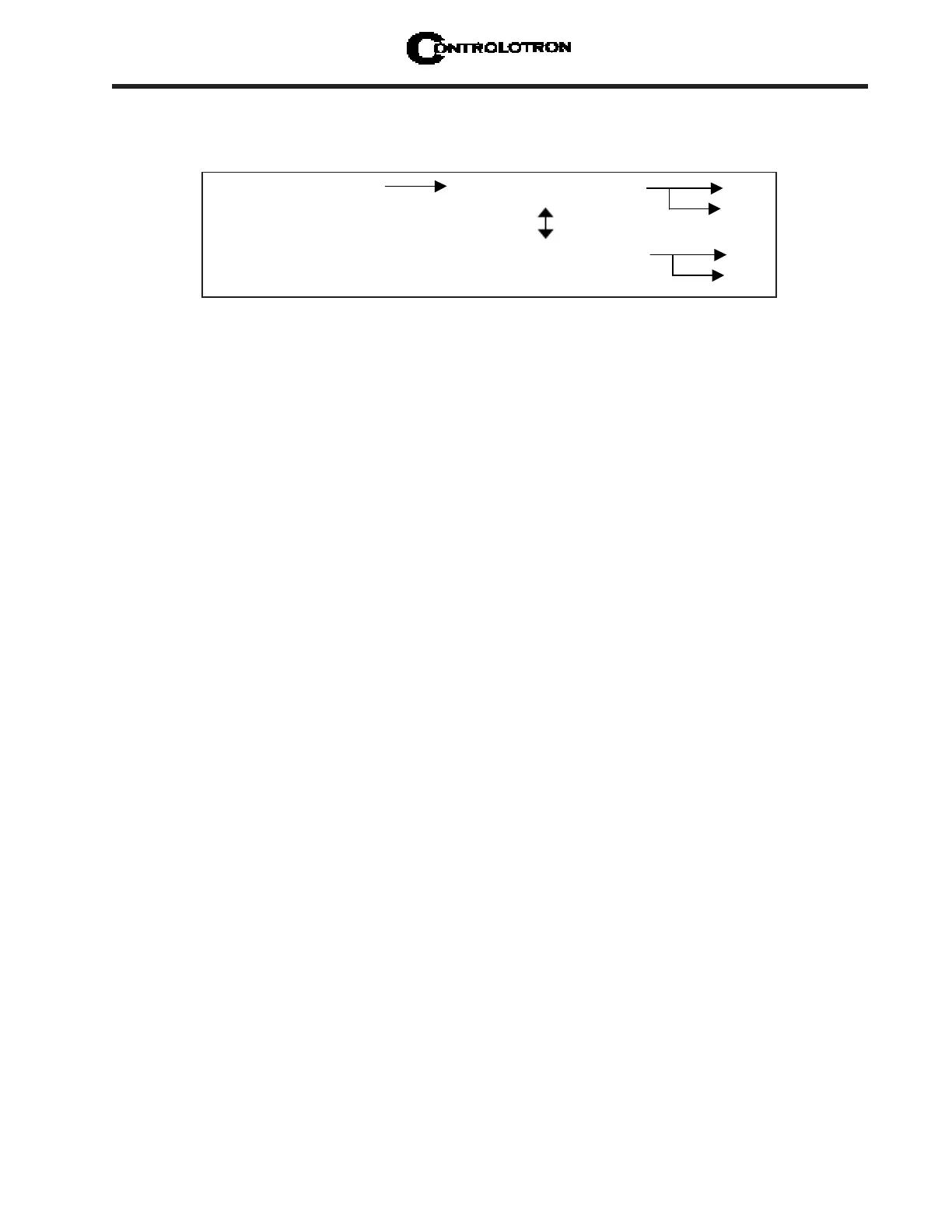
default settings, custom pipe tables, etc. The chart below shows the sequence of the [F4] rou-
tine:
Procedure to clear Active Memory only:
Turn off power (if it is currently on). Press <F4> and keep it pressed while you turn on
power. The prompt: [Clr Active Memory? No] appears at the top of the screen.
Press <Right Arrow> to access F4 Reset option list. Press <Down Arrow> to switch the
option list to [Clr Active Memory? Yes]. Press <ENT> to clear all Active Site Data (but
not saved Site Setups).
To restore operation, press <MENU> to access the installation menu. Create a new site
setup or recall a stored site setup.
Re-select any Meter Facilities items (e.g., RS-232 setup parameters).
Procedure to clear ALL Dynamic Memory:
Turn off power (if it is currently on).
Press <F4> and keep it pressed while you turn on power. The prompt: [Clr Active
Memory? No] appears at the top of the screen. Press the <Down Arrow>. Note that
the prompt switches to [Clr Saved Data? No].
To access the F4 Reset option list press the <Right Arrow>. Press the <Down Arrow>
to switch the option list to [Clr Saved Data? Yes].
CAUTION: Before proceeding further it is essential to understand that this function
eliminates
ALL data stored in RAM. This means that all saved site setups
including the site data of a flow-calibrated site will be erased! In addi-
tion, the entire Datalogger file plus any custom factory or user-created
pipe or transducer tables will be eliminated. The impact of this is such
that we strongly recommend that you consult technical service before con-
tinuing with this procedure. Be aware that you will have to create a new
Site Setup, re-enter all site specific parameters including pipe or trans-
ducer tables, plus all desired Meter Facilities entries.
To clear all Dynamic Memory press <ENT>.
Create a Site Setup before attempting to access other menu items.
To restore operation, press <MENU> to access the installation menu. Create a new
site setup and complete the installation procedure.
Re-select desired Meter Facilities items (e.g., RS-232 setup parameters).



 To Next Page