1-10
1010PVNFM-3A
Section 1
4. Press and hold the <Down Arrow>. Note that the capitalized alphabet list begins to scroll
downward through the alphabet from [S]. Stop scrolling at letter [I]. Press the <Right Ar-
row> to move the block cursor to the third character position.
5. Scroll back up to letter [T]. Move the cursor to the fourth character position. Scroll down to
letter [E]. Move the cursor to the fifth character position. Type [1] on the numeric keypad to
complete the site name.
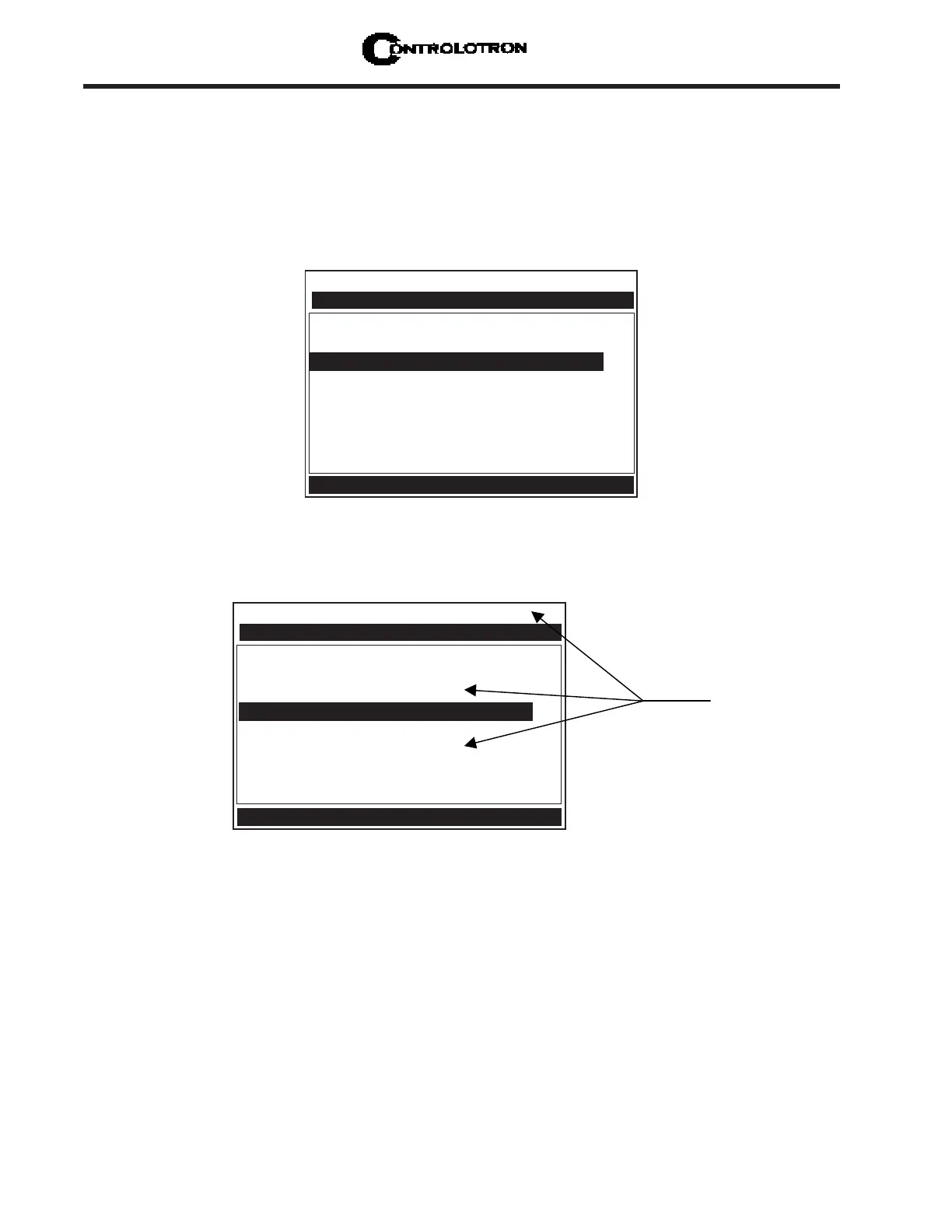
6. Press <ENT> to create the site setup named [SITE1]. Note that the name now appears in
the [Save/Rename Site] menu cell and on the upper right corner of the graphic screen.
Controlotron Dual Path 2IN
Recall Site Setup No Sites
Channel Enable No
Create/Name Site SITE1
nn
nn
n
Site Security Off
Delete Site Setup No Sites
Save/Rename Site
Right Arrow & Enter Creates a new Site
Channel Setup
Controlotron Dual Path SITE 1
Recall Site Setup No Sites
Channel Enable No
Create/Name Site SITE1
Site Security Off
Delete Site Setup No Sites
Save/Rename Site SITE1
Use with Care -- Turn Security On or Off
Channel Setup
After creating a Site
Setup, the assigned
name appears in
these places.



 To Next Page