2-22
1010PVNFM-3A
Section 2
NOTE: Menu cell [Install Path] appears when the Dual Path Flow meter is selected
from the [Select Meter Type] menu. The Path [1] or Path [2] menu cell can be
selected by pressing the <Right Arrow>.
Pick/Install Xdcr Transducer Model 991 Universal
1011 Universal
1011 Hi Precision
Transducer Size
A1
A1 0A0A A1HA1H
A2 0 A2H
B1 1 A3H
B2 2A B1H
B3 2 B2H
C1 3A B3H
C2 3 C1H
C3 4A C2H
D1 4 D1H
D2 5A D2H
D3 5 D3H
E1 D4H
E2
E3
Xdcr Mount Mode Direct
Reflect
Spacing Offset Minimum
Nominal
Maximum
Number Index 4 (generated)
Spacing Method Spacer Bar [P/N]
*
auto P/N generation
Ltn Value (in) 2.00 (generated)
Install Completed No [Yes] *[Yes] indicates successful install
Install
Empty Pipe Set MTYmatic
Set Empty
Actual MTY
Zero Flow Adjust AutoZero *Reflect mount only
ZeroClr
Reversamatic
Actual Zero
ZeroMatic
1011 Universal 991 Universal 1011H High Precision
ô
ð
ð
ð
ð
ô
ô
ô
ô
ô ô
ô
ô
ô
ð
ð
ð
ð
ð
ð
ô
ô
ô
ô
ð
ð
ô
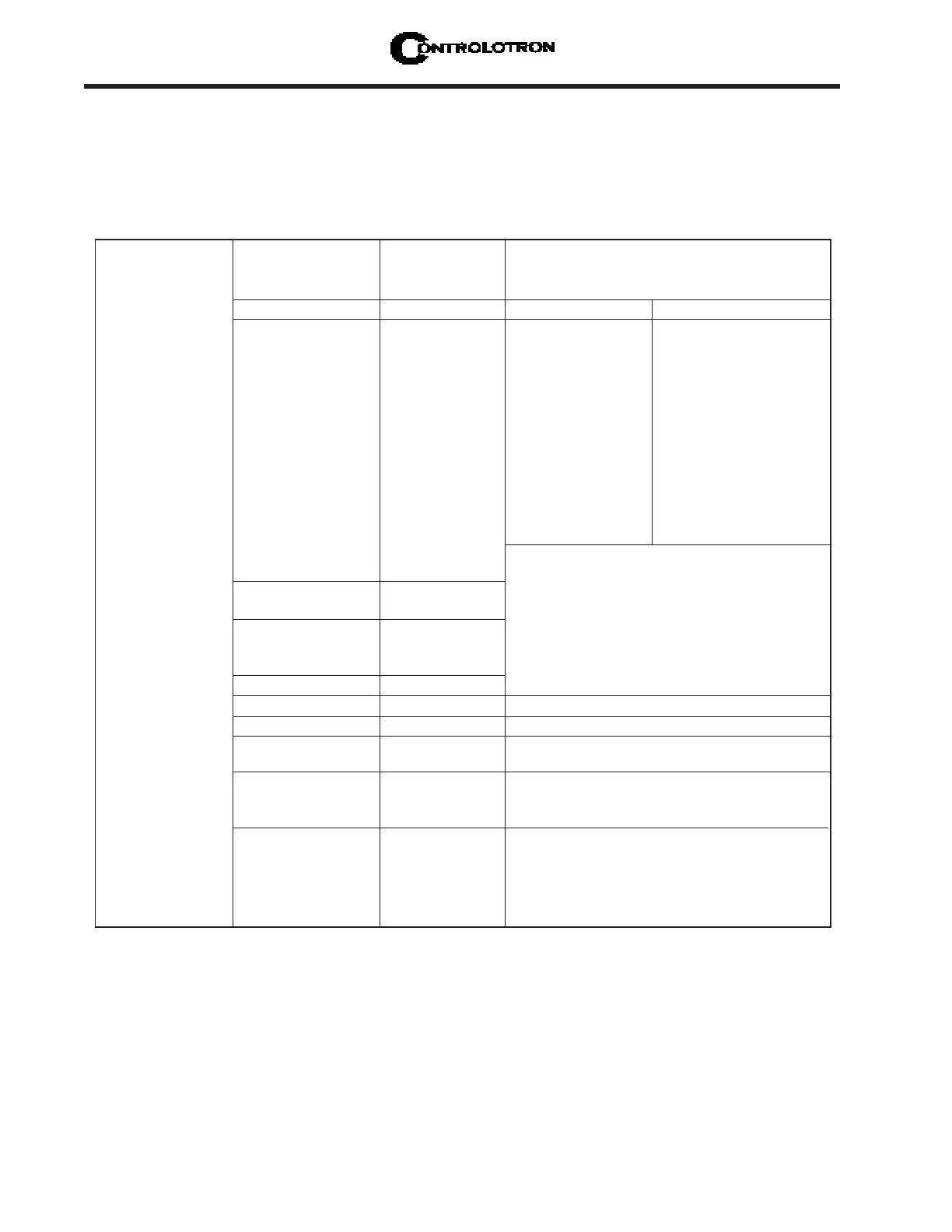
PICK/INSTALL XDCR MENU STRUCTURE
2.4.1 HOW TO SELECT A TRANSDUCER MODEL
Use the [Transducer Model] menu cell to define the type of transducer for use with your
application. This allows the flow computer to adjust its transmit/receive functions accord-
ingly. You can choose from either the [1011 Universal] or [1011H High Precision] transducer
lists, or from a list of [991 Universal] models. You should consider using high precision trans-
ducers for extremely critical applications. We usually recommend these transducers for cus-
tody transfer, leak detection or nuclear power applications. The system default is [1011 Uni-
versal]. If this suits the application, bypass this menu cell by pressing the <Down Arrow>.



 To Next Page