2-27
1010PVNFM-3A
Section 2
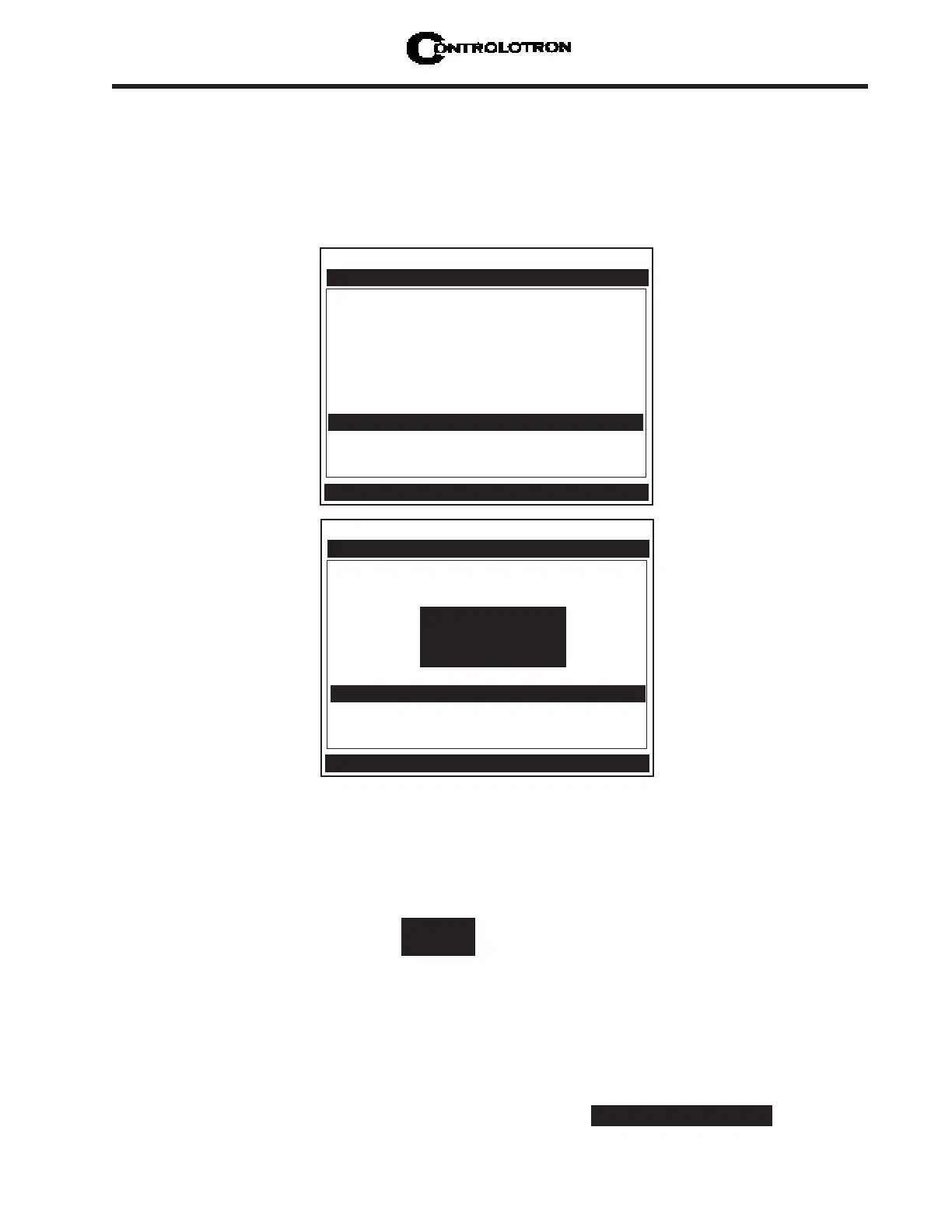
Drive 14 m 10 [——]
Transducer Model 1011 Universal
Transducer Size B3
Xdcr Mount Mode Direct
Spacing Offset Minimum
Number Index 4
Spacing Method Track 1012TP
Ltn Value (in) 0.217
Install Completed? Install
Empty Pipe Set Channel Not Setup
Zero Flow Adjust Channel Not Setup
Controlotron Dual Path SITE1
ForceN fx=8 m=7 ALC=50
Pick/Install Xdcr
3. To exit Force Transmit, press the <Left Arrow> and a Detection Fault prompt will appear
(see above).
4. Press the <Left Arrow> again and the meter will return to the Pick/Install Xdcr menu and
highlight the [Empty Pipe Set] menu cell.
5. To force a frequency, repeat steps 1 and 2 above, but press <Right Arrow>. The following
typical display line will appear:
Using numeric keys enter the frequency and press <ENT>.
To complete the Install process after mounting the transducers press <ENT>.
6. If the Force Transmit diagnostic procedure is not used, the normal [Install Completed?] func-
tion occurs as follows:
Immediately after you press <ENT>, the computer starts an internal process called an Initial
Makeup. The current Initial Makeup activity, for example: appears at
the top of display screen. During the Initial Makeup, the flow computer verifies the site data,
2. A typical menu screen will appear as shown below and indicate the current ALC (e.g., 50).
This ALC number indicates the current receive signal strength and can be used for further
diagnostic purposes.
NOTE: The <ALT> and <MENU> keys must be pressed before the flowmeter scans
through all the drives, or the selection of the detection mode and the Force
Transmit function must be initiated again.
Drive
=0
Transducer Model 1011 Universal
Transducer Size B3
Xdcr Mount Mode Direct
Spacing Offset Minimum
Number Index 4
Spacing Method Track 1012TP
Ltn Value (in) 0.217
Install Completed? Install
Empty Pipe Set Channel Not Setup
Zero Flow Adjust Channel Not Setup
Controlotron Dual Path SITE1
Pick/Install Xdcr
Detection Fault
Press [ENT]



 To Next Page