32
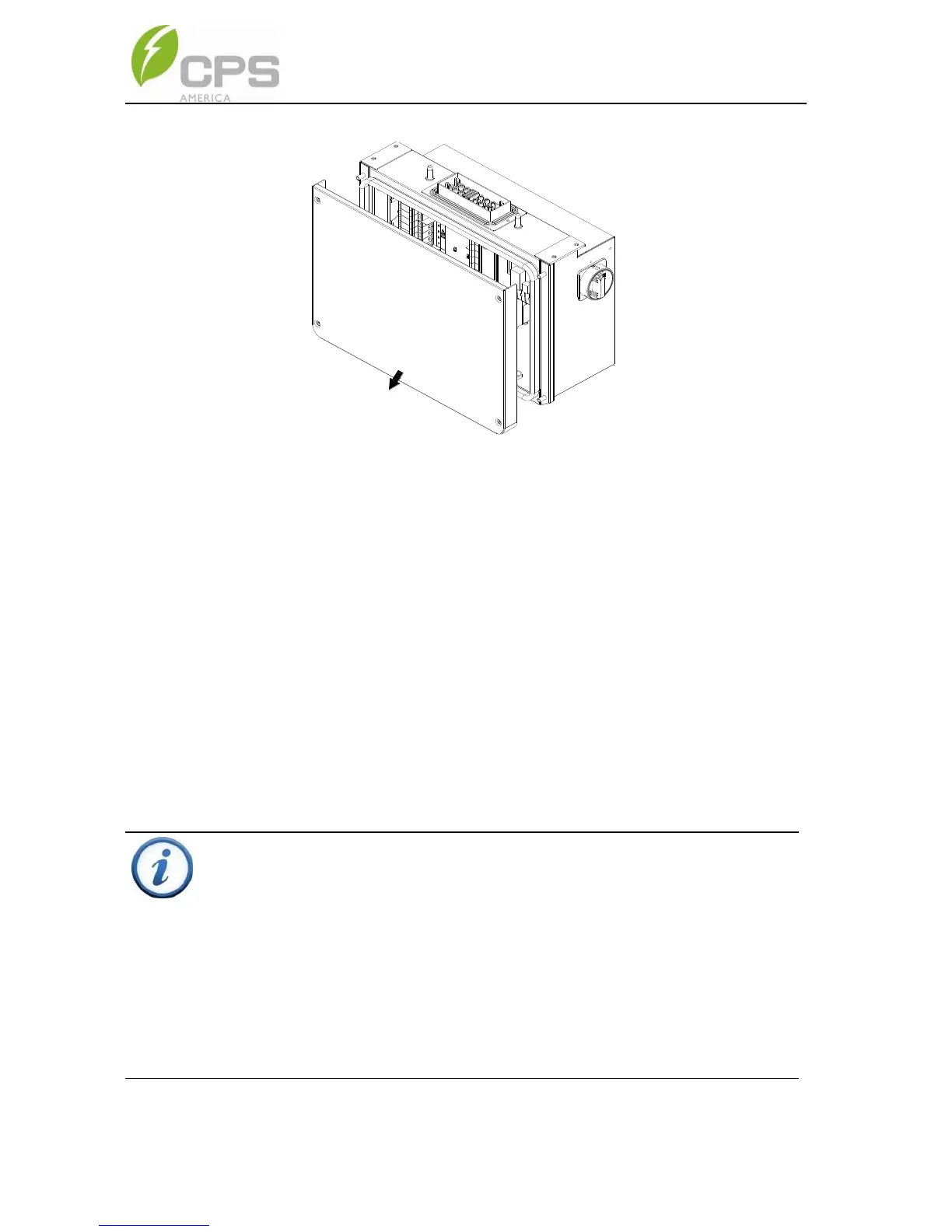
Figure 3-18 Removing the Wiring Box Cover
To reinstall the cover, replace cover and align the screws. Use a No. 3
Philips head screwdriver to secure the 4 screws on the cover. Torque
to 35.4 in-lbs (4 N.m.)
INSTRUCTION:
It is important to use hand tools (e.g. Screwdriver or T-handle, #3
Phillips) and not power drivers or other types of screw drivers. During
cover installation, it is recommended to hold the cover in alignment
with balanced force. Partially engage the screws into the threaded
inserts before tightening. Maintain alignment to avoid thread damage,
and after screws are fully engaged torque to 35.4 in-lbs (4N.m).



 To Next Page