EasyManua.ls Logo

CPS SCA50KTL-DO/US-480 - L;HRVT Parameter Settings; LVRT;HVRT Parameters

CPS SCA50KTL-DO/US-480
145 pages
Print Icon
To Next Page IconTo Next Page
To Previous Page IconTo Previous Page
Loading...
85
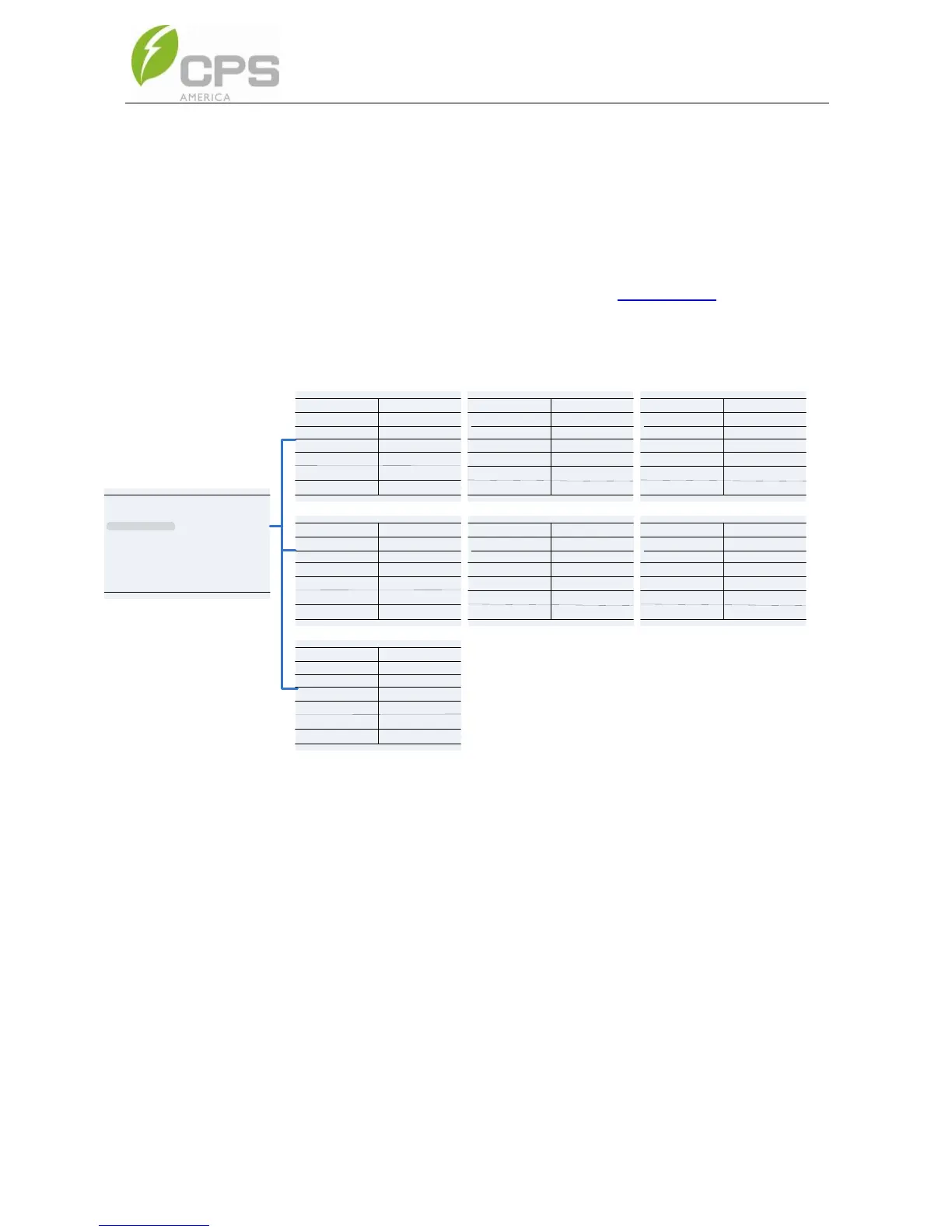
4.4.2.4 LVRT/HVRT Parameters
LVRT/HVRT” is used to set the LVRT and HVRT parameters.
Move the cursor to this item, and press the ENT key to set the
parameters. There are 7 pages of LVRT/HVRT parameter settings.
These can be changed in the menu tree (Figure 4-14) or by the
LVRT (Figure 4-15) and HVRT (Figure 4-16) graphs.

LVRT Curve
LVRTTime1
LVRTVol1
P1/7
1.20
0.00%
0.00
0.00%
LVRTVol2
45.00%
1.20
P2/7
10.50
65.00%
10.50
45.00%
65.00%
20.50
LVRTTime2
LVRTTime3
LVRTVol3
LVRTVol4
LVRTTime4
LVRTVol5
LVRTTime5
LVRTTime6
LVRTVol6
P3/7
20.50
83.00%
20.50
83.00%
LVRTTime7
LVRTTime8
LVRTVol7
LVRT Curve LVRT Curve
LVRTVol8
HVRT Curve
HVRTTime1
HVRTVol1
P4/7
0.80
125.00%
0.00
125.00%
HVRTVol2
124.00%
0.80
P5/7
12.50
115.00%
12.50
124.00%
115.00%
12.50
HVRTTime2
HVRTTime3
HVRTVol3
HVRTVol4
HVRTTime4
HVRTVol5
HVRTTime5
HVRTTime6
HVRTVol6
P6/7
12.50
115.00%
12.50
115.00%
HVRTTime7
HVRTTime8
HVRTVol7
HVRT Curve HVRT Curve
HVRTVol8
LVRT and HVRT Control
LVRTTripVolt
LVRTModeSetting
P7/7
200.0%
150.0%
80.0%
0
LVRTPstReactiveI
0
110.0%
HVRTTripVolt
HVRTModeSetting
LVRTNegReactiveI
LVRT/HVRT Setup
Setting
P1/2
System Parameters
Protection Parameters
Power Derating Setup
Reactive Power Derating Setup
ARC Parameters
Control Command
Figure 4-14 L/HRVT Parameter Settings

Table of Contents

Related product manuals