164 • Crestron Zūm® Wired Solutions Product Manual — Doc. 9349B
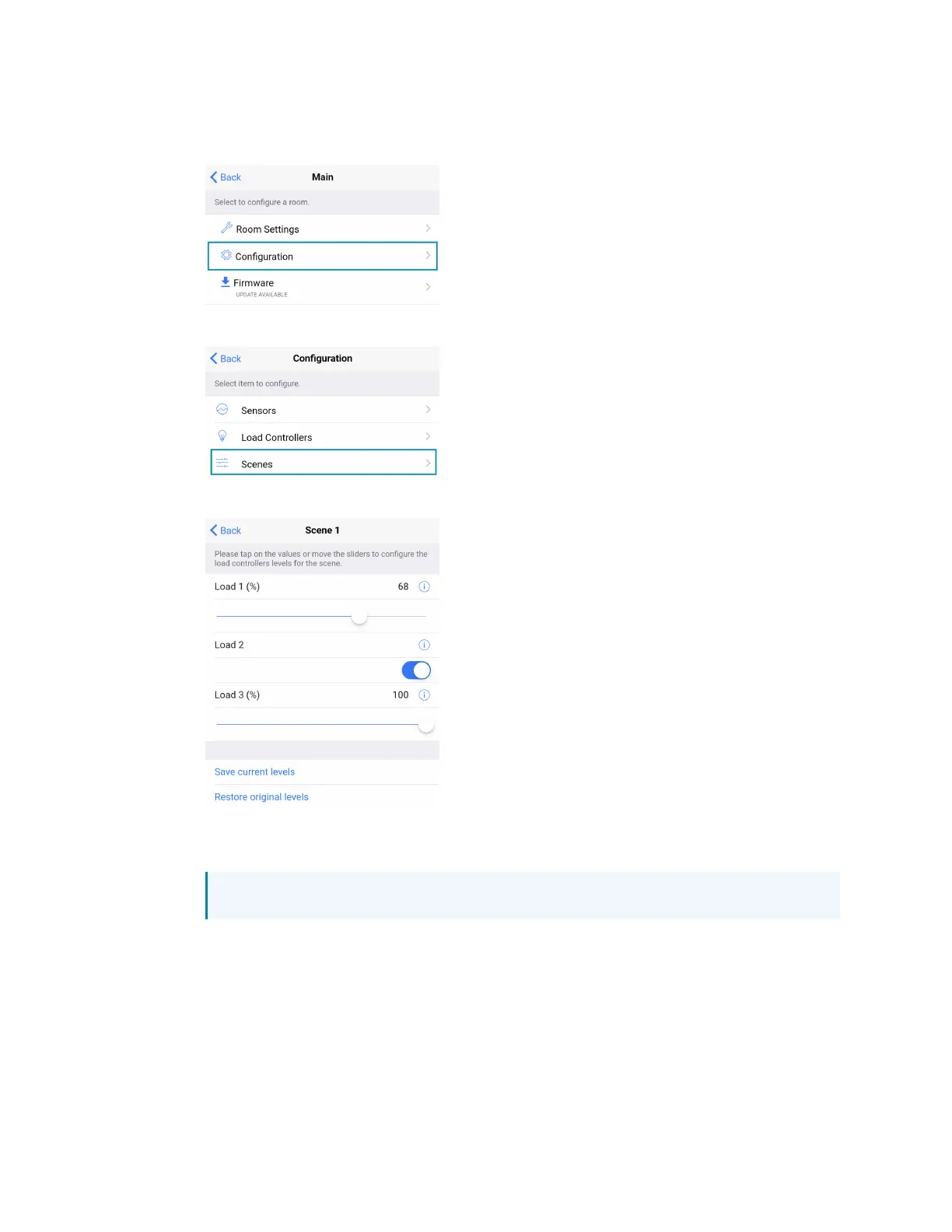
3. Recall Scene 1 and adjust load levels.
a. From the Main screen, click Configuration.
b. Click Scenes.
c. Select Scene 1. Daylighting is only available for Scene 1.
d. Adjust the loads in the space to the appropriate level based on the amount of
natural light.
NOTE: DO NOT click Save current levels.



 To Next Page