212 • Crestron Zūm® Wired Solutions Product Manual — Doc. 9349B
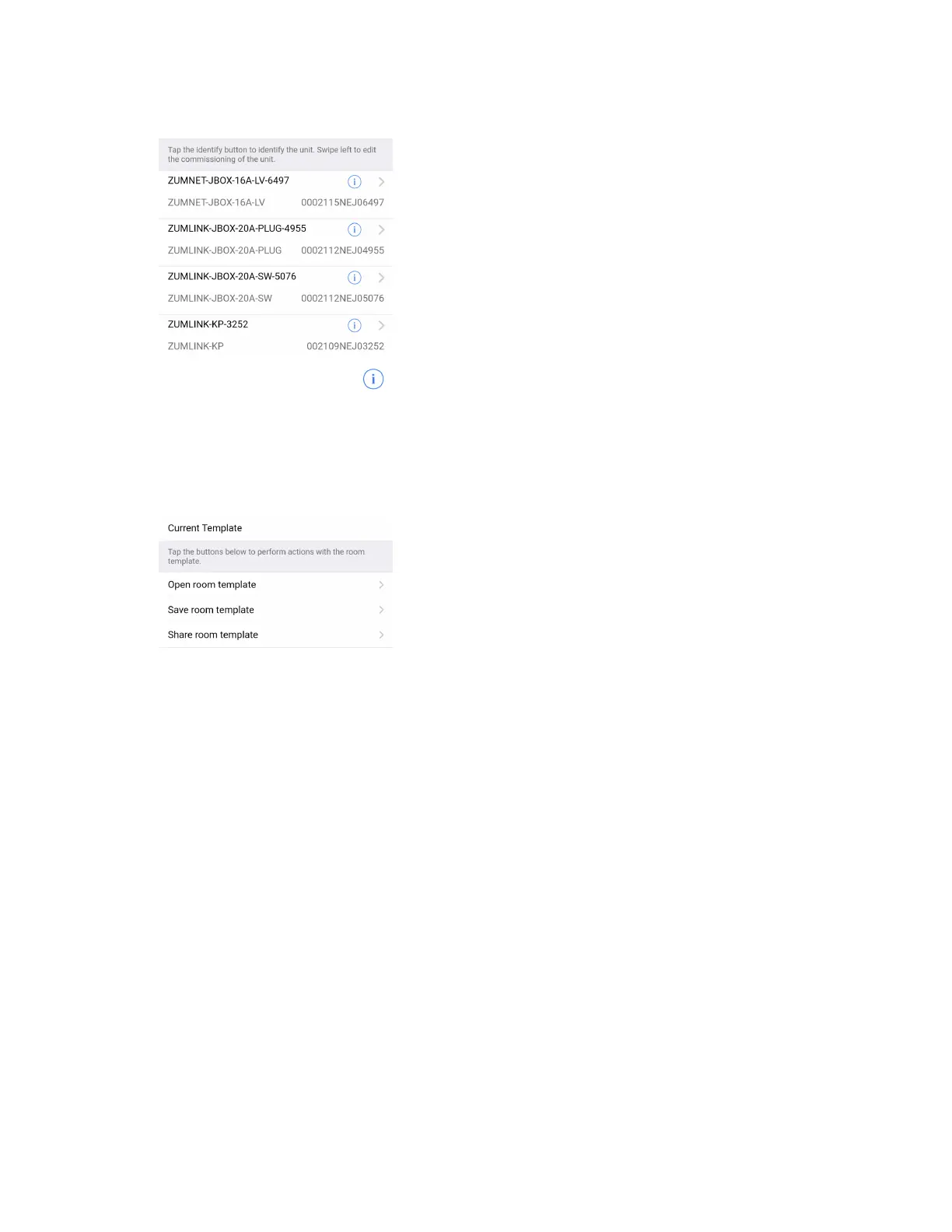
4. Discovered Room Devices: Identify a device and edit the commissioning settings
l
Tap the Identify icon to identify a device. A load controller emits a sound and the
Link LED flashes. The connected loads also flash. A keypad flashes its LED.
l
Tap the device to edit or review the device details: Edit Name. Review the Model,
Serial Number, Status, and edit the device settings.
5. Current Template Settings: Choose Open room template, Save room template, or Share
room template.


 To Next Page
 Loading...









