Product Manual — Doc. 9349B Crestron Zūm® Wired Solutions • 215
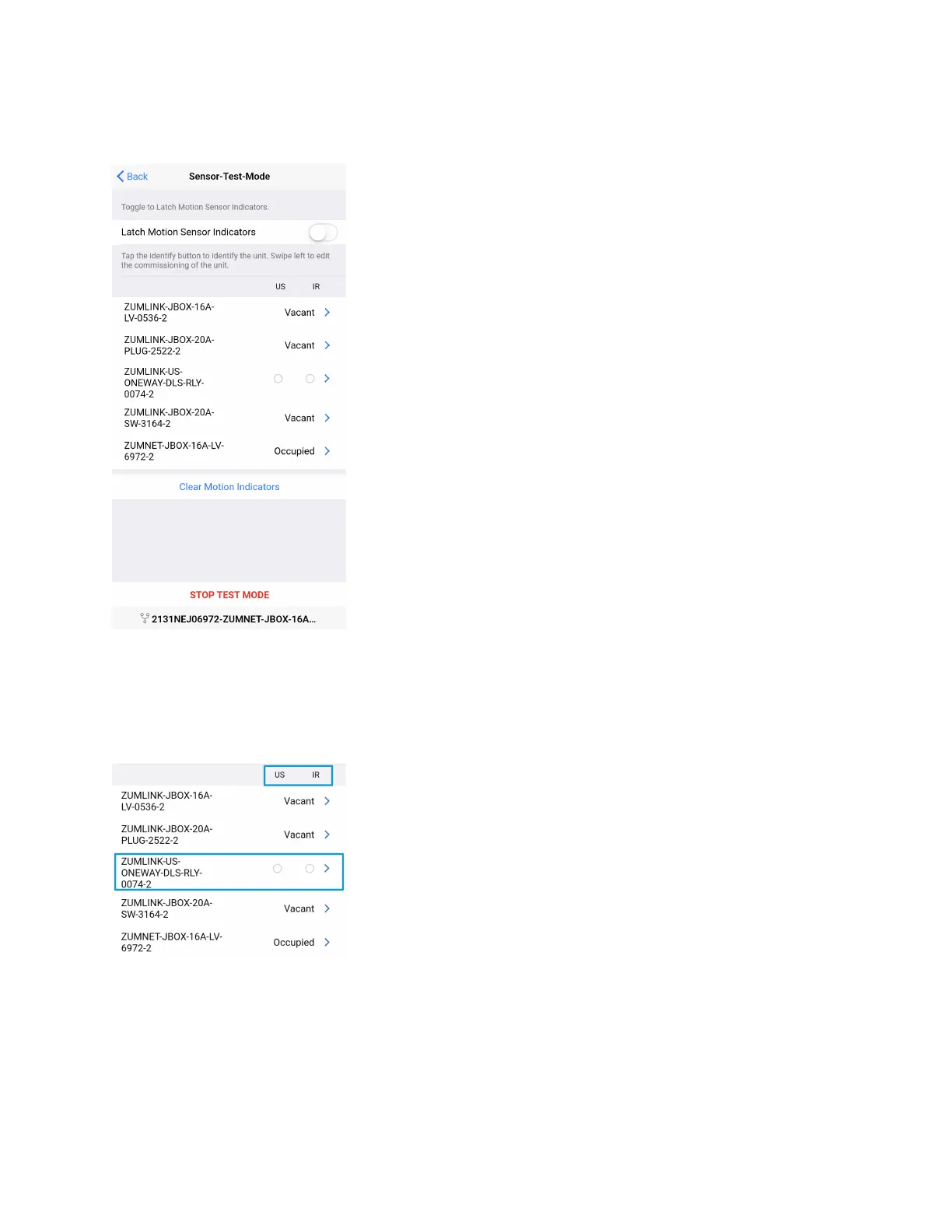
To enter test mode, tap Sensor Test Mode at the bottom of the screen. The same list of sensors
displays. To exit test mode, tap Stop Test Mode.
Sensor Test Mode allows users to view real-time status and US and PIR sensor technology
feedback. This screen enables users to make adjustments and confirm the expected detection
sensitivities. For presence detectors, the radio button indicates whether the Ultrasonic or
Infrared technology triggered. For non-system presence detectors, the room status is identified
as Occupied or Vacant.



 To Next Page