258 • Crestron Zūm® Wired Solutions Product Manual — Doc. 9349B
Manage Users
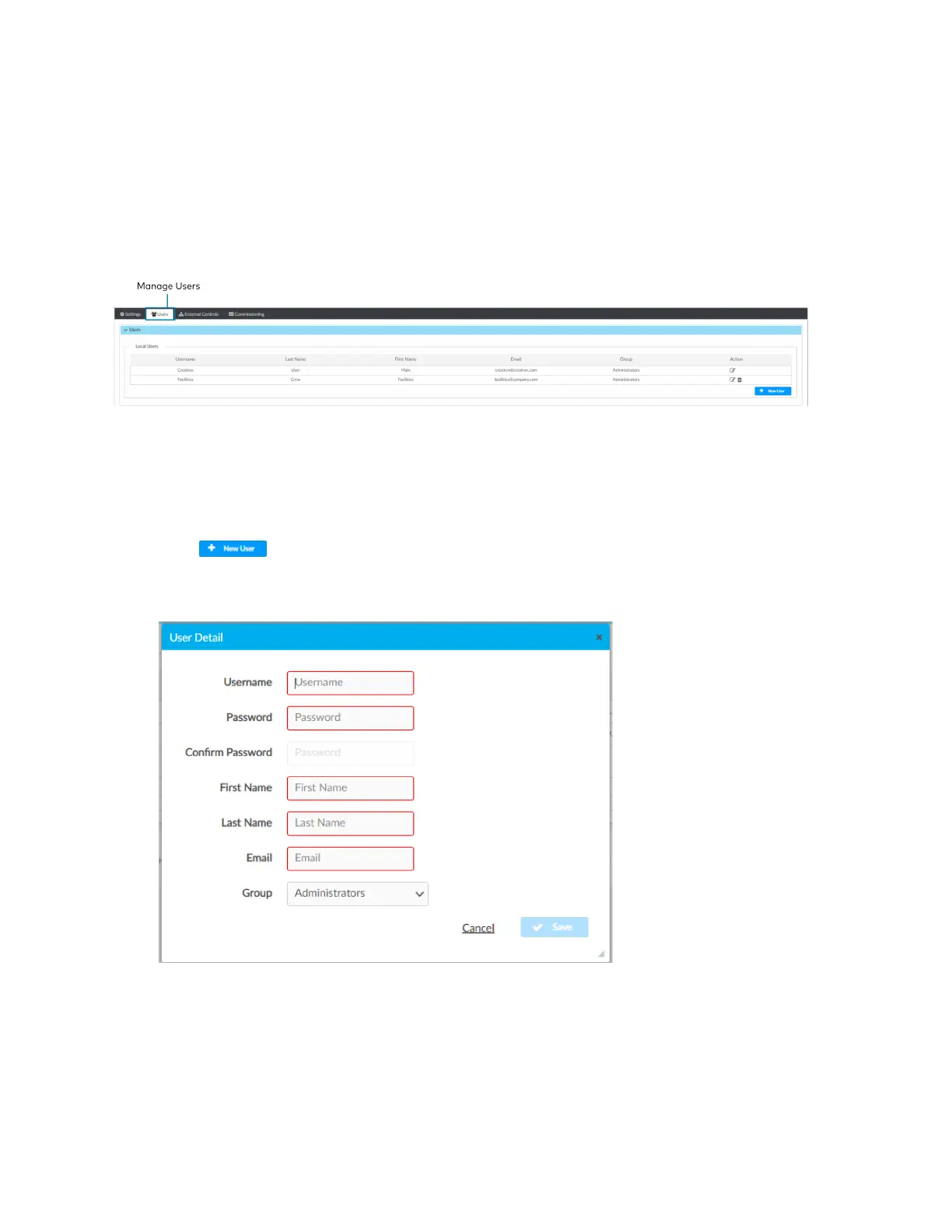
Access Users in the Settings View. The Users tab shows a list of all users and allows you to create
new users and modify or delete existing users. The username must be 3 to 15 characters and are
permitted to use uppercase letters (A-Z, lowercase letters (a-z), digits (0-9), and special
characters (- ( ) + [ ] . _). The password must be 8 to 12 characters is required to contain at least
one uppercase letters (A-Z), lowercase letters (a-z), digits (0-9), and special characters
(#?!@$%^&*-).
Create a New User
To create a new User:
1. Open Settings View.
2. Click Users.
3.
Click .
4. Enter the user details.
5. Click Save to save the new user or Cancel to exit without creating a new user.
Configure an Existing User
To configure an existing User:
1. Open Settings View.
2. Click Users.



 To Next Page