Product Manual — Doc. 9349B Crestron Zūm® Wired Solutions • 257
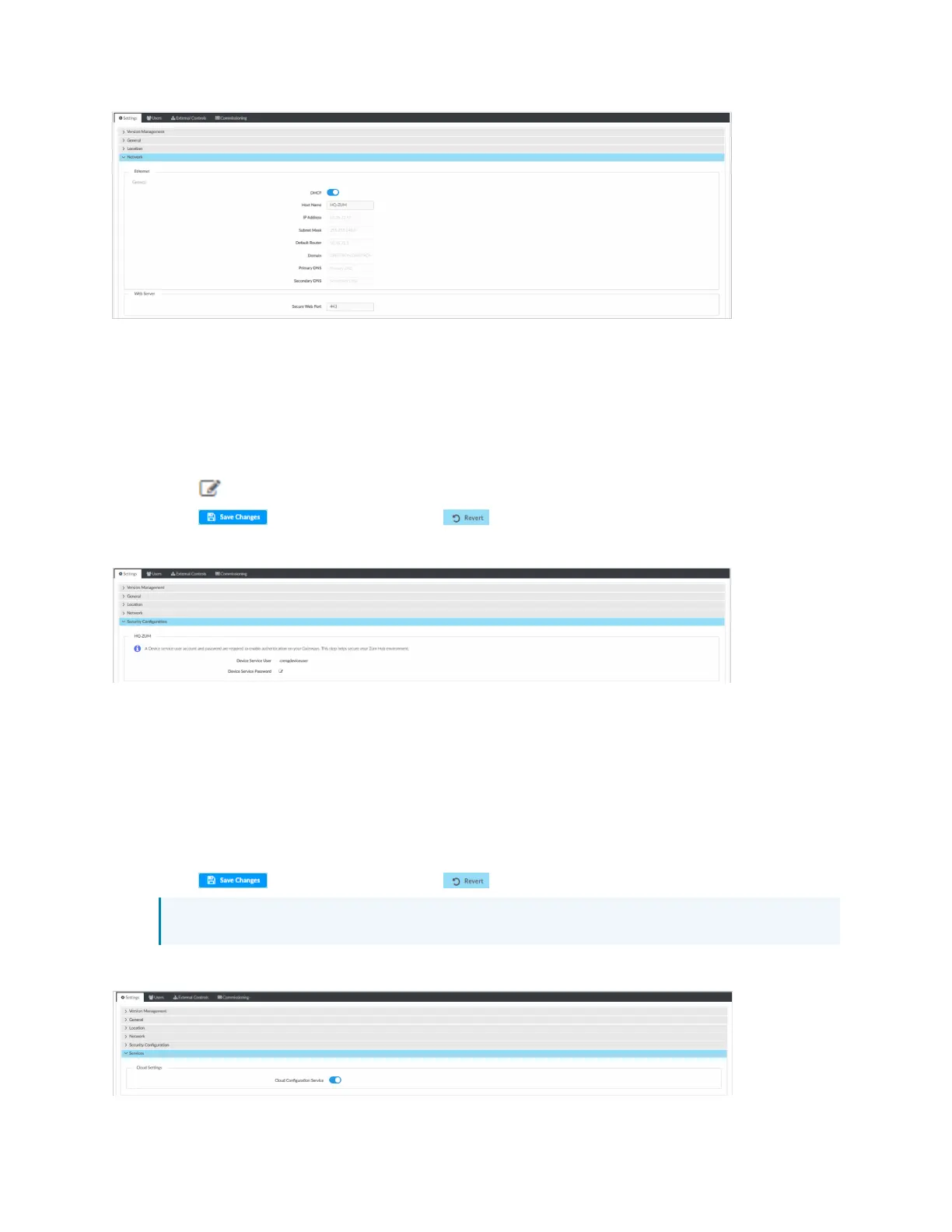
Security Configuration
Allows the user to change the device service password. To edit the password:
1. Open Settings View.
2. Click Settings.
3. Click Security Configuration.
4.
Click and to new values in the fields.
5. Click to save the changes or to discard changes.
A confirmation windows opens. Click Yes to reboot or No to close the window.
Services
Displays Cloud Settings. To turn Cloud Configuration Service on or off:
1. Open Settings View.
2. Click Settings.
3. Click Services. Cloud Configuration Service is on by default.
4. To turn off Cloud Configuration Service, click the toggle.
5. Click to save the changes or to discard changes.
NOTE: Changing these settings requires an immediate system reboot.
A confirmation windows opens. Click Yes to reboot or No to close the window.



 To Next Page