256 • Crestron Zūm® Wired Solutions Product Manual — Doc. 9349B
5. Click to save the changes or to discard changes.
NOTE: Changing these settings requires an immediate system reboot.
A confirmation windows opens. Click Yes to reboot or No to close the window.
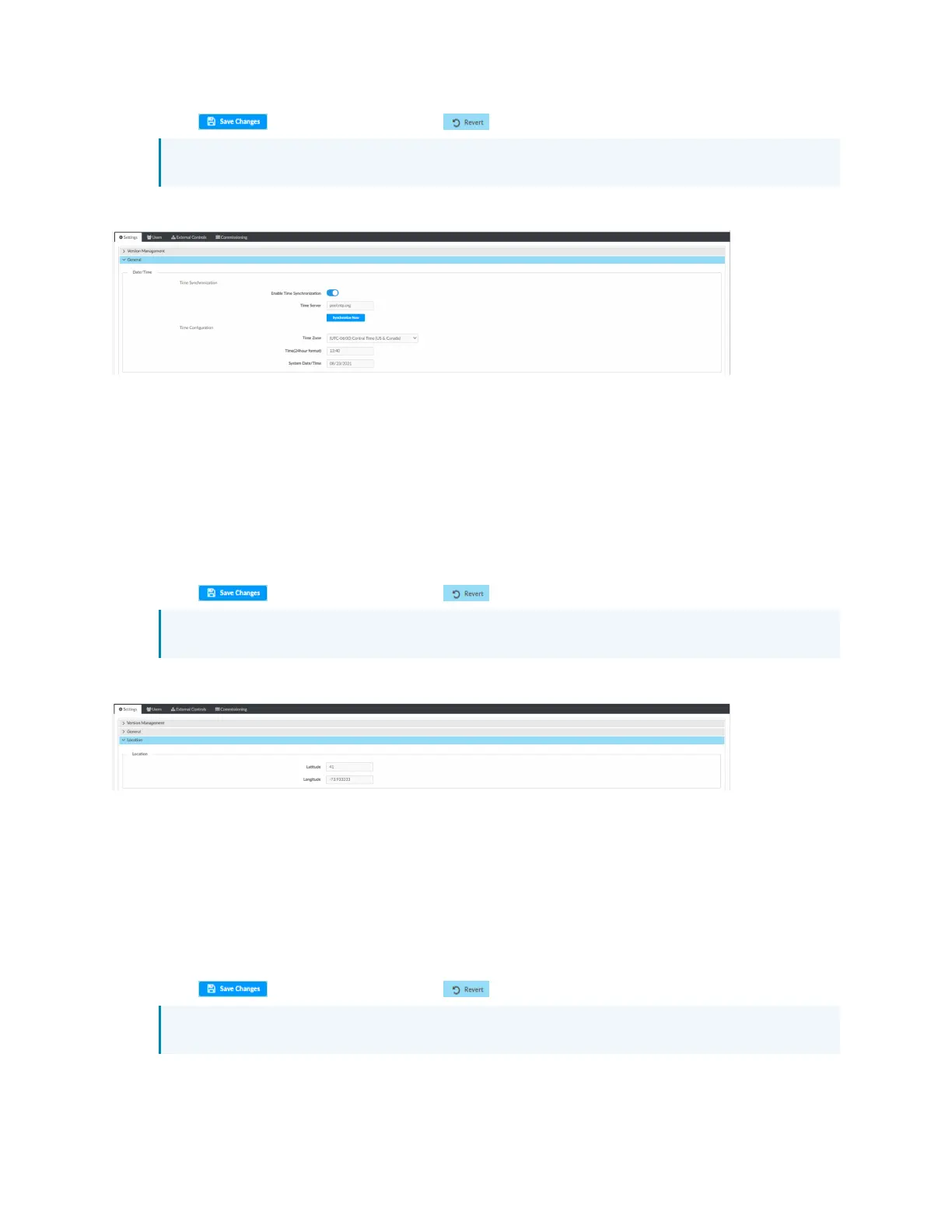
Location
Displays the location (latitude and longitude). Accurate location ensures the Sunrise/Sunset
Schedule displays the correct sunrise and sunset times. To change the location:
1. Open Settings View.
2. Click Settings.
3. Click Location.
4. Enter new values in the fields.
5. Click to save the changes or to discard changes.
NOTE: Changing these settings requires an immediate system reboot.
A confirmation windows opens. Click Yes to reboot or No to close the window.
Network
Displays the Ethernet settings. To change the Ethernet settings:
1. Open Settings View.
2. Click Settings.
3. Click Network.
4. Enter new values in the fields. Some fields are not available if DHCP is on.
5. Click to save the changes or to discard changes.
NOTE: Changing these settings requires an immediate system reboot.
A confirmation windows opens. Click Yes to reboot or No to close the window.



 To Next Page