260 • Crestron Zūm® Wired Solutions Product Manual — Doc. 9349B
Manage External Controls
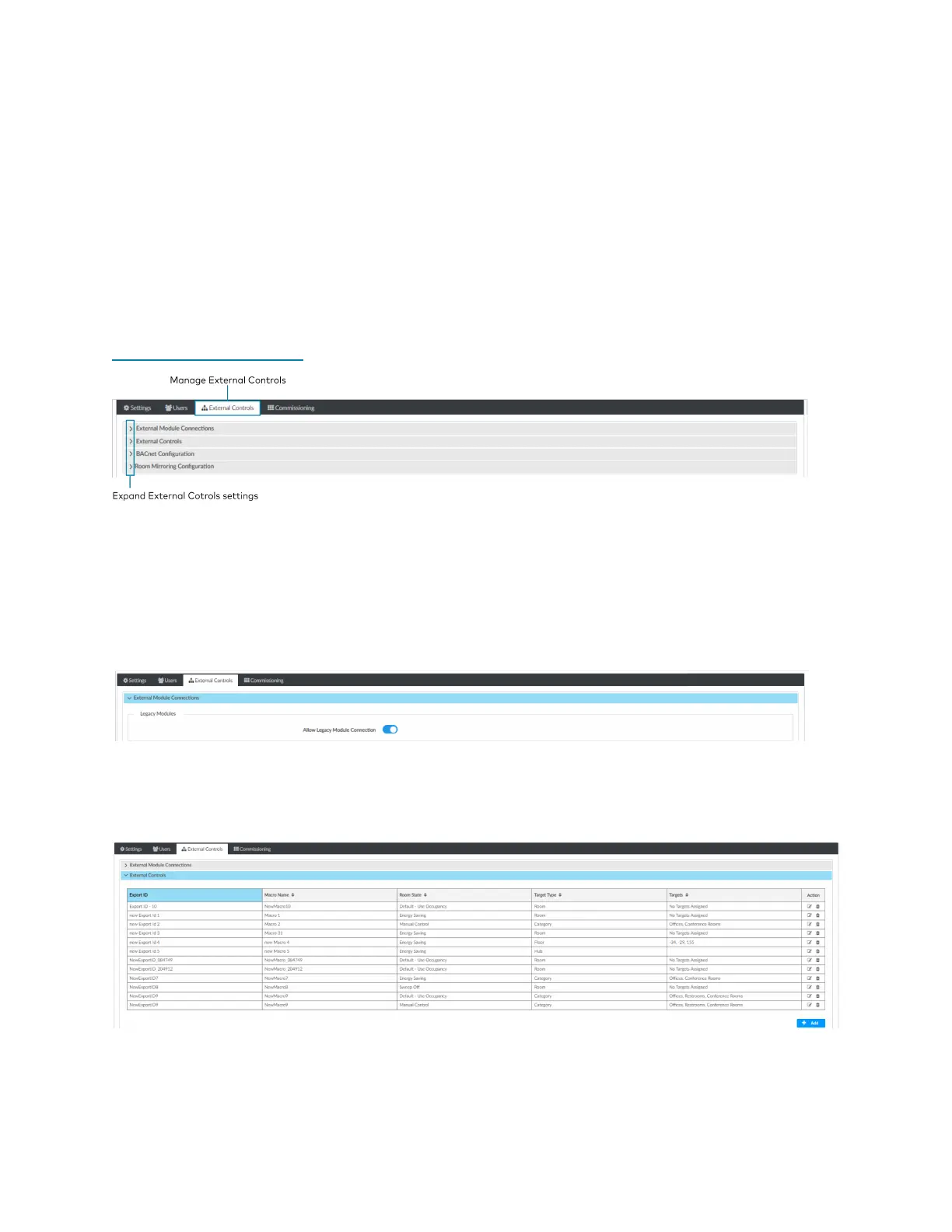
Access External Controls in the Settings View. Use the External Controls tab to manage External
Room settings. External Rooms provide the ability to integrate third-party devices into a Zūm
lighting control system. Refer to External Users on page 259 to create a User for External Rooms.
SIMPL+® software modules are provided for use in commissioning a Crestron control system to
work with the ZUM-HUB4. The software modules run within the control system program and
provide virtual connections for all the necessary intersystem control signals. A separate
dedicated module is required for each external and mirrored room. Control systems are limited in
the number of modules supported, ranging from 0 to 2001000 depending on the model. For
further assistance, please contact Crestron Commercial Lighting Support via email at
clclighting@crestron.com or by calling 855-644-7643.
External Module Connections
To allow or prevent older versions of module to be used:
1. Open Settings View.
2. Click the External Controls tab and expand the External Module Connections menu.
3. Click the toggle to turn Allow Legacy Module Connection on or off.
External Controls
Access External Controls in the Settings View. Use the External Controls menu to add, edit, or
delete a macro.



 To Next Page