Product Manual — Doc. 9349B Crestron Zūm® Wired Solutions • 261
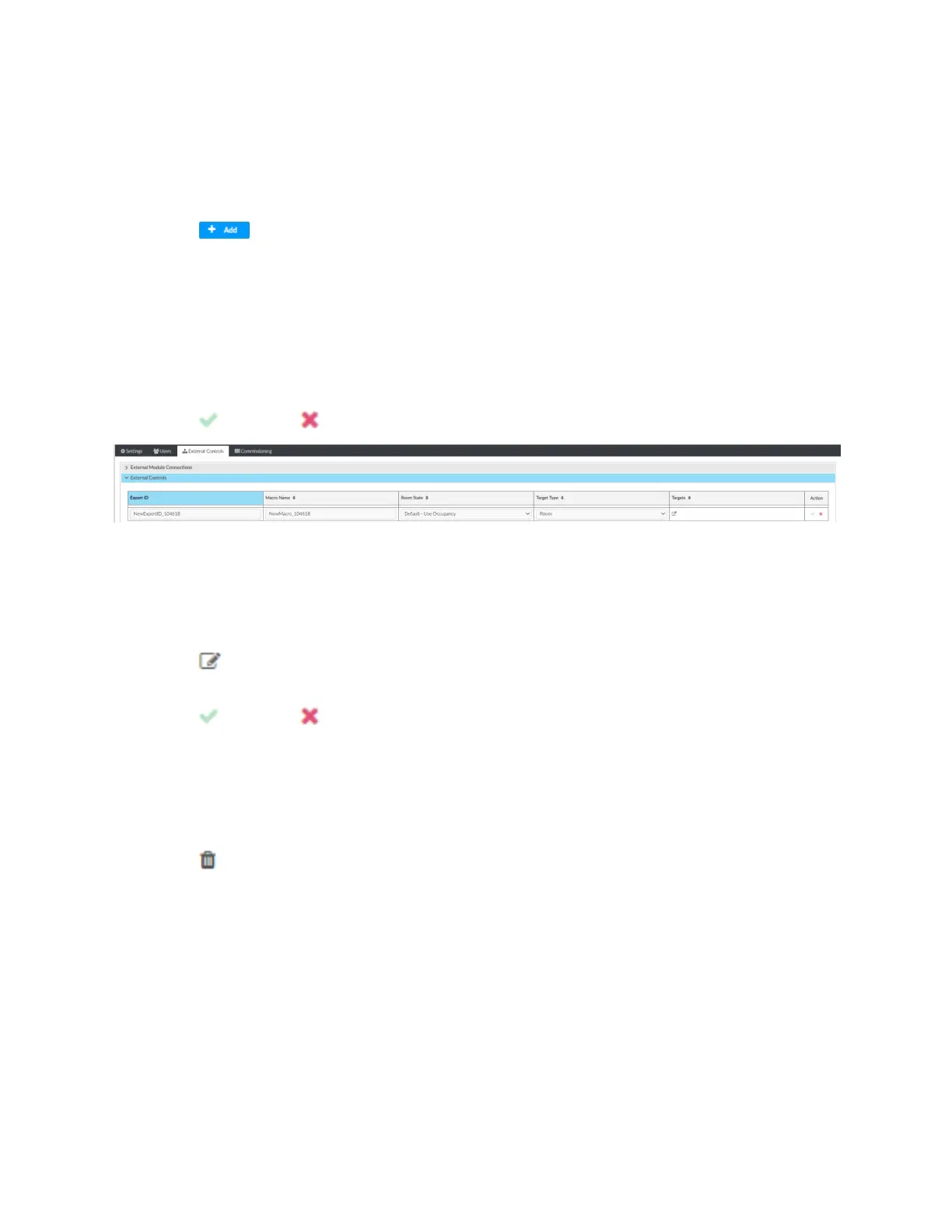
Add Macro
To add a new macro:
1. Open Settings View.
2. Click the External Controls tab and expand the External Controls menu.
3.
Click . A new row appears.
4. Configure the macros settings:
l
Enter the Export ID.
l
Enter the Macro Name.
l
Select a Room State.
l
Target Type: Room Category, Room Floor, or Hub.
l
Enter Targets.
5.
Click to save or to cancel.
Edit Existing Macro
To edit an existing macro:
1. Open Settings View.
2. Click the External Controls tab and expand the External Controls menu.
3.
Click .
4. Enter new values in the fields.
5.
Click to save or to cancel.
Delete Existing Macro
To delete an existing macro:
1. Open Settings View.
2. Click the External Controls tab and expand the External Controls menu.
3.
Click . A confirmation window opens.
4. Click Yes to delete the macro or No to cancel.
BACnet Configuration
The BACnet tab displays the system settings to establish a connection with the BMS (building
management system). To configure BACnet service:
1. Open Settings View.
2. Click the External Controls tab and expand the BACnet Configuration menu.



 To Next Page