264 • Crestron Zūm® Wired Solutions Product Manual — Doc. 9349B
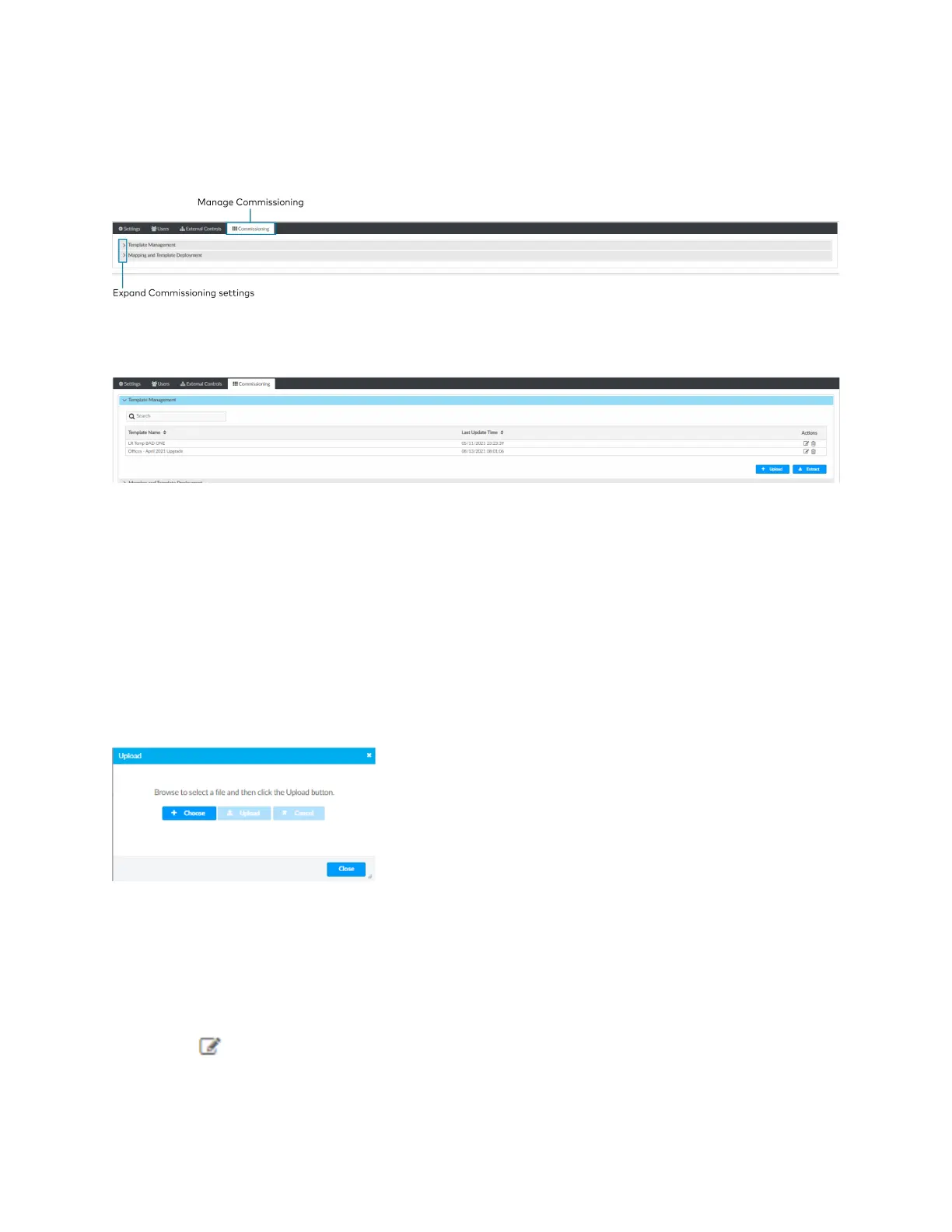
Manage Commissioning
Access Commissioning in the Settings View. Use the Commissioning tab to manage, map, and
deploy, room templates. To create a new template, use the Zūm app.
Template Management
Upload a new template or search, extract, edit, or delete an existing template.
Add a New Template
To add a new room template:
1. Open Settings View.
2. Click the Commissioning tab and expand the Template Management menu.
3. Click Upload. The Upload window opens.
4. Click Choose to browse for a new template.
5. Select the template.
6. Click Upload to add the template to the Template Management menu, Cancel to choose a
different template, or Close to close the window without adding a new template.
Edit Template Name
To edit an existing template name:
1. Open Settings View.
2. Click the Commissioning tab and expand the Template Management menu.
3. If necessary, use the Search bar to find a room template.
4.
Click .
5. Type the new name.



 To Next Page