266 • Crestron Zūm® Wired Solutions Product Manual — Doc. 9349B
6. Click Deploy Selected to deploy the template to the rooms or Clear Pending to remove the
template from the rooms.
Edit Template Assignment
To edit a template assignment:
1. Open Settings View.
2. Click the Commissioning tab and expand the Mapping and Template Deployment menu.
3.
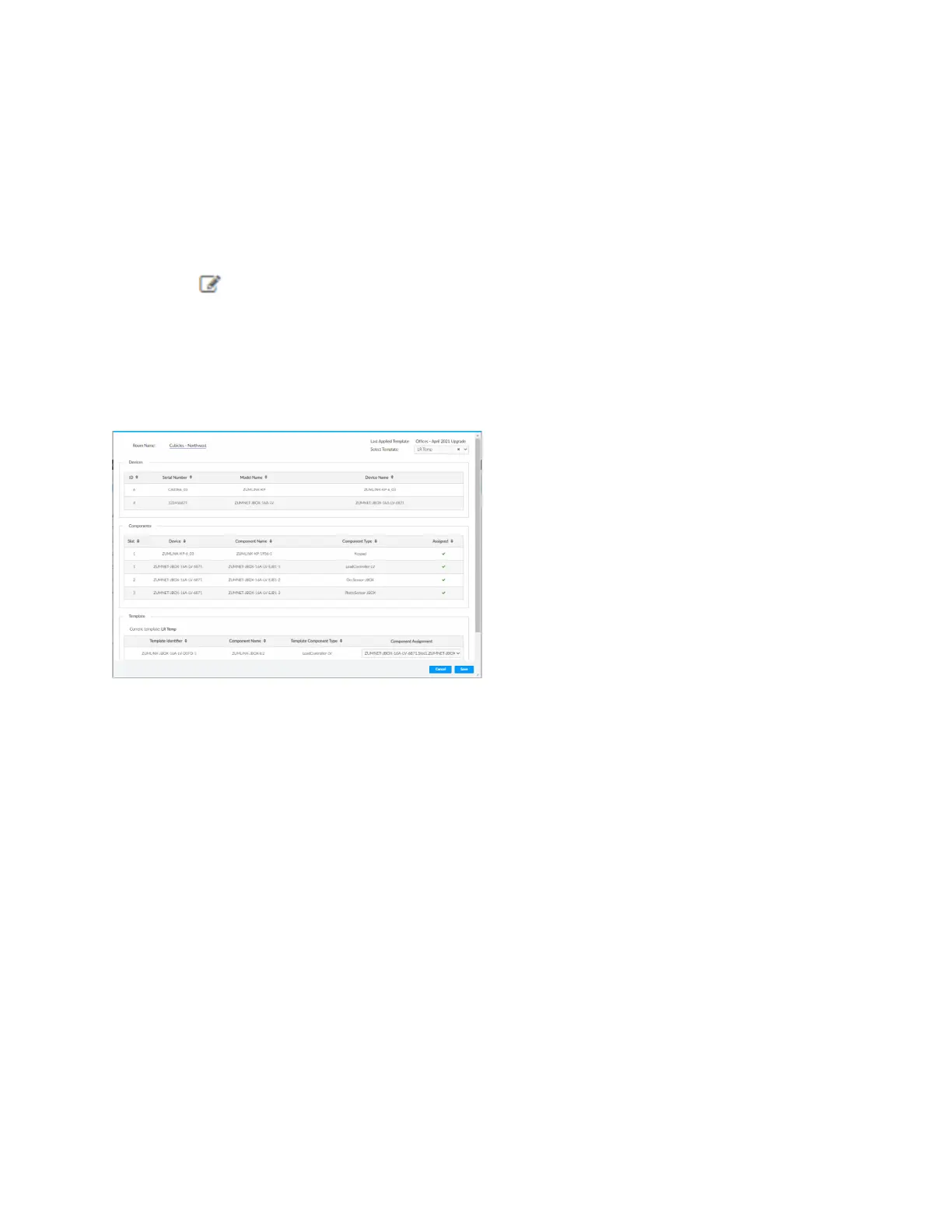
Click beside the desired room. If necessary, use the Search bar to find the room. A
window opens.
4. From the Select Template drop-down menu, choose the desired template.
The remaining data specifies the room information, the devices and components affected,
and the selected template details.
5. Click Save to reassign the room template or Cancel to close the window without saving.
Import Mapping File
Access Import Mapping File in the Settings View. Open the Commissioning tab and expand the
Mapping and Template Deployment menu. If a mapping file has been created in an external file,
use the Import Mapping File button to navigate to the mapping and import the file.



 To Next Page