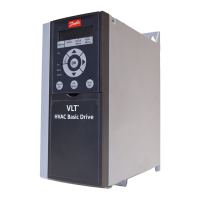
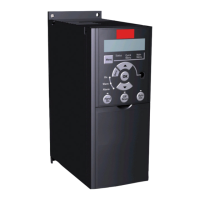
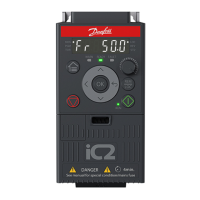
3.5.4 Control Panel Buttons and Indicators
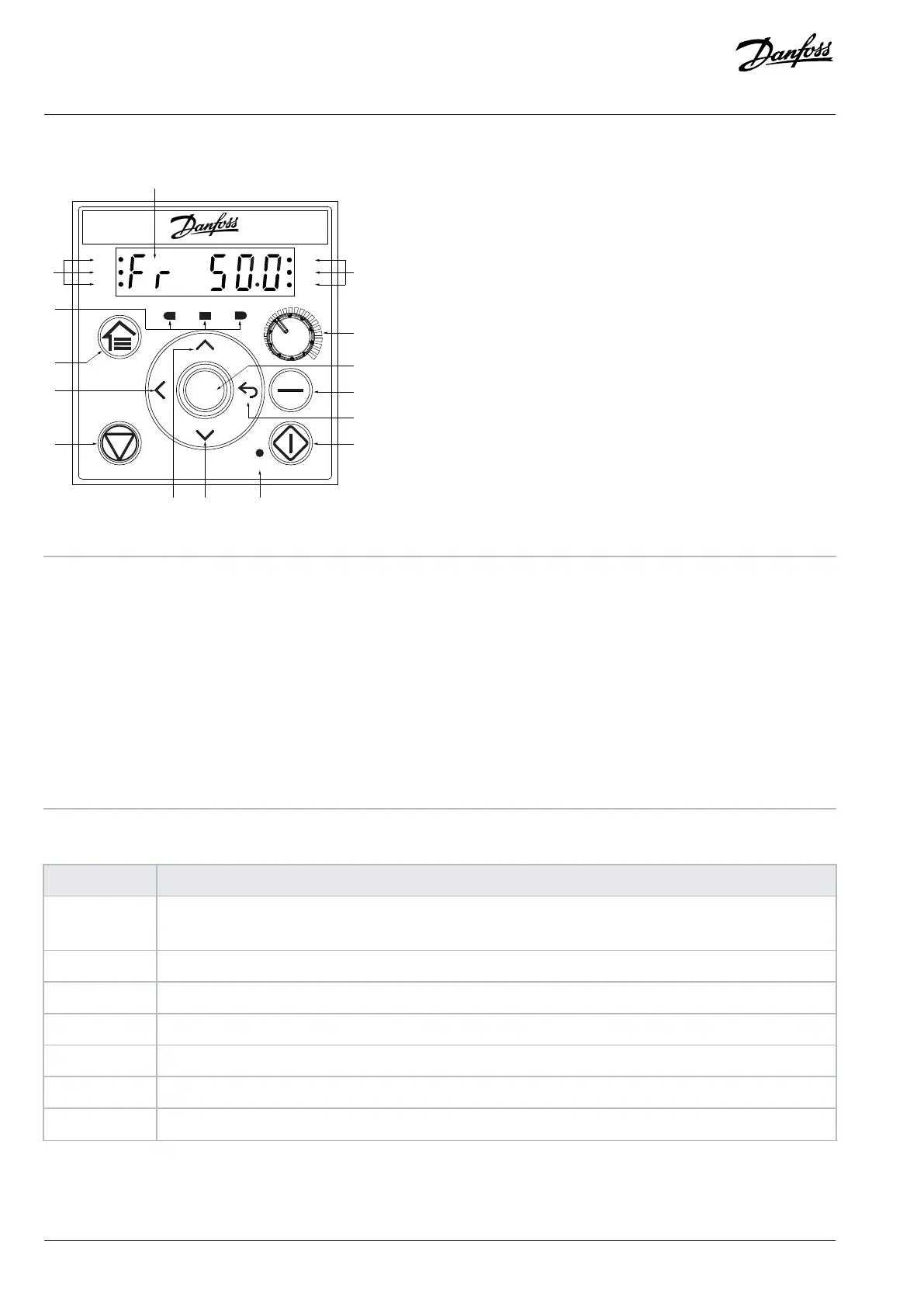
Figure 8: Control Panel
1 Status indicators 2 Operating indicators
3 Home/Menu 4 Left
5 Stop/Reset 6 Up
7 Down 8 Run indicator
9 Start 10 Back
11 Remote/Local 12 OK
13 Potentiometer 14 Status indicators
15 Main display
Table 6: Operation Buttons and Potentiometer
Name Function
Home/Menu Toggles between status view and main menu.
Long press to access the shortcut menu for quickly reading and editing parameters.
Up/Down Switches status/parameter group/parameter numbers, and tunes the parameter values.
Left Moves the cursor 1 bit to the left.
Back Navigates to the previous step in the menu structure or cancels the setting during tuning parameter values.
OK Confirms the operation.
Remote/Local Toggles between the remote mode and local mode.
Start Starts the drive in local mode.
22 | Danfoss A/S © 2024.08 AJ402315027937en-000401 / 130R1239
Design Guide | iC2-Micro Frequency Converters iC2-Micro Frequency Converters


 To Next Page