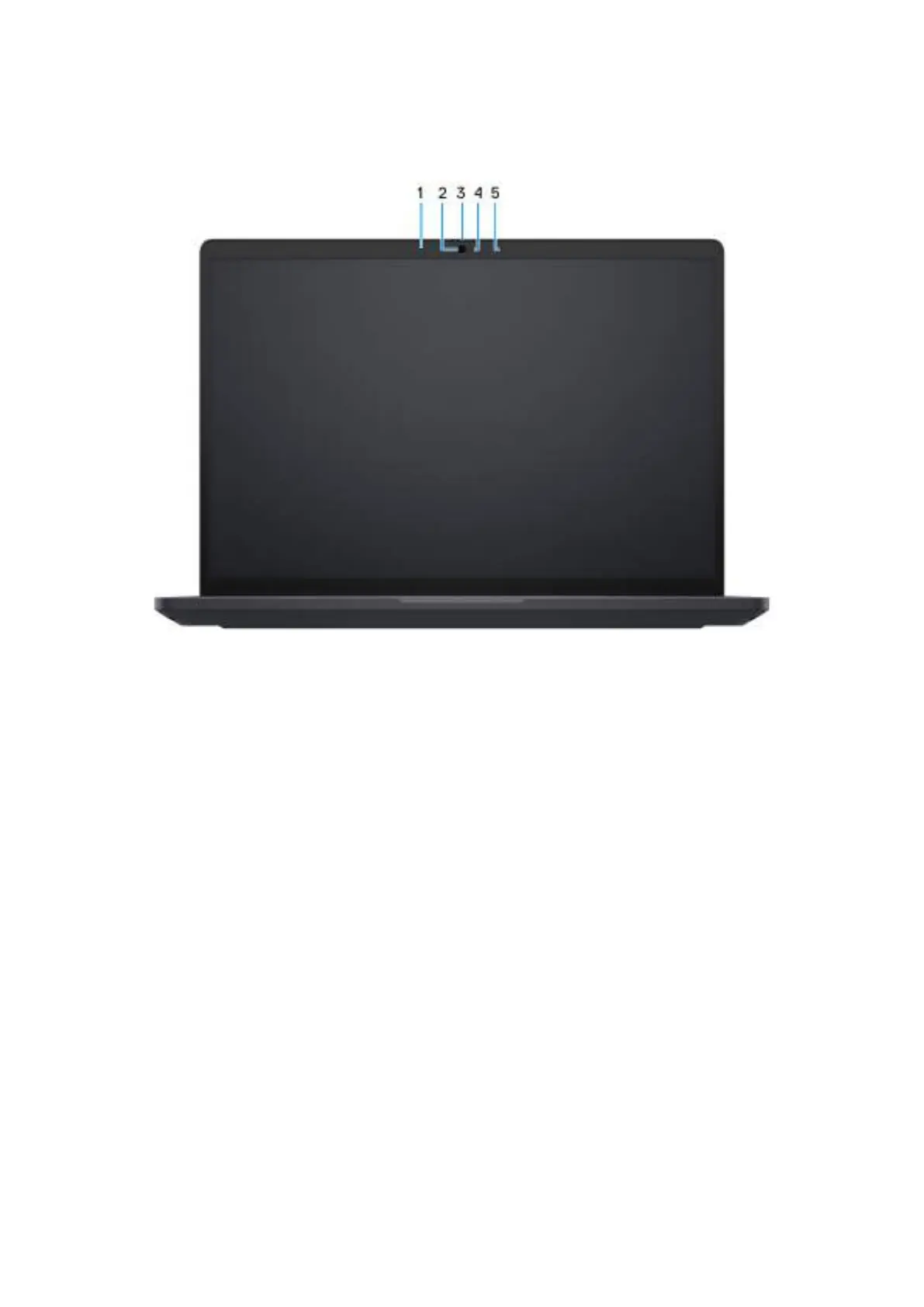
Front
Figure 5. Front view
1. Left microphone
Provides digital sound input for audio recording and voice calls.
2. Camera
A camera enables you to video chat, capture photos, and record videos.
3. Privacy shutter
Slide the privacy shutter to cover the camera lens and protect your privacy when the camera is not in use.
4. Camera-status light
Turns on when the camera is in use.
5. Right microphone
Provides digital sound input for audio recording and voice calls.
10
Views of Dell Pro Max 16 MC16250



 To Next Page