Prerequisites
1. Follow the procedure in Before working inside your computer.
2. Remove the base cover.
3. Remove the wireless card.
4. Remove the WWAN module, if available.
5. Remove the display assembly.
6. Remove the display bezel.
7. Remove the display panel.
8. Remove the display hinges.
9. Remove the display cable.
10. Remove the camera.
About this task
NOTE: The display back-cover and antenna assembly cannot be further disassembled once all the Prerequisites are
completed. If the wireless antennas are malfunctioning and are required to be replaced, replace the entire display back-
cover and antenna assembly.
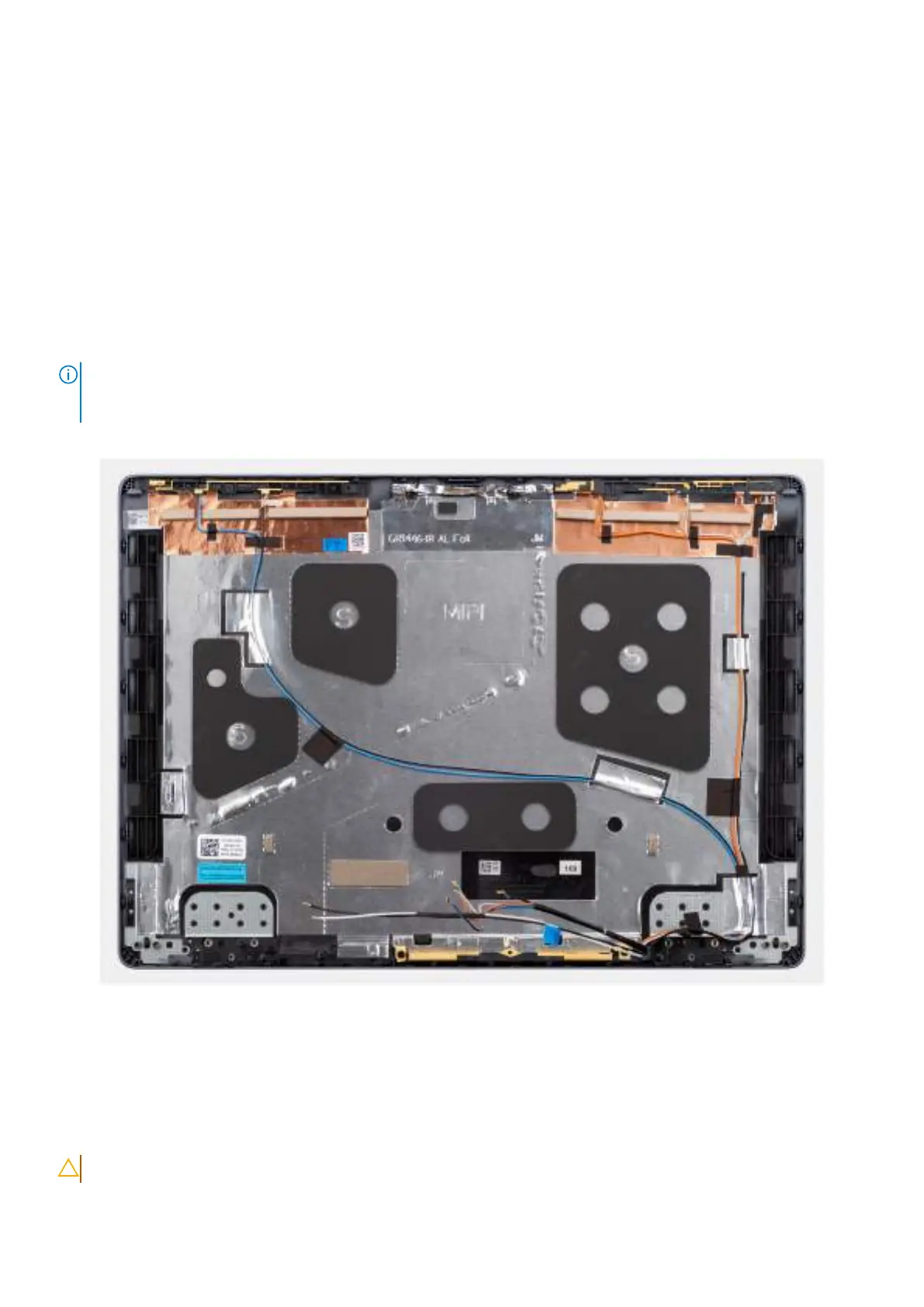
The image below shows the display back-cover and antenna assembly after the Prerequisites have been performed.
Figure 76. Display back-cover and antenna assembly
Steps
After performing the Prerequisites, you are left with the display back-cover and antenna assembly.
Installing the display back-cover and antenna assembly
CAUTION: The information in this installation section is intended for authorized service technicians only.
Removing and installing Field Replaceable Units (FRUs) 109



 To Next Page